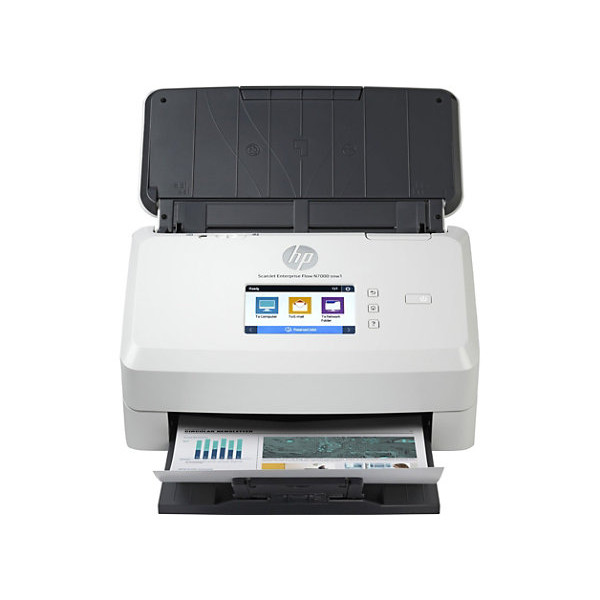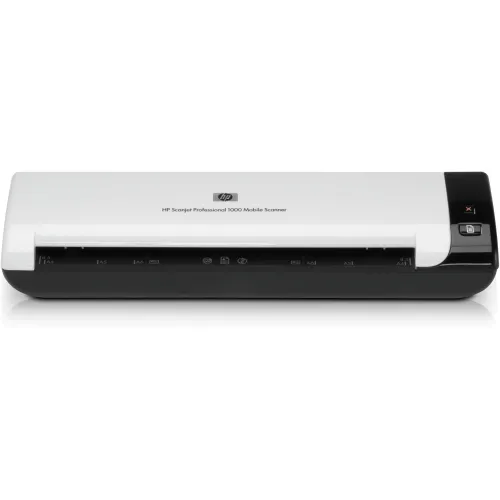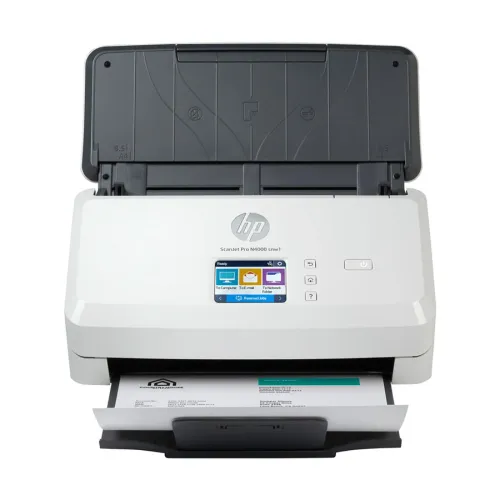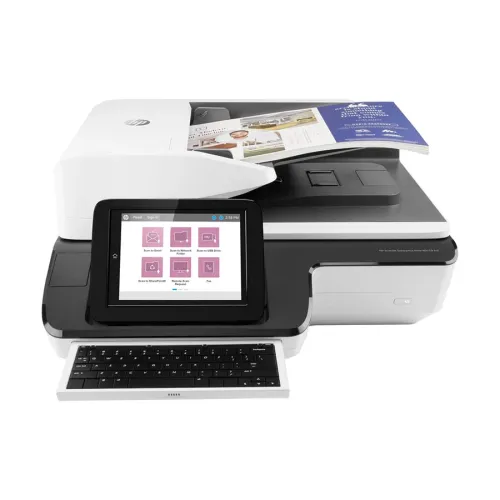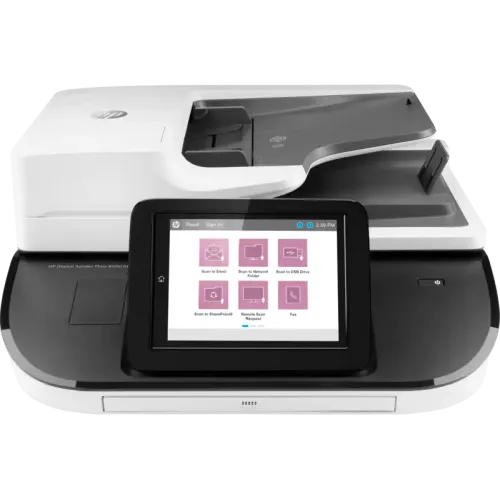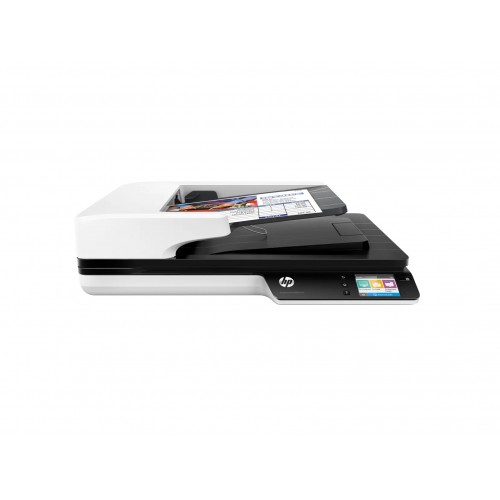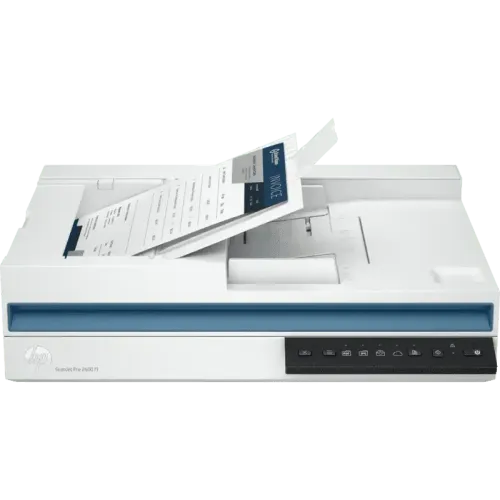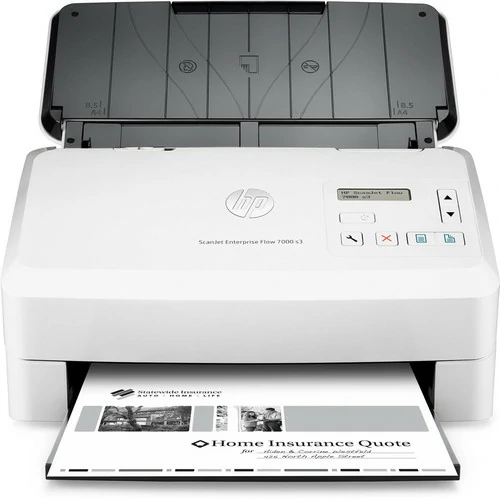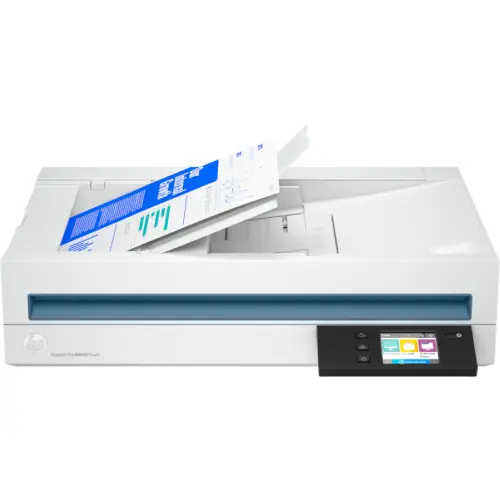
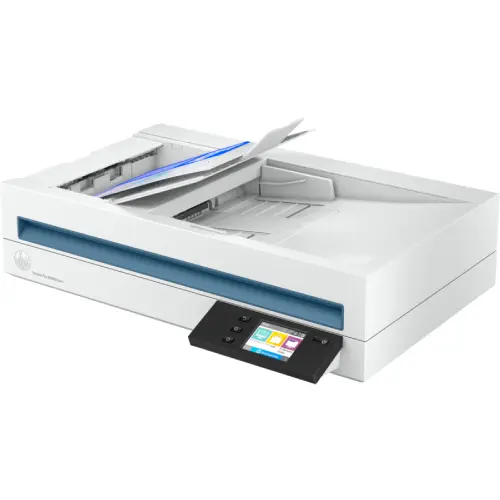
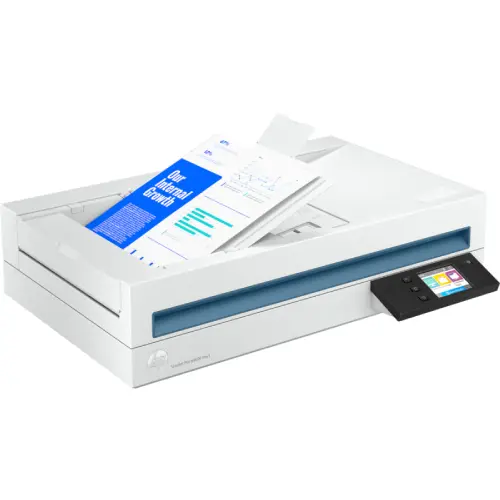
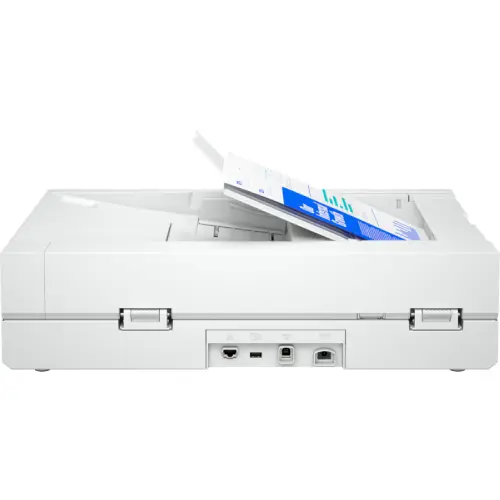
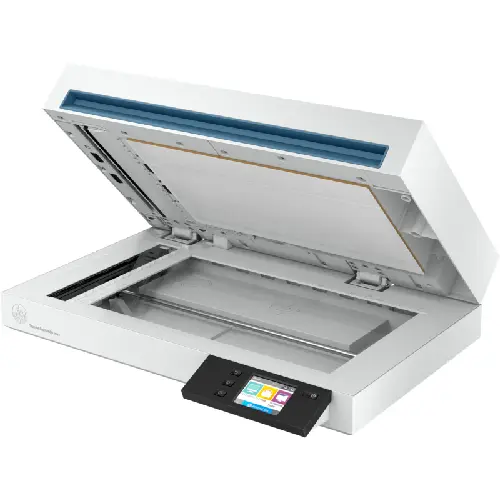
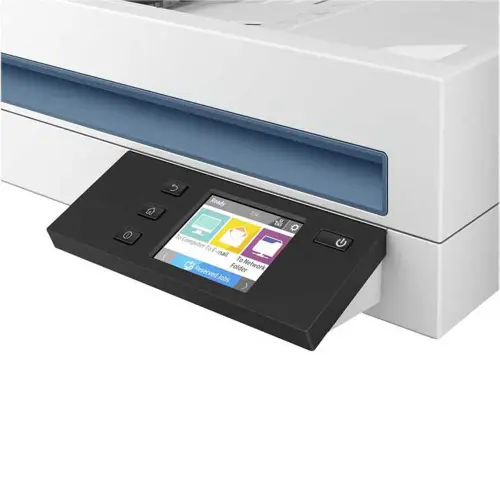
HP ScanJet Pro N4600 fnw1 Wireless Network Scanner
Exclusive of all taxes
Product Details
Key Features
Model: ScanJet Pro N4600
ADF; CIS scanning technology; Flatbed
Resolution: ADF:600 dpi/Flatbed 1200 dpi
Bit depth: 24-bit (external), 48-bit (internal)
Capacity: Standard, 100 sheets
Specifications
|
Brand |
HP |
|
Model |
HP ScanJet Pro N4600 fnw1 |
|
Type |
Sheetfed & Flatbed Scanner |
|
Scan Technology |
Contact Image Sensor (CIS) |
|
Scanning Speed (B & W) |
40 ppm / 80 ipm |
|
Scanning Speed (Color) |
40 ppm / 80 ipm |
|
Resolution |
600 × 600 dpi (ADF), 1200 × 1200
dpi (Flatbed) |
|
Max Scan Size |
Legal |
|
Scan Drivers Included |
HP Scan Software, HP Scanner
Device Driver, HP WIA Scan Driver, HP TWAIN Scan Driver, HP Scanner Tools
Utility |
|
Duplex Scan |
Yes |
|
ADF |
Yes |
|
Sheet Capacity (ADF) |
100 Sheets |
|
Max Scan Paper Size (ADF) |
215.9 × 5359.4 mm |
|
Media Type |
Paper (Banner, Inkjet, Photo,
Plain), Envelopes, Labels, Cards (Greeting, Index) |
|
Light Source |
LED |
|
Interface |
USB, LAN, Wi-Fi |
|
USB Type |
USB 3.0 |
|
Memory |
512 MB |
|
Daily Duty Cycle |
6,000 Pages |
|
Color |
White |
|
Dimensions |
535.94 × 325.12 × 132.08 mm |
|
Weight |
6.07 kg |
|
Warranty |
1 Year |
Description
HP
ScanJet Pro N4600 fnw1 Wireless Network Scanner
HP ScanJet Pro N4600 fnw1 Network Scanner comes with the
quick, dependable, network-connected HP ScanJet Pro, which can scan up to 6,000
pages per day, you can increase productivity for professional scanning
activities. With shortcuts and quick, two-sided scanning from the auto document
feeder, automate tasks. Get more done with fast, versatile, two-sided scanning
and 100 page auto document feeder. Boost productivity for the entire workteam
with network and wireless support and scan speeds up to 80 images (40 pages)
per minute.
How to Order
Revolution Technology BD has made shopping easier for customers. Follow these steps:
- Click Register Button from home page
- Register with: Name + Email + Mobile + Password
- Click Create Account after entering information
- Login automatically or use Login button
- Provide mobile number and password, then Sign Up
- Choose desired product and click Buy Now
- View product details and click Add to Cart
- Click Item box (upper right corner)
- Go to Shopping Cart page
- Continue Shopping for more products or proceed
- Click "Click Here to Address" button
- Provide Full Name, Phone, Email & Delivery Address
- Click Order Submit button
- View Bill Invoice and receive email confirmation
- Print Invoice using Print button
- Wait for delivery - we'll keep you updated
- Thank you for shopping with us!