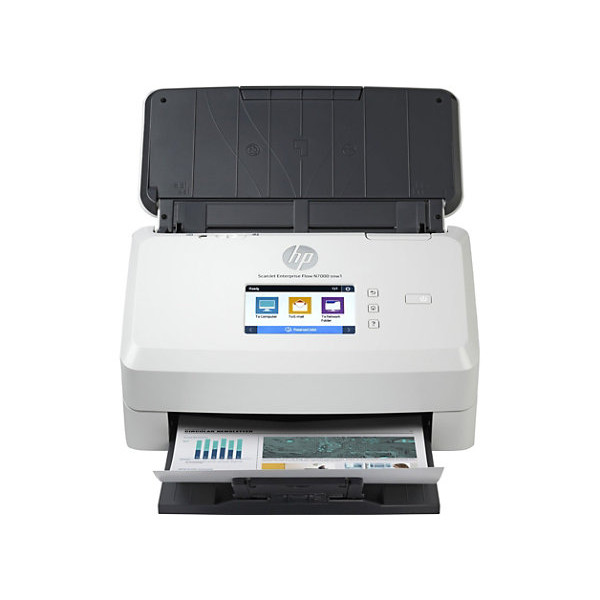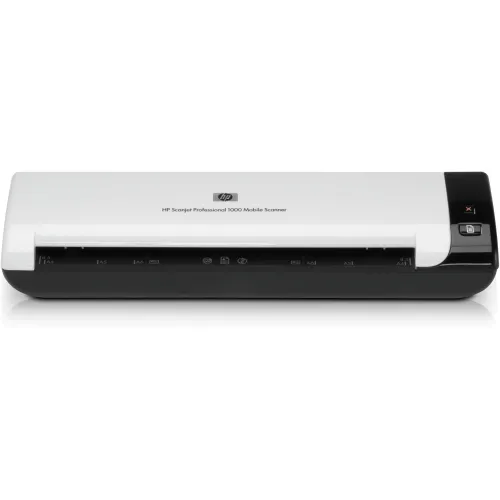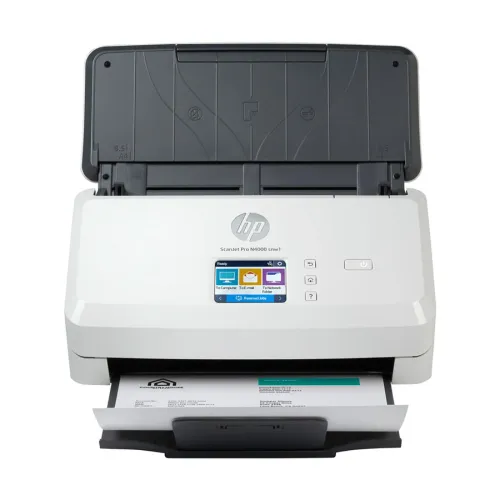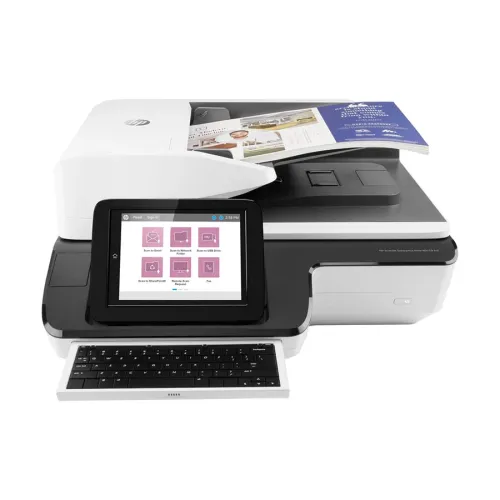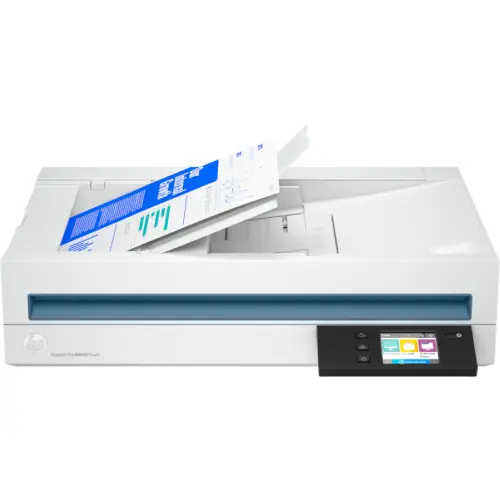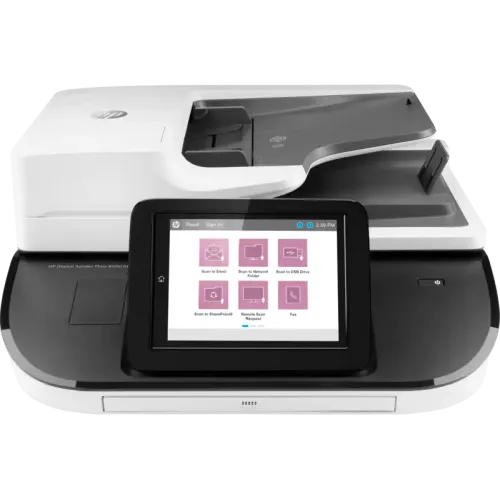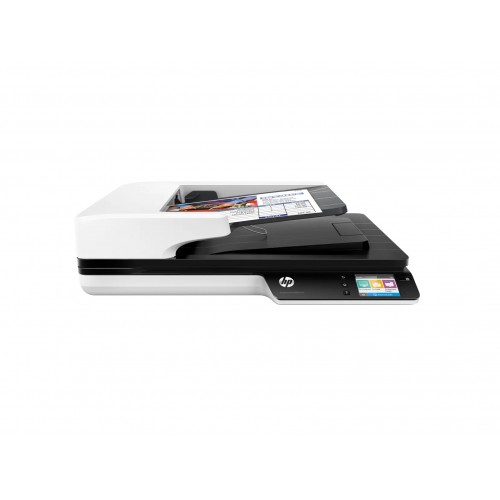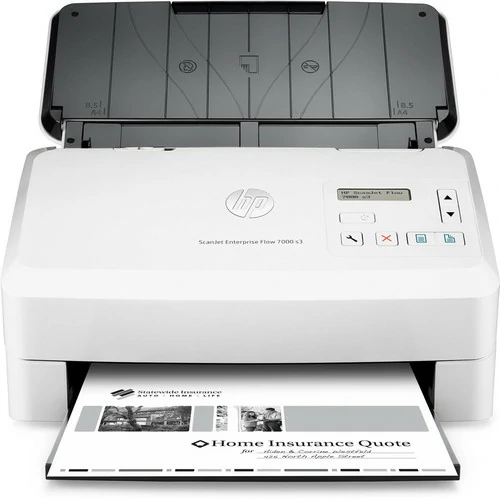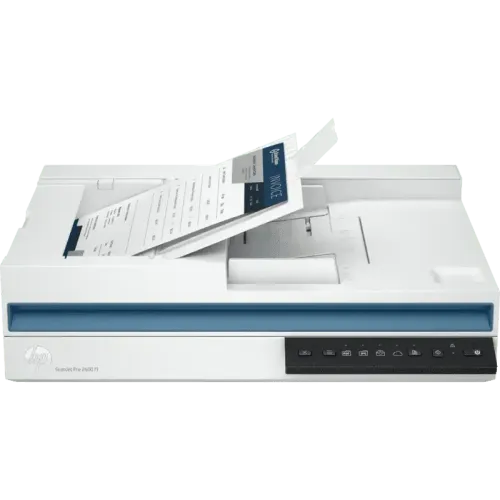
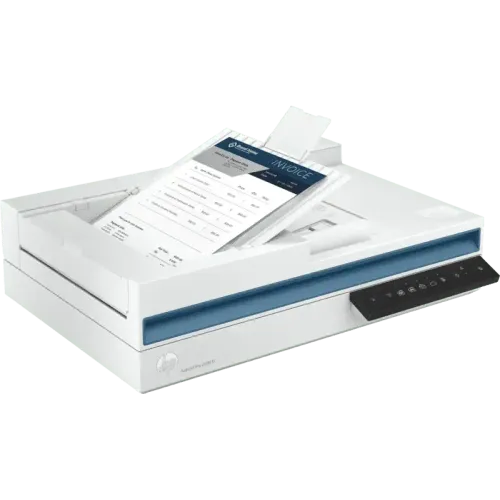
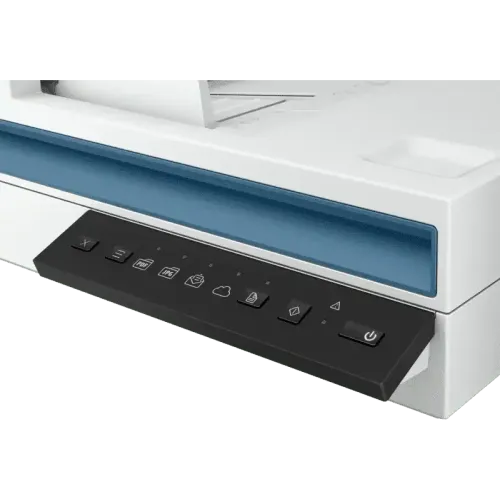
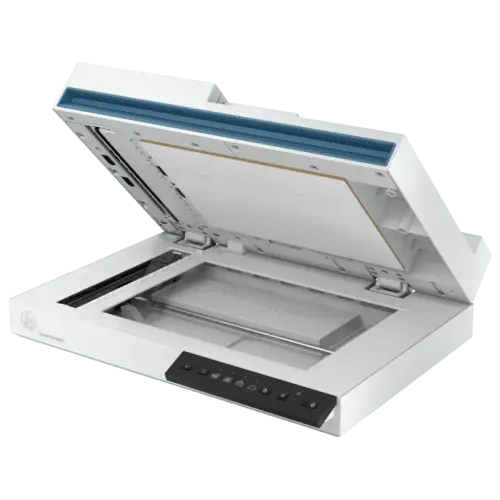
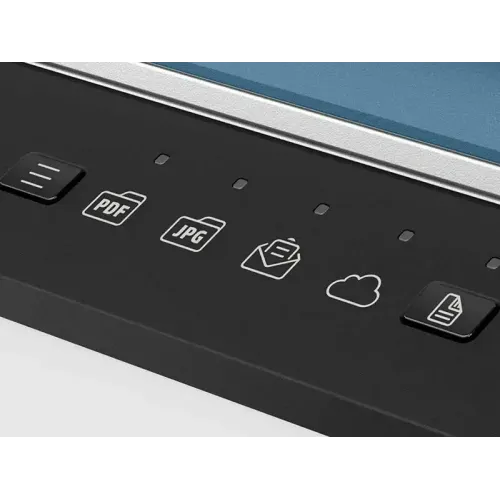
HP ScanJet Pro 2600 f1 Scanner with ADF
Exclusive of all taxes
Product Details
Key Features
MPN: 20G05A
Model: ScanJet Pro 2600 f1
Speed: Up to 25 ppm/50 ipm
(B/W-Color)
Resolution: ADF: 600
dpi/Flatbed: 1200 dpi
Duty cycle (daily): Up to 1500
dpi
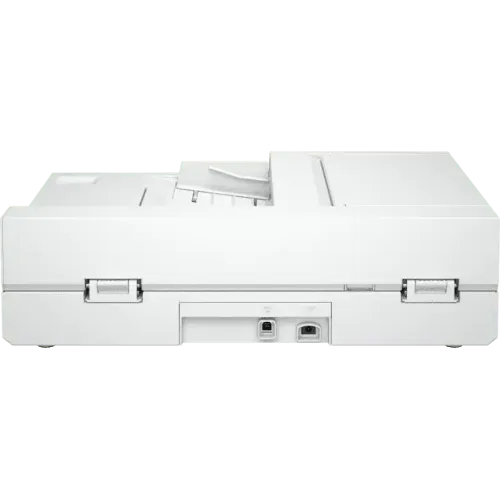
Connectivity: USB
Specifications
|
Brand |
HP |
|
Model |
HP ScanJet Pro 2600 f1 |
|
Type |
Sheetfed & Flatbed Scanner |
|
Scan Technology |
CIS (Contact Image Sensor) |
|
Scanning Speed (B & W) |
25 ppm / 50 ipm |
|
Scanning Speed (Color) |
25 ppm / 50 ipm |
|
Resolution |
600 × 600 dpi (ADF), 1200 × 1200
dpi (Flatbed) |
|
Max Scan Size |
Legal |
|
Scan Drivers Included |
HP Scan Software, HP Scanner
Device Driver, HP WIA Scan Driver, HP TWAIN Scan Driver, HP Scanner Tools
Utility |
|
Duplex Scan |
Yes |
|
ADF |
Yes |
|
Sheet Capacity (ADF) |
60 Sheets |
|
Max Scan Paper Size (ADF) |
216 × 3100 mm |
|
Media Type |
Paper (Banner, Inkjet, Photo,
Plain), Envelopes, Labels, Cards (Greeting, Index) |
|
Light Source |
LED |
|
Interface |
USB |
|
USB Type |
USB 2.0 |
|
Memory |
256 MB |
|
Daily Duty Cycle |
1,500 Pages |
|
Color |
White |
|
Dimensions |
492.76 × 421.64 × 388.62 mm |
|
Weight |
5.39 kg |
|
Warranty |
1 Year (Without Adapter, Box
Mandatory While Claiming) |
Description
HP
ScanJet Pro 2600 f1 Scanner with ADF
The HP ScanJet Pro 2600 f1 Scanner with ADF Increases
productivity for professional scanning activities with the small, dependable HP
ScanJet Pro, which is intended to scan up to 1,500 pages per day. One-click
shortcuts and rapid, two-sided scanning from the auto document feeder let you
automate operations. With a 60-page, two-sided, single-pass document feeder,
you can scan up to 50 photos (25 pages) each minute. There is no requirement
for technical assistance. USB connectivity allows for quick and easy setup as
well as dependable connections. You don't have to wait for warm-up since
Instant-on Technology allows you to start scanning right away. Place the
scanner in the area where the job is done. With a small footprint that fits on
the desktop.
How to Order
Revolution Technology BD has made shopping easier for customers. Follow these steps:
- Click Register Button from home page
- Register with: Name + Email + Mobile + Password
- Click Create Account after entering information
- Login automatically or use Login button
- Provide mobile number and password, then Sign Up
- Choose desired product and click Buy Now
- View product details and click Add to Cart
- Click Item box (upper right corner)
- Go to Shopping Cart page
- Continue Shopping for more products or proceed
- Click "Click Here to Address" button
- Provide Full Name, Phone, Email & Delivery Address
- Click Order Submit button
- View Bill Invoice and receive email confirmation
- Print Invoice using Print button
- Wait for delivery - we'll keep you updated
- Thank you for shopping with us!