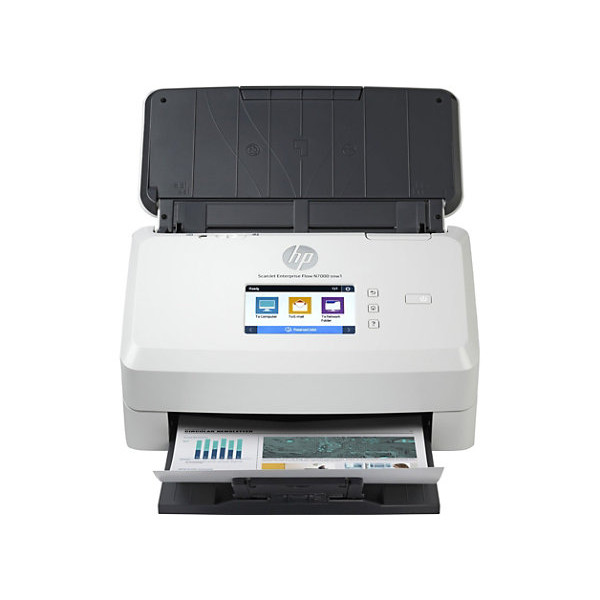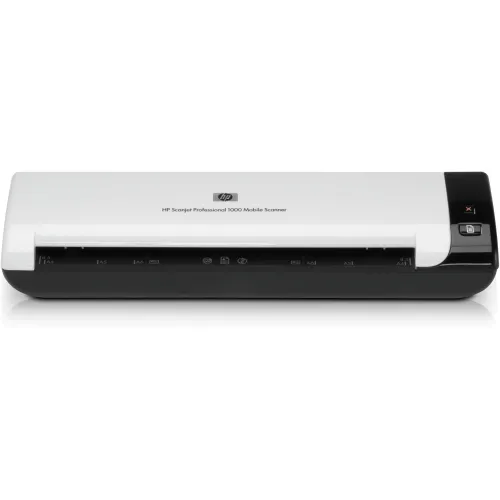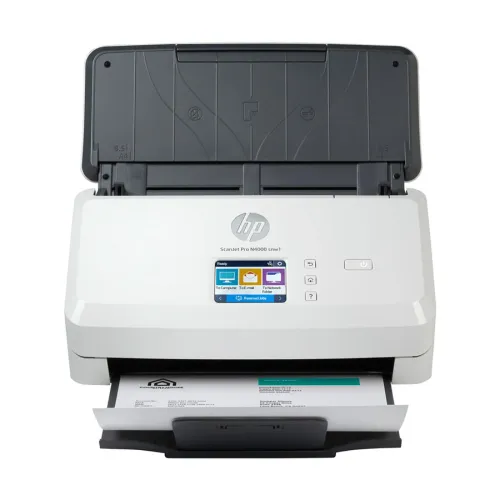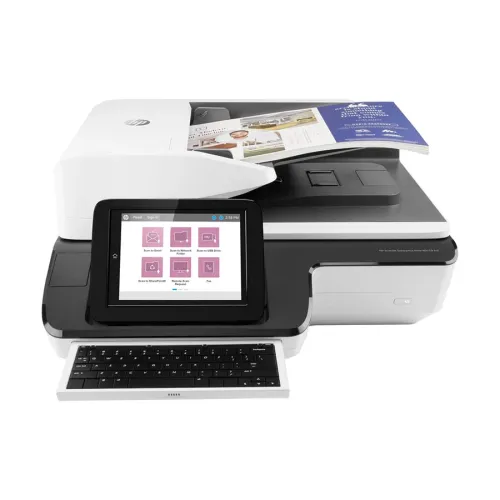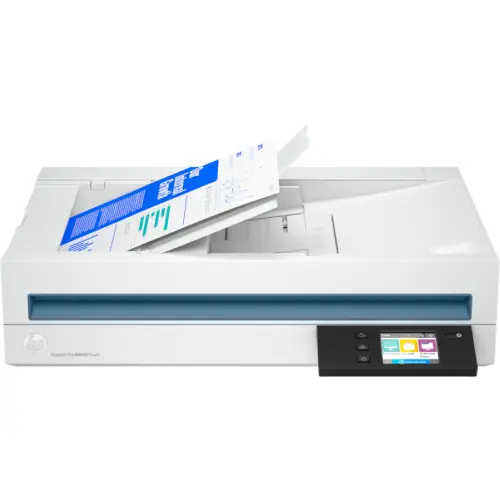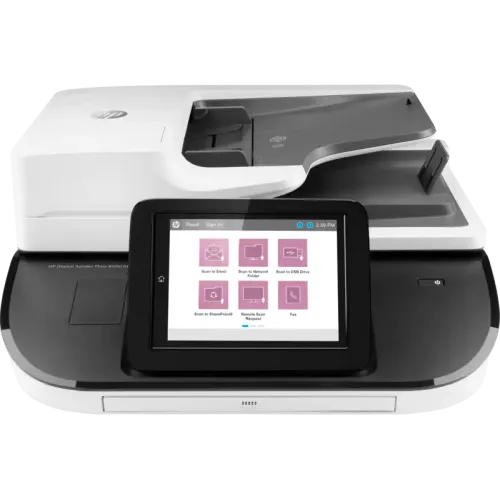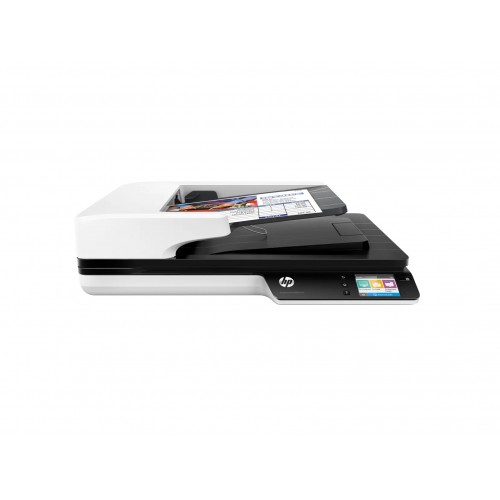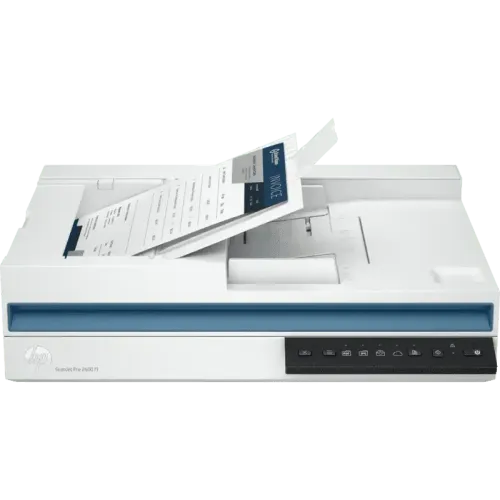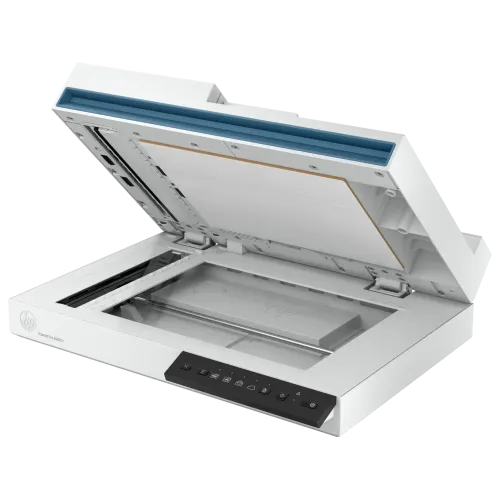
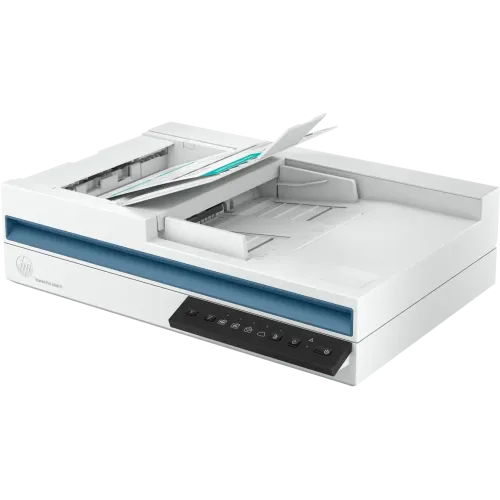
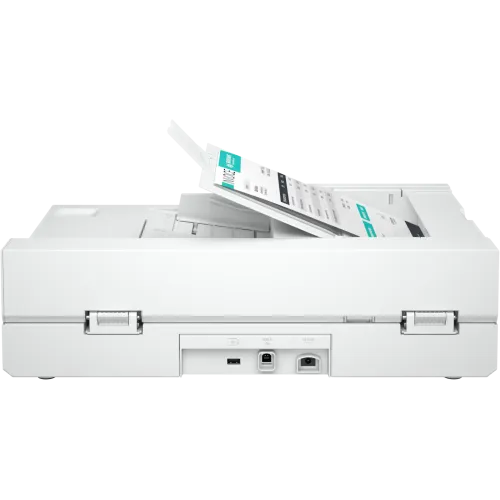
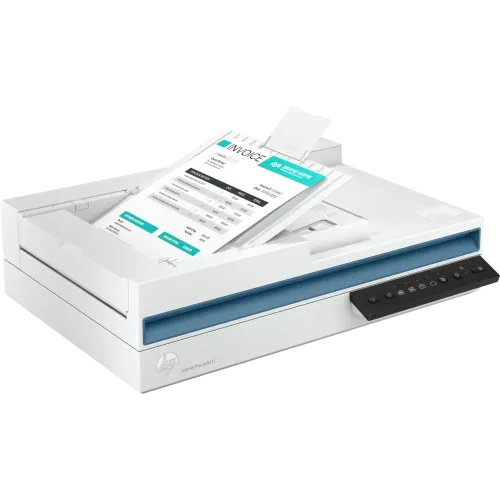
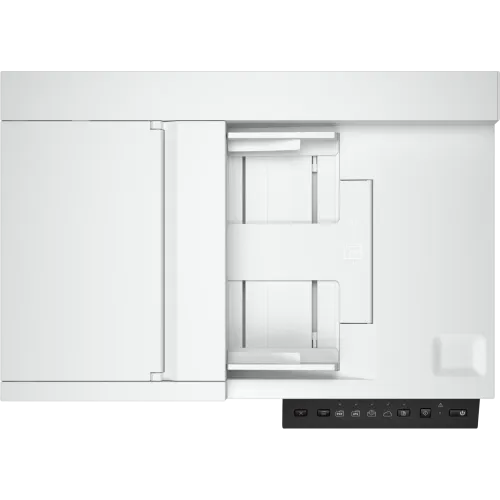
HP ScanJet Pro 3600 f1 Flatbed Scanner
Exclusive of all taxes
Product Details
Key Features
Model: ScanJet Pro 3600 f1
Scans up to 30 ppm / 60 IPM up-to 3,000 pages daily
Scan to text, image, PDF Word (DOC, DOCX), Excel (XLS,
XLSX), CSV
60-page, two-sided, single-pass auto document feeder
Compact design that fits on the desktop
Scanner Type:
Flatbed, ADF
ADF Capacity :
60 Sheets
Connectivity:
USB 2.0 & USB 3.0
Monthly Duty
Cycle: 90000 Pages
Specifications
|
Brand |
HP |
|
Model |
HP ScanJet Pro 3600 f1 |
|
Type |
Sheetfed & Flatbed Scanner |
|
Scan Technology |
CMOS CIS |
|
Scanning Speed (B & W) |
30 ppm / 60 ipm |
|
Scanning Speed (Color) |
30 ppm / 60 ipm |
|
Resolution |
1200 × 1200 dpi |
|
Max Scan Size |
Legal |
|
Scan Drivers Included |
HP Scanner Device Driver, HP WIA
Scan Driver, HP TWAIN Scan Driver |
|
Duplex Scan |
Yes |
|
ADF |
Yes |
|
Sheet Capacity (ADF) |
60 Sheets |
|
Max Scan Paper Size (ADF) |
216 × 3100 mm |
|
Media Type |
Paper (Banner, Inkjet, Photo,
Plain), Envelopes, Labels, Cards (Greeting, Index) |
|
Paper Weight |
49 – 120 g/m² |
|
Light Source |
LED |
|
Interface |
USB |
|
USB Type |
USB 2.0, USB 3.0 |
|
Memory |
512 MB |
|
Daily Duty Cycle |
3,000 Pages |
|
Color |
White |
|
Dimensions |
459.74 × 144.78 × 386.08 mm |
|
Weight |
5.5 kg |
|
Warranty |
1 Year (Without Adapter, Box
Mandatory While Claiming) |
Description
HP
ScanJet Pro 3600 f1 Flatbed Scanner
The HP ScanJet Pro 3600 f1 Flatbed Scanner is a
professional and reliable scanning solution designed to boost productivity for
professional scanning tasks. With a scanning speed of up to 60 images (30
pages) per minute and a 60-page, two-sided, single-pass auto document feeder,
it efficiently handles scanning jobs of up to 3,000 pages daily. The scanner's
compact and modern design fits conveniently on any desktop, making it a
practical choice for office use.
How to Order
Revolution Technology BD has made shopping easier for customers. Follow these steps:
- Click Register Button from home page
- Register with: Name + Email + Mobile + Password
- Click Create Account after entering information
- Login automatically or use Login button
- Provide mobile number and password, then Sign Up
- Choose desired product and click Buy Now
- View product details and click Add to Cart
- Click Item box (upper right corner)
- Go to Shopping Cart page
- Continue Shopping for more products or proceed
- Click "Click Here to Address" button
- Provide Full Name, Phone, Email & Delivery Address
- Click Order Submit button
- View Bill Invoice and receive email confirmation
- Print Invoice using Print button
- Wait for delivery - we'll keep you updated
- Thank you for shopping with us!