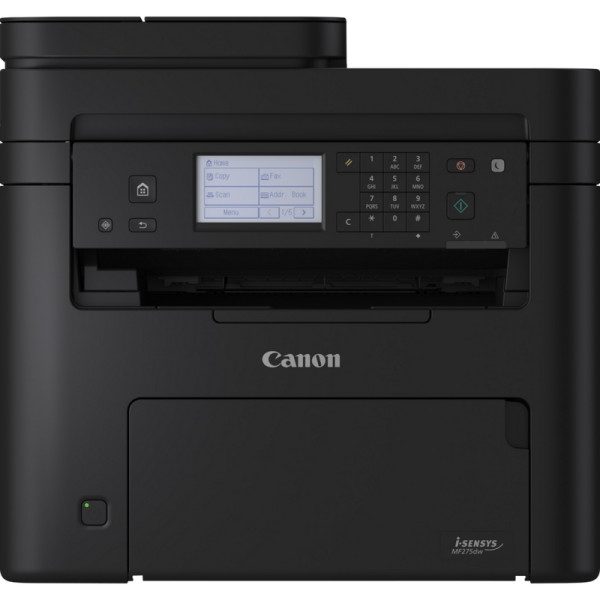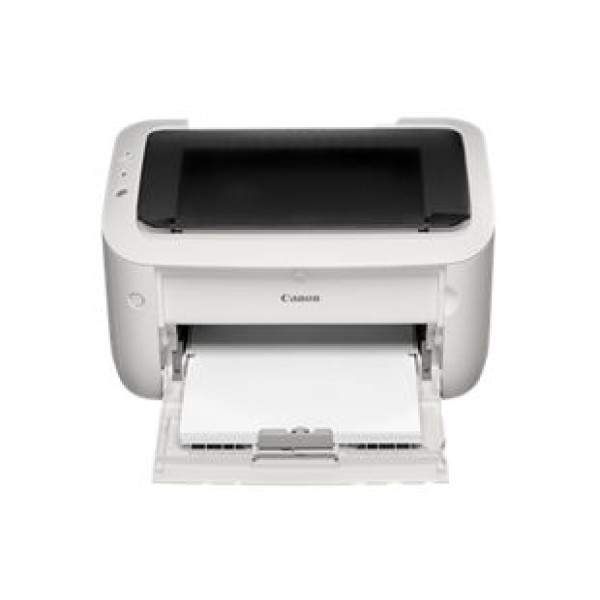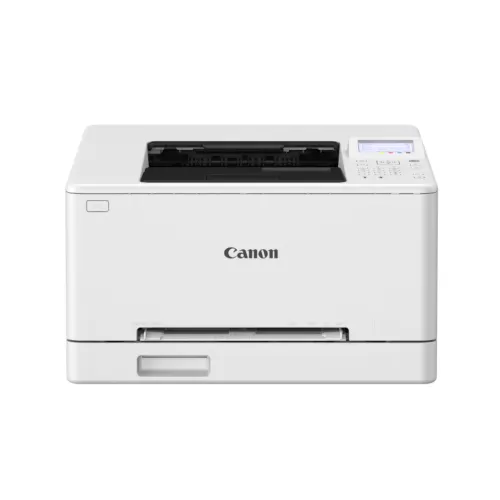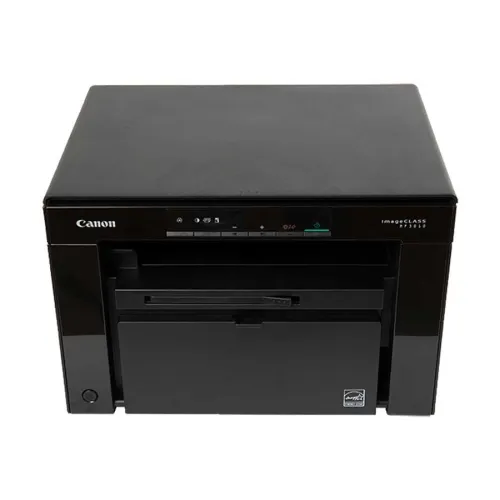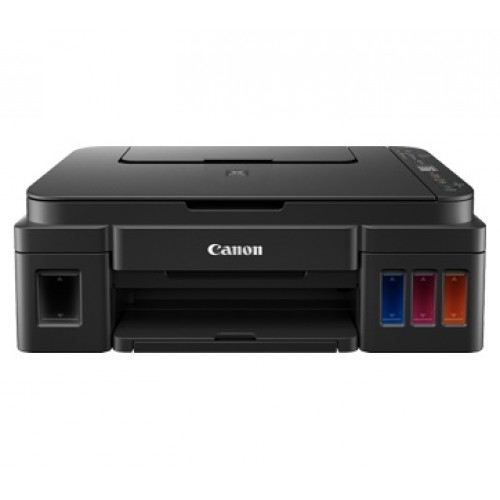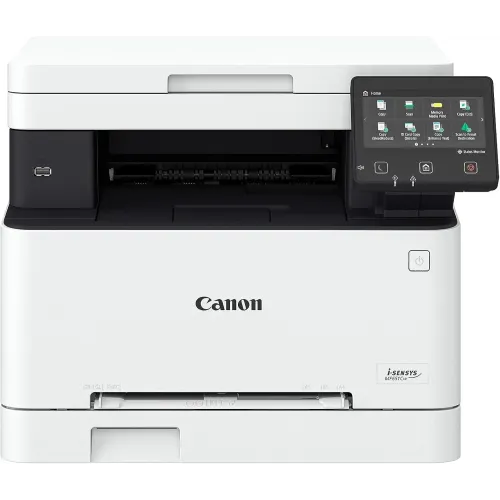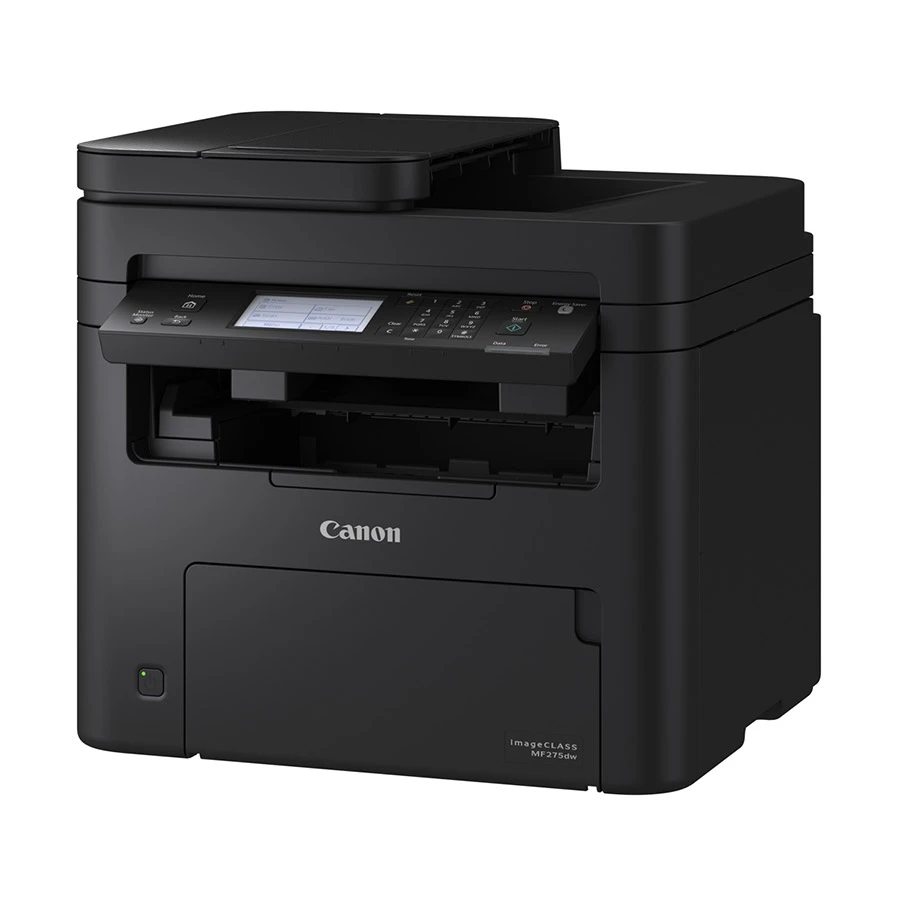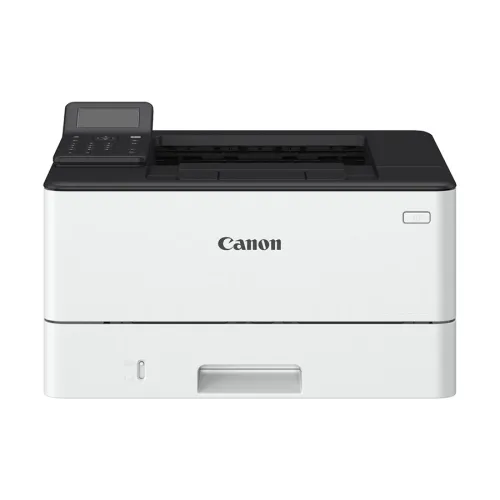
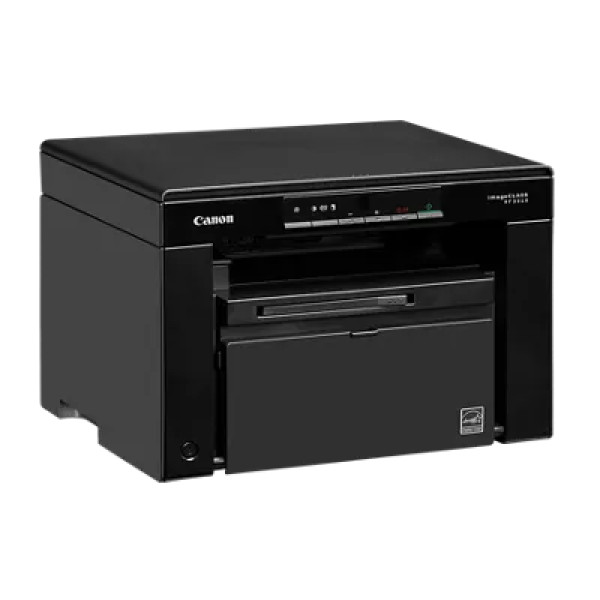
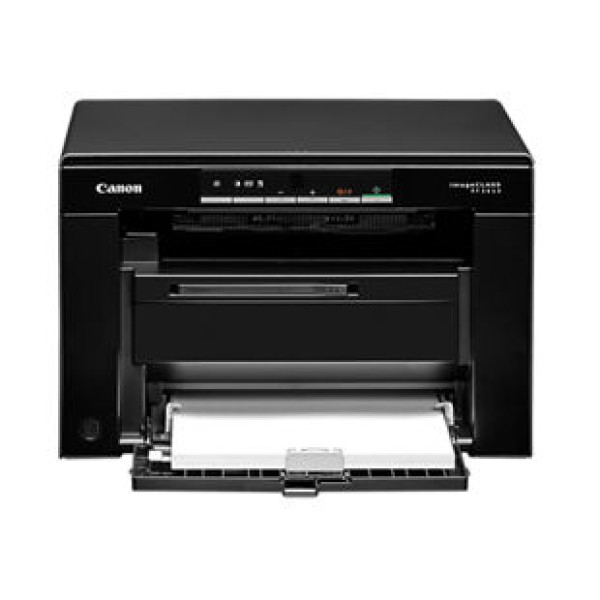
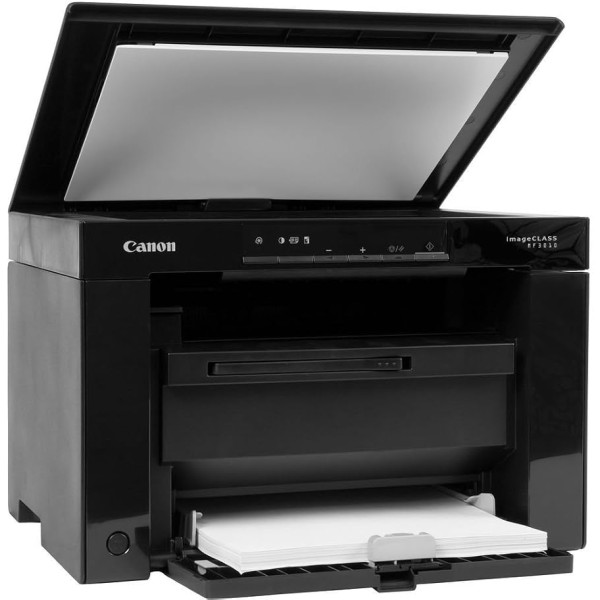
Canon MF3010 All In One Laser Printer
Contact us for pricing
Product Details
Key Features
Fast Monochrome Printing: Prints at 18 pages per minute with a crisp 600 x 600dpi resolution, ideal for office documents.
High-Quality Output: Image refinement technology boosts effective resolution to 1200 x 1200dpi for sharper text and graphics.
Quick Warm‑Up: Warm‑up time is only 13.5 seconds, and the first print appears in 6 seconds.
Energy Efficient: Consumes 450w during operation and drops to 1.4w in sleep mode, saving power.
Versatile Paper Handling: Standard cassette holds 250 sheets, ADF up to 35 sheets, and supports A4, B5, A5, B6, letter, legal, and more.
Easy Duplex Printing: Manual duplex printing covers A4, letter, legal, Indian legal, and foolscap sizes.
Fast Copying: Copies at 18ppm with 600 x 600dpi resolution; first copy in 9 seconds.
Advanced Scanning: Optical 600 x 600dpi scan, 3s per sheet mono, 4s per sheet colour, and pull scan via USB or network.
Network Ready: Supports scan to PC, cloud, and MF Scan Utility over USB and network.
Robust Build: Dimensions 372 x 276 x 254mm and weight 7.6 kg (no cartridge) for a compact office footprint.
Long Duty Cycle: Handles up to 15,000 pages monthly, suitable for high‑volume environments.
Warranty Included: One‑year warranty gives peace of mind for business use.
Brand | Canon |
Model | Image class MF3010 |
Printing method | Monochrome laser beam printing |
Print speed (a4) | 18ppm |
Print resolution | 600 x 600dpi |
Print quality with image refinement technology | 1200 x 1200dpi (equivalent) |
Warm-up time (from power on) | 13.5s or less |
First print out time (fpot) a4 | 6.0s |
Recovery time (from sleep mode) | 2.0s or less |
Print language | Ufr ii lt, pcl 6 |
Auto duplex printing | Munual |
Available paper size for auto duplex print | A4, letter, legal (1), indian legal, foolscap |
Print margin | 5mm-top, bottom, left and right (other sizes than envelope)10mm-top, bottom, left and right (envelope) |
Copy speed (a4) | 18ppm |
Copy resolution | 600 x 600dpi |
First copy time (fcot) a4 | 9.0s |
Maximum number of copies | 999 copies |
Copy features | Memory sort, 2 on 1, 4 on 1, id card copy |
Scan type | Contact image sensor |
Scan resolution | Optical 600 x 600dpi |
Driver enhanced | 9600 x 9600dpi |
Maximum scan size | Platen glass:216 x 297mm |
Scan speed :Platen glass | 3.0s per sheet (mono)4.0s per sheet (colour) |
ADF(a4) | 20ipm / 15ipm (mono / colour) |
Colour depth | 24bit |
Pull scan | Yes, USB and network |
Push scan (scan to pc) with mf scan utility | Yes, USB and network |
Scan to cloud | Yes, MF scan utility |
Auto document feeder (adf) | 35 sheets (80g/m2) |
Available paper size for adf | A4, B5, A5, B6, letter, legal(minimum 105 x 148mm to maximum 216 x 356mm) |
Paper input | Standard cassette:250 sheets |
Multi-purpose tray | 1 sheet |
Paper output (based on 68g/m2) | 100 sheets (face down) |
Paper size | Standard cassette:A4, B5, A5, legal, letter, statement, executive, government letter, government legal, foolscap, indian legalcustom (minimum 76.2 x 210mm to maximum 216 x 356mm)Multi-purpose tray: A4, B5, A5, legal, letter, statement, executive, government letter, government legal, foolscap, indian legal custom (minimum 76.2 x 127mm to maximum 216 x 356mm) |
Paper weight | Standard cassette: 60 to 163g/m2Multi-purpose tray: 60 to 163g/m2 |
Paper type | Plain, heavy, recycled, color, bond, label, index card, envelope |
Standard interface | Wired: high-speed usb 2.0 |
Dimensions (w x d x h) | 372 x 276 x 254mm (with the cassette closed) |
Weight | 7.6 kg (without cartridge)8.2 kg (with cartridge) |
Power consumption :Maximum | 960w or less |
During operation (average) | 450w |
During standby (average) | 2.5w |
During sleep (average) | 1.4w (usb connection) |
Consumables:Toner (standard) cartridge 325 | 1600 pages |
Monthly duty cycle | 15000 pages |
Warranty | One year |
Description
Canon MF3010 All In One Laser Printer
Key Features & Benefits:
- Fast Monochrome Printing: Prints at 18 pages per minute with a crisp 600 x 600dpi resolution, ideal for office documents.
- High-Quality Output: Image refinement technology boosts effective resolution to 1200 x 1200dpi for sharper text and graphics.
- Quick Warm‑Up: Warm‑up time is only 13.5 seconds, and the first print appears in 6 seconds.
- Energy Efficient: Consumes 450w during operation and drops to 1.4w in sleep mode, saving power.
- Versatile Paper Handling: Standard cassette holds 250 sheets, ADF up to 35 sheets, and supports A4, B5, A5, B6, letter, legal, and more.
- Easy Duplex Printing: Manual duplex printing covers A4, letter, legal, Indian legal, and foolscap sizes.
- Fast Copying: Copies at 18ppm with 600 x 600dpi resolution; first copy in 9 seconds.
- Advanced Scanning: Optical 600 x 600dpi scan, 3s per sheet mono, 4s per sheet colour, and pull scan via USB or network.
- Network Ready: Supports scan to PC, cloud, and MF Scan Utility over USB and network.
- Robust Build: Dimensions 372 x 276 x 254mm and weight 7.6 kg (no cartridge) for a compact office footprint.
- Long Duty Cycle: Handles up to 15,000 pages monthly, suitable for high‑volume environments.
- Warranty Included: One‑year warranty gives peace of mind for business use.
Ideal For:
- Small business offices
- Freelancers needing fast document output
- Educational institutions printing worksheets
- Legal firms requiring high‑volume printing
- Home offices with limited space
Summary:
The Canon MF3010 All In One Laser Printer delivers fast, high‑quality monochrome output at 18ppm with 600 x 600dpi resolution, boosted to 1200 x 1200dpi by image refinement technology. Its quick warm‑up, energy‑efficient operation, and versatile paper handling—including a 250‑sheet cassette and 35‑sheet ADF—make it ideal for small offices, freelancers, and educational settings. With robust scanning, duplex printing, and a 15,000‑page monthly duty cycle, this printer is a reliable choice for high‑volume tasks. Available now at Revolution Technology BD, it offers a one‑year warranty for added confidence.
How to Order
Revolution Technology BD has made shopping easier for customers. Follow these steps:
- Click Register Button from home page
- Register with: Name + Email + Mobile + Password
- Click Create Account after entering information
- Login automatically or use Login button
- Provide mobile number and password, then Sign Up
- Choose desired product and click Buy Now
- View product details and click Add to Cart
- Click Item box (upper right corner)
- Go to Shopping Cart page
- Continue Shopping for more products or proceed
- Click "Click Here to Address" button
- Provide Full Name, Phone, Email & Delivery Address
- Click Order Submit button
- View Bill Invoice and receive email confirmation
- Print Invoice using Print button
- Wait for delivery - we'll keep you updated
- Thank you for shopping with us!