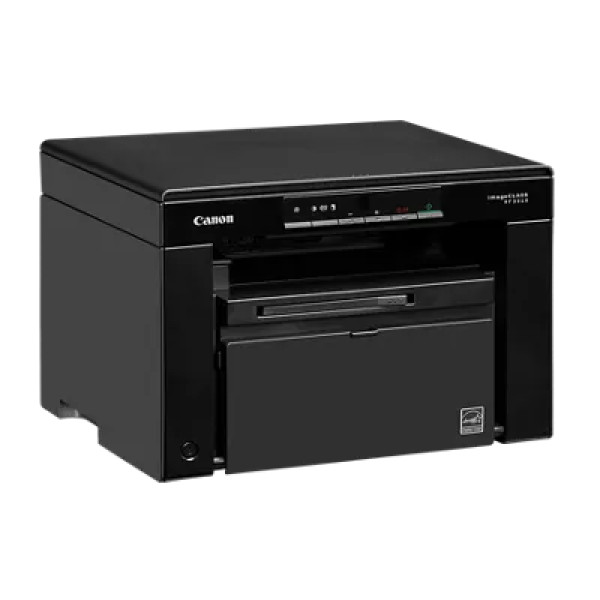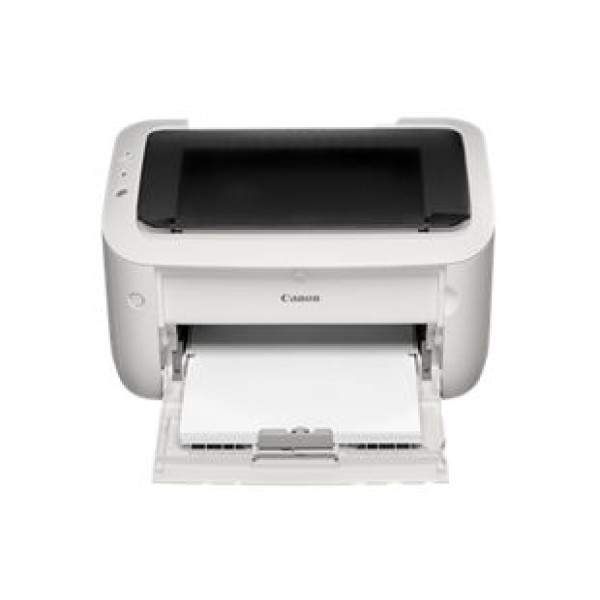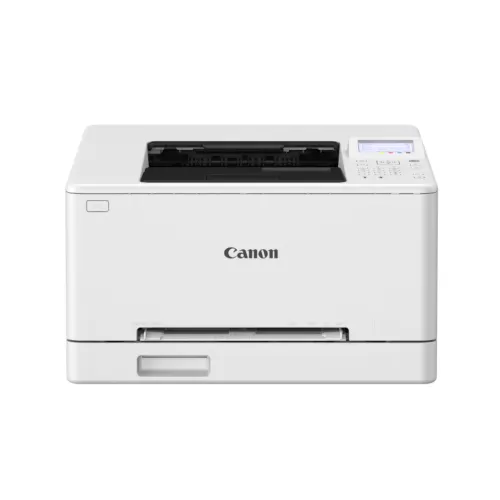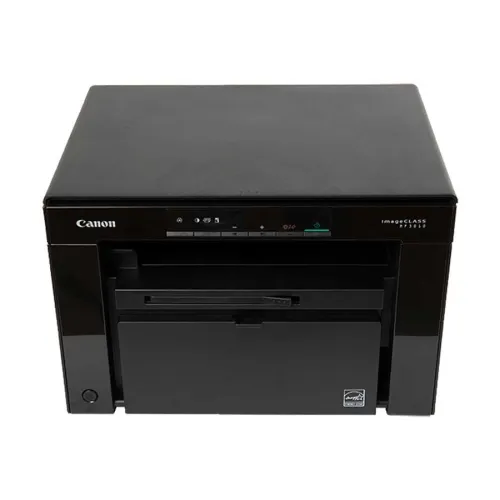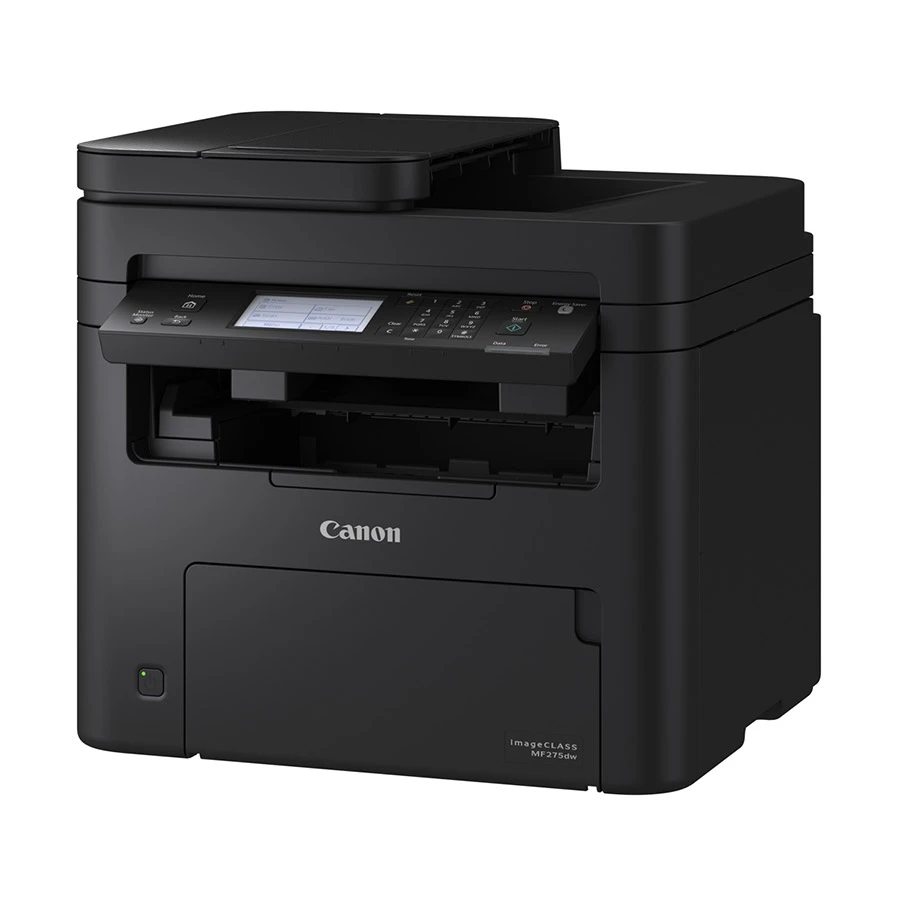
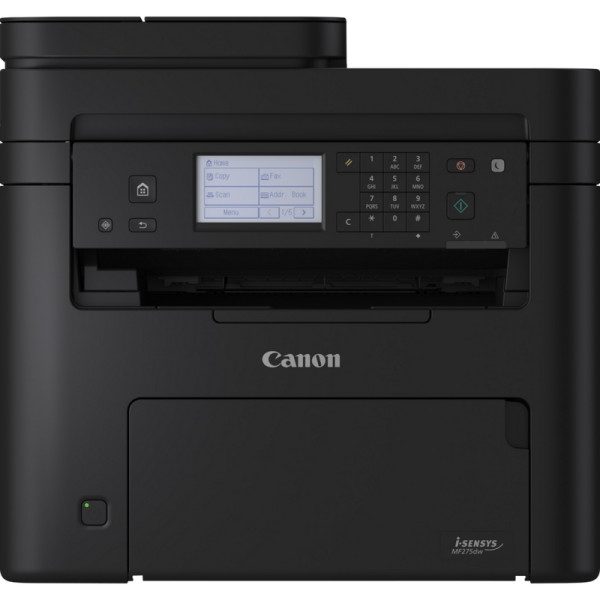
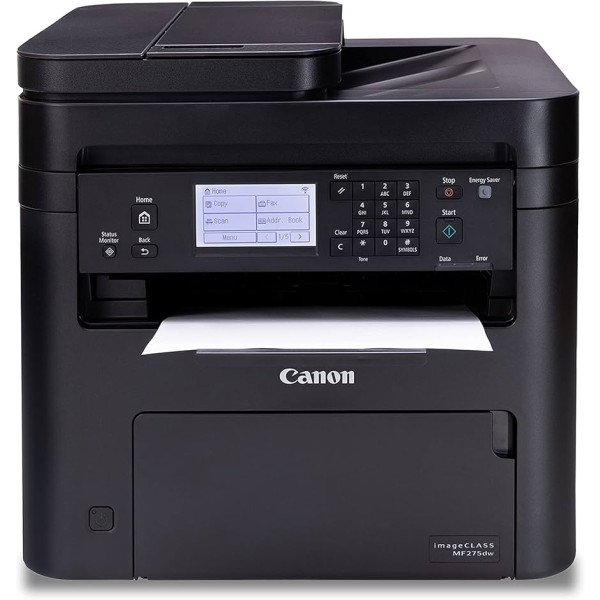
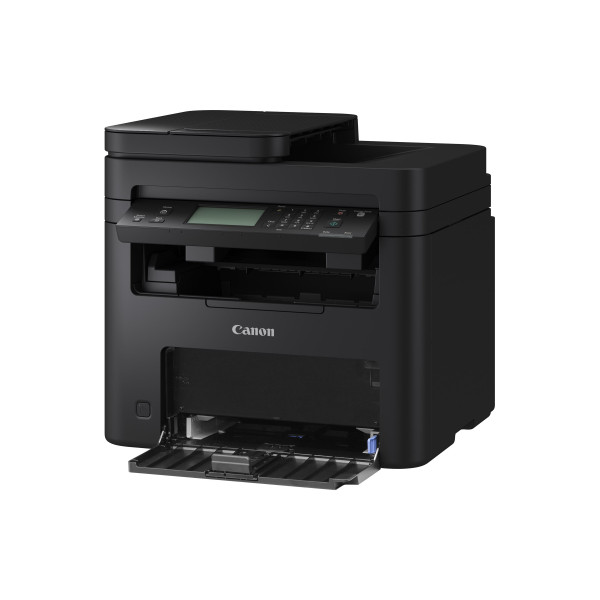
Canon i-SENSYS MFP275dw Mono Laser Printer
Contact us for pricing
Product Details
Key Features
Fast Warm‑Up: Starts printing in just 7.5 seconds after power on, ideal for quick turnarounds.
High‑Resolution Output: Delivers up to 2400 equivalent x 600 dpi for crisp text and graphics.
Rapid First Page: First page ready in 5.4 seconds at 400dpi and 7.1 seconds at 600dpi.
High Speed Printing: Prints black pages at up to 29 pages per minute, meeting busy office needs.
Robust Duty Cycle: Handles up to 20,000 pages monthly, suitable for medium‑size businesses.
Versatile Paper Handling: 150‑sheet cassette, 35‑sheet ADF, and 50‑sheet output bin for continuous workflow.
Advanced Scanning: CIS scanner with 600 dpi optical resolution and duplex ADF scanning.
Fax Capability: Supports up to 33.6 kbps transmission, 200x200 dpi resolution, and 256‑page memory.
Wireless Connectivity: Wi‑Fi 802.11ac, Ethernet, and USB 2.0 for flexible network integration.
Mobile Printing: Compatible with HP Smart, Apple AirPrint, Mopria, and Wi‑Fi Direct for on‑the‑go printing.
Large Capacity Trays: Standard 150‑sheet input and 50‑sheet output bins reduce paper changes.
Long‑Term Warranty: One‑year warranty provides peace of mind for business investments.
Brand | Canon |
Model | MFP275DW |
Print technology | Laser |
Functions | Print, copy, scan |
Warm-up Time | Approx. 7.5 seconds or less from power on |
Print Resolution | Up to 2400 equivalent x 600 dpi |
First page out (ready) Black: 400dpi | Approx : 5.4 seconds or less |
First page out (ready) Black: 600dpi | Approx : 7.1 seconds or less |
Print speed black (ISO, A4) | Up to 29 ppm |
Monthly duty cycle | Max. 20,000 pages per month |
Recommended monthly page volume | 50 – 2,000 pages per month |
Paper handling input, standard | 150-sheet cassette |
Paper handling input, 1-sheet multi-purpose tray | 35-sheet ADF |
Paper handling output, standard | 50-sheet output bin |
Automatic paper sensor | Yes |
Paper trays, standard | 1 |
Copy speed (black, A4) | Up to 29 cpm |
Copy resolution | Up to 600 x 600 dpi |
Copies maximum | Up to 999 copies |
Software scan file format | JPEG; PDF; TIFF; PDF/A |
ADF capacity | Standard, 35 sheets |
Scanner type | Flatbed , ADF |
Duplex ADF scanning | Yes |
Scan technology | Contact Image Sensor (CIS) |
Scan resolution (optical) | Up to 600 dpi |
Faxing | Yes |
Fax transmission speed (letter) | 3 sec per page |
Fax Transmission Speed | Up to 33.6 kbps |
Fax Resolution Black (best) | Up to 200 x 200 dpi |
Fax memory | Up to 256 pages |
Fax Speed Dials, Maximum Number | Up to 104 numbers |
Mobile printing capability | Hp smart app; apple airprint; mopria-certified; wireless direct printing |
Connectivity, standard | 1 Gigabit Ethernet 10/100/1000 Base-TX network; 1 Hi-Speed USB 2.0 (device); 1 Hi-Speed USB 2.0 (host); 1 Wi-Fi 802.11ac (dual band); 2 RJ-11 Fax/Modem port/phone line; Auto-crossover Ethernet |
Ports | USB 2.0 Hi-Speed, 10BASE-T/100BASE-TX, Wireless 802.11b/g/n, Wireless Direct Connection |
Minimum system requirements | Windows® 11 / Windows® 10 / Windows® 8.1 / Server® 2022 / Server® 2019 / Server® 2016 / Server® 2012R2 / Server® 2012,Mac OS X version 10.12 & up, Linux4 |
Memory, standard | 256 MB |
Processor speed | 1.2 GHz |
Media sizes supported | A4, A5, B5, A6, Legal, Letter, Executive, Statement, OFFICIO, B-OFFICIO, M-OFFICIO, GLTR, GLGL, Foolscap, 16K, Envelop (COM10, Monarch, DL, C5) |
Media types | Plain paper, Recycled paper, Heavy Paper, Thin paper, Bond paper, Label, Post card, Envelope |
Media Weight Cassette | 60 to163g/m² |
Media Weight ADF Single sheet | 105 to 128 g/m² |
Media Weight ADF Multiple sheet | 50 to 105 g/m² |
Maximum dimension (WxDxH) | 390 mm x 374 mm x 368 mm |
Cartridges | Cartridge 071(1,200pages)Cartridge 071H (2,500 pages ) |
Weight | 11.4 kg |
Warranty | One year |
Description
Canon i-SENSYS MF275dw Mono Laser Printer
Key Features & Benefits:
- Fast Warm‑Up: Starts printing in just 7.5 seconds after power on, ideal for quick turnarounds.
- High‑Resolution Output: Delivers up to 2400 equivalent x 600 dpi for crisp text and graphics.
- Rapid First Page: First page ready in 5.4 seconds at 400dpi and 7.1 seconds at 600dpi.
- High Speed Printing: Prints black pages at up to 29 pages per minute, meeting busy office needs.
- Robust Duty Cycle: Handles up to 20,000 pages monthly, suitable for medium‑size businesses.
- Versatile Paper Handling: 150‑sheet cassette, 35‑sheet ADF, and 50‑sheet output bin for continuous workflow.
- Advanced Scanning: CIS scanner with 600 dpi optical resolution and duplex ADF scanning.
- Fax Capability: Supports up to 33.6 kbps transmission, 200x200 dpi resolution, and 256‑page memory.
- Wireless Connectivity: Wi‑Fi 802.11ac, Ethernet, and USB 2.0 for flexible network integration.
- Mobile Printing: Compatible with HP Smart, Apple AirPrint, Mopria, and Wi‑Fi Direct for on‑the‑go printing.
- Large Capacity Trays: Standard 150‑sheet input and 50‑sheet output bins reduce paper changes.
- Long‑Term Warranty: One‑year warranty provides peace of mind for business investments.
Ideal For:
- Small to medium office teams
- Freelancers needing reliable print and scan
- Educational institutions with moderate volume
- Home offices requiring mobile printing
- Print shops handling up to 20,000 pages monthly
- IT departments needing networked printers
- Business centers offering fax services
Summary:
The Canon i‑SENSYS MF275dw Mono Laser Printer offers fast, high‑resolution printing with a 29 ppm speed and a 20,000‑page monthly duty cycle, making it ideal for medium‑size offices and print shops. Its versatile paper handling, duplex scanning, and comprehensive connectivity—including Wi‑Fi, Ethernet, and mobile printing—ensure seamless integration into any workspace. Available at Revolution Technology BD, this printer delivers reliable performance and long‑term support with a one‑year warranty.
How to Order
Revolution Technology BD has made shopping easier for customers. Follow these steps:
- Click Register Button from home page
- Register with: Name + Email + Mobile + Password
- Click Create Account after entering information
- Login automatically or use Login button
- Provide mobile number and password, then Sign Up
- Choose desired product and click Buy Now
- View product details and click Add to Cart
- Click Item box (upper right corner)
- Go to Shopping Cart page
- Continue Shopping for more products or proceed
- Click "Click Here to Address" button
- Provide Full Name, Phone, Email & Delivery Address
- Click Order Submit button
- View Bill Invoice and receive email confirmation
- Print Invoice using Print button
- Wait for delivery - we'll keep you updated
- Thank you for shopping with us!