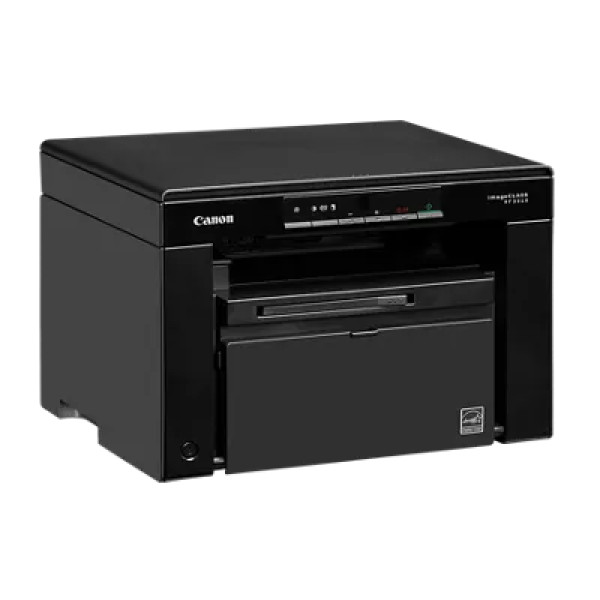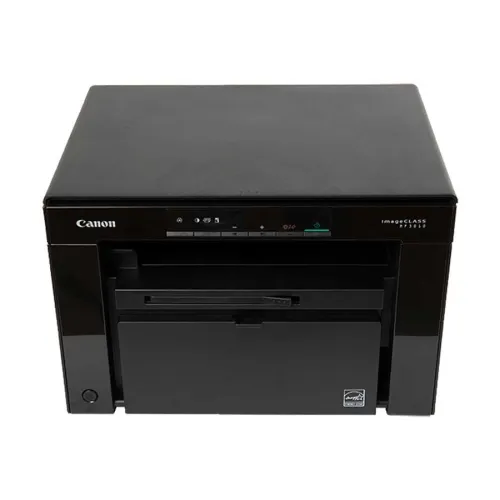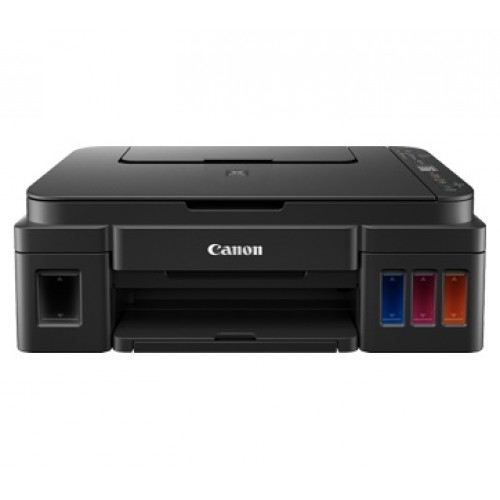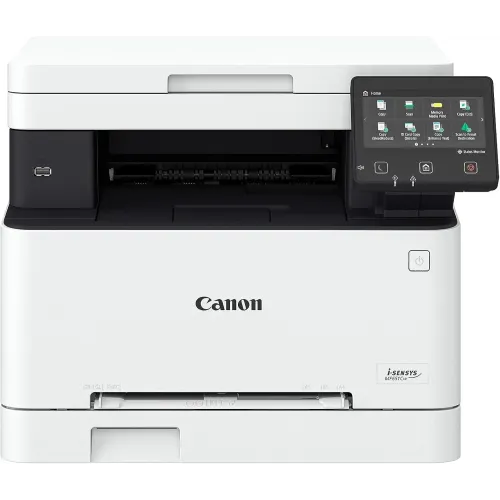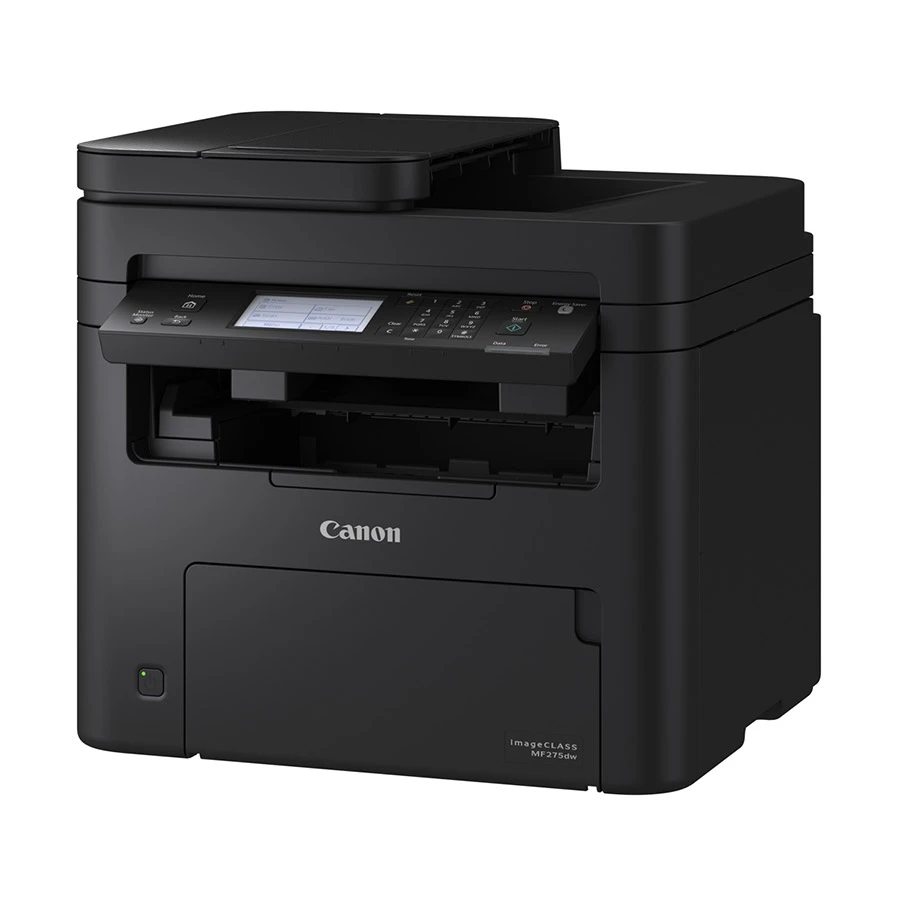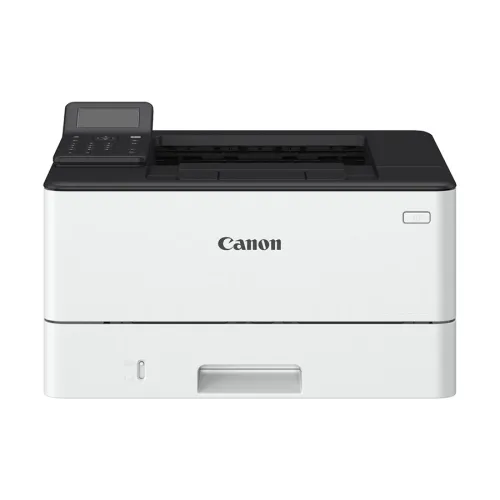
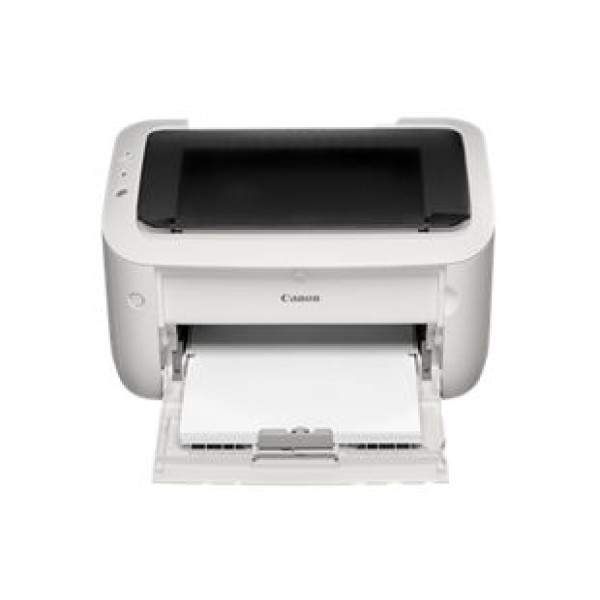
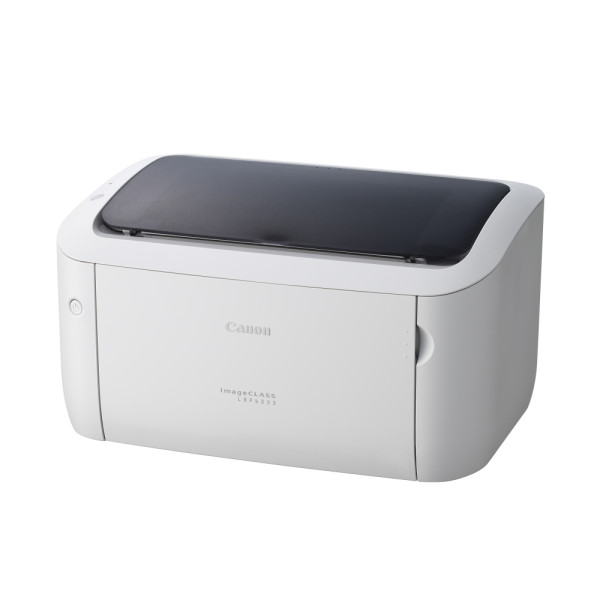
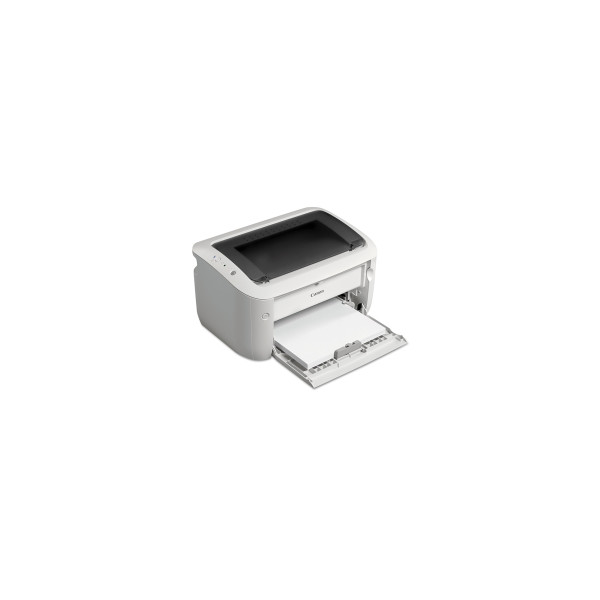
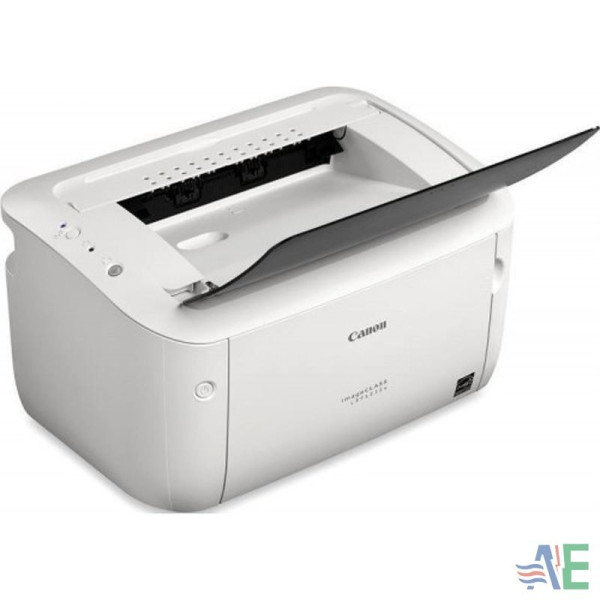
Canon imageCLASS LBP 6033 Printer
Contact us for pricing
Product Details
Key Features
Fast First Page: The printer delivers the first page in just 7.8 seconds, ideal for quick document turnaround.
High Print Speed: Prints up to 18 pages per minute on A4 and 19 ppm on Letter, ensuring efficient workflow.
Reliable Monochrome Laser: Consistent 600 x 600dpi resolution provides sharp, professional text output.
Large Paper Capacity: Handles up to 150 sheets in the input tray and 100 sheets in the output tray for minimal paper changes.
Versatile Paper Sizes: Supports A4, B5, A5, legal, letter, executive, 16k, and multiple envelope sizes for diverse needs.
USB 2.0 Connectivity: High-speed USB 2.0 interface offers easy connection to desktops and laptops.
Long-Lasting Toner: Cartridge 325 delivers up to 1,600 pages, reducing replacement frequency.
Compact Design: Dimensions of 364 x 249 x 199mm make it suitable for small office spaces.
Broad OS Compatibility: Works with Windows, Mac OS, Linux, and Citrix environments for flexible integration.
One-Year Warranty: Includes a full year of warranty for peace of mind and support.
Brand | Canon |
Model | LBP 6033 |
Functions | Print only |
Print technology | Monochrome laser |
Speed | A4: up to 18ppm, Letter: up to 19ppm |
First page | Approx. 7.8 secs |
Memory | 32MB |
Monthly duty cycle | 5000 pages |
Print resolution | 600 x 600dpi |
Paper input (standard) | 150 sheets (based on 80g/m2) |
Paper output | 100 sheets (face down) (based on 80g/m2) |
Paper size | A4, B5, A5, legal*1, letter, executive, 16k, envelope com10, envelope monarch, envelope c5, envelope dl, Custom: width 76.2 to 216 x length 188 x 356mm |
Connectivity | USB 2.0 high speed |
Supported toner | Cartridge 325: 1,600 pages (bundled cartridge: 700 pages) |
Dimensions (w x d x h) | 364 x 249 x 199mm |
Compatible operating systems | Win 8.1 (32 / 64bit), Windows 7 (32 / 64-bit), Windows Server 2012 (32 /64bit), Windows Server 2012 R2 (64 bit), Windows Server 2008 (32 / 64-bit), Windows Server 2008 R2 (64-bit), Mac OS 10.7.x-10.9 *3, Linux *3, Citrix |
Warranty | 1 year |
Description
Canon imageCLASS LBP 6033 Printer
Key Features & Benefits:
- Fast First Page: The printer delivers the first page in just 7.8 seconds, ideal for quick document turnaround.
- High Print Speed: Prints up to 18 pages per minute on A4 and 19 ppm on Letter, ensuring efficient workflow.
- Reliable Monochrome Laser: Consistent 600 x 600dpi resolution provides sharp, professional text output.
- Large Paper Capacity: Handles up to 150 sheets in the input tray and 100 sheets in the output tray for minimal paper changes.
- Versatile Paper Sizes: Supports A4, B5, A5, legal, letter, executive, 16k, and multiple envelope sizes for diverse needs.
- USB 2.0 Connectivity: High-speed USB 2.0 interface offers easy connection to desktops and laptops.
- Long-Lasting Toner: Cartridge 325 delivers up to 1,600 pages, reducing replacement frequency.
- Compact Design: Dimensions of 364 x 249 x 199mm make it suitable for small office spaces.
- Broad OS Compatibility: Works with Windows, Mac OS, Linux, and Citrix environments for flexible integration.
- One-Year Warranty: Includes a full year of warranty for peace of mind and support.
Ideal For:
- Small office teams needing fast monochrome printing
- Home office users requiring reliable document output
- Educational institutions printing worksheets and reports
- Legal firms needing crisp text and envelope support
- IT departments managing frequent print jobs
Summary:
The Canon imageCLASS LBP 6033 is a monochrome laser printer that delivers fast, high-quality text at up to 18 pages per minute on A4. With a 7.8-second first page, 32MB memory, and a 5000-page monthly duty cycle, it is built for small office and home use. Its versatile paper handling, USB 2.0 connectivity, and 1,600-page toner cartridge make it a cost-effective choice. Available at Revolution Technology BD, it comes with a one-year warranty for added confidence.
How to Order
Revolution Technology BD has made shopping easier for customers. Follow these steps:
- Click Register Button from home page
- Register with: Name + Email + Mobile + Password
- Click Create Account after entering information
- Login automatically or use Login button
- Provide mobile number and password, then Sign Up
- Choose desired product and click Buy Now
- View product details and click Add to Cart
- Click Item box (upper right corner)
- Go to Shopping Cart page
- Continue Shopping for more products or proceed
- Click "Click Here to Address" button
- Provide Full Name, Phone, Email & Delivery Address
- Click Order Submit button
- View Bill Invoice and receive email confirmation
- Print Invoice using Print button
- Wait for delivery - we'll keep you updated
- Thank you for shopping with us!