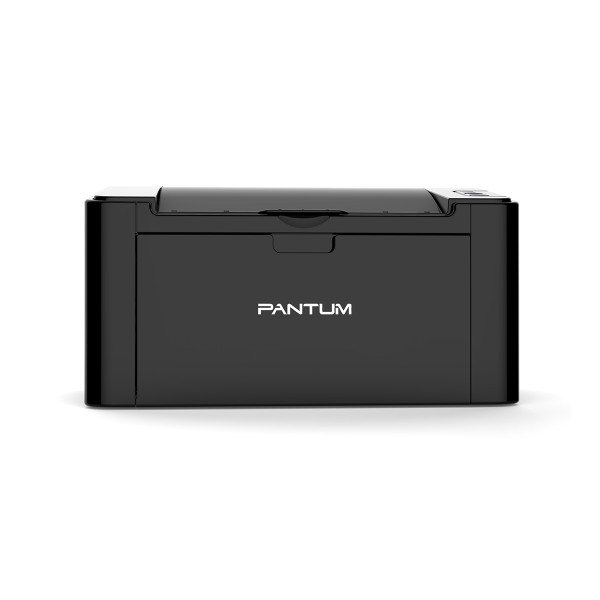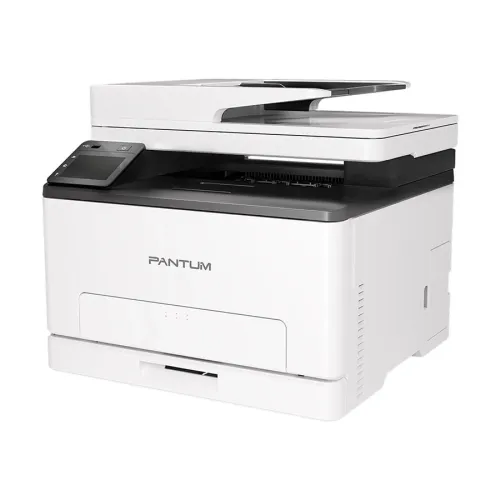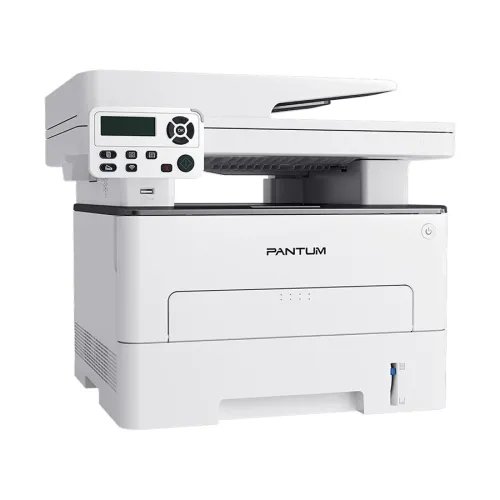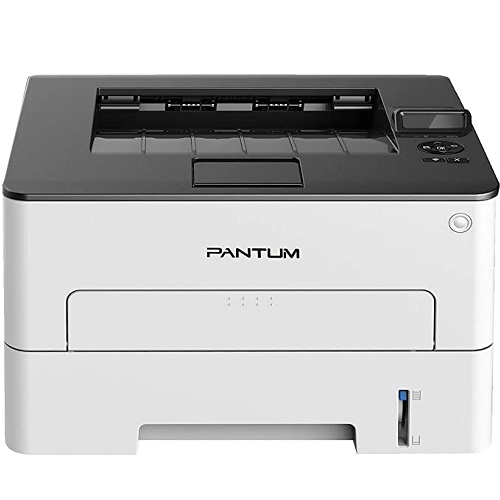
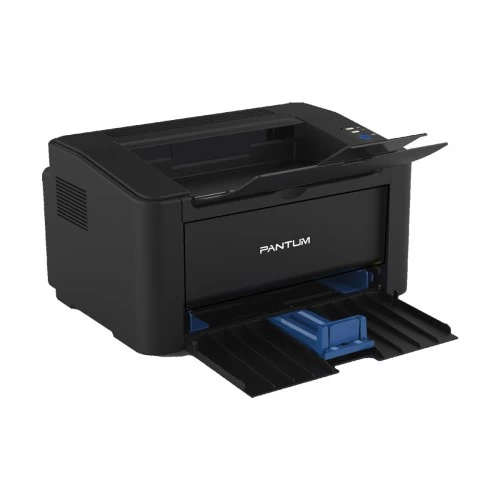
Pantum P2500W Single Function Mono Laser Printer
Exclusive of all taxes
Product Details
· Key Features
· Monthly Print Volume: 700 pages
· Print Speed: 23 pages (min)
· First Printout Time: 7.8sec
· Connectivity: USB 2.0, WiFi
Specification
|
General |
||
|
Output Color |
Black & White |
|
|
Print |
||
|
Technology |
Electrophotographic monochrome
laser |
|
|
Print Speed |
22 ppm (A4) / 23 ppm (Letter) |
|
|
Print Resolution |
Max. 1,200×1,200 |
|
|
First Print Out Time |
Less than 7.8s |
|
|
Duplex |
Manual |
|
|
Paper Information |
||
|
Paper Size |
A4, A5, A6, JIS B5, ISO B5, B6,
Letter, Legal, Executive, Statement, Monarch envelope, DL envelope, C5 envelope, C6 envelope, NO.10
envelope, Japanese postcard, Folio, Oficio, Big 16k, 32k, 16k, Big 32k,
ZL,Yougata4, Postcard, Younaga3, Nagagata3, Yougata2 |
|
|
Paper Type |
Plain, Thick, Transparency,
Cardstock, Label, Envelope, Thin |
|
|
Paper Weight |
60~163g/m² |
|
|
Input Capacity |
150 pages |
|
|
Output Capacity |
100 pages |
|
|
Technical Specs |
||
|
Connectivity |
Speed USB 2.0 |
|
|
Power Consumption |
Printing: Average 370W |
|
|
Physical Specs |
||
|
Color |
Black |
|
|
Dimension |
337 x 220 x 178 mm |
|
|
Weight |
4.75kg |
|
|
Support |
||
|
Toner/ Cartridge/
Refill |
Toner model: Pantum PC211EV |
|
|
Warranty Information |
||
|
Warranty |
1-year Limited warranty |
|
How to Order
Revolution Technology BD has made shopping easier for customers. Follow these steps:
- Click Register Button from home page
- Register with: Name + Email + Mobile + Password
- Click Create Account after entering information
- Login automatically or use Login button
- Provide mobile number and password, then Sign Up
- Choose desired product and click Buy Now
- View product details and click Add to Cart
- Click Item box (upper right corner)
- Go to Shopping Cart page
- Continue Shopping for more products or proceed
- Click "Click Here to Address" button
- Provide Full Name, Phone, Email & Delivery Address
- Click Order Submit button
- View Bill Invoice and receive email confirmation
- Print Invoice using Print button
- Wait for delivery - we'll keep you updated
- Thank you for shopping with us!