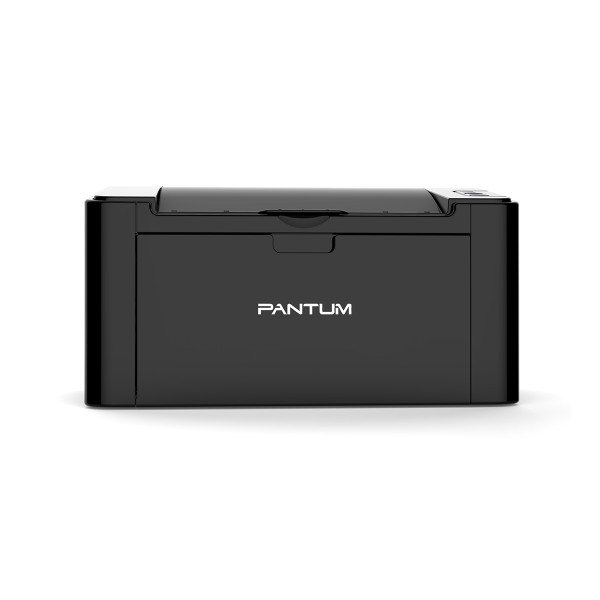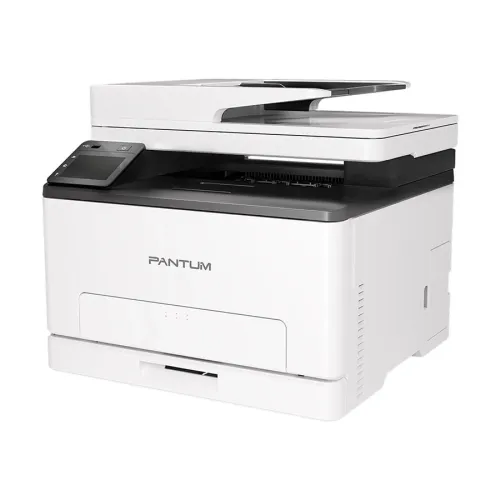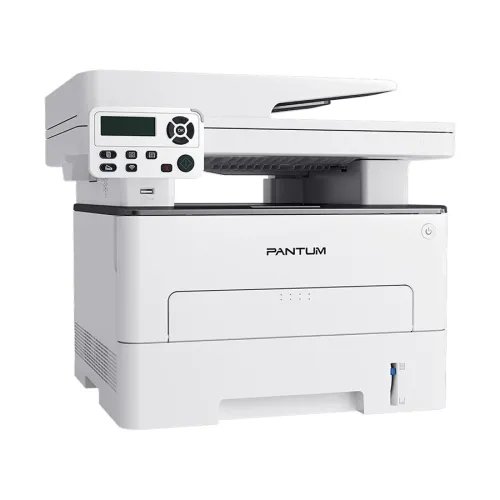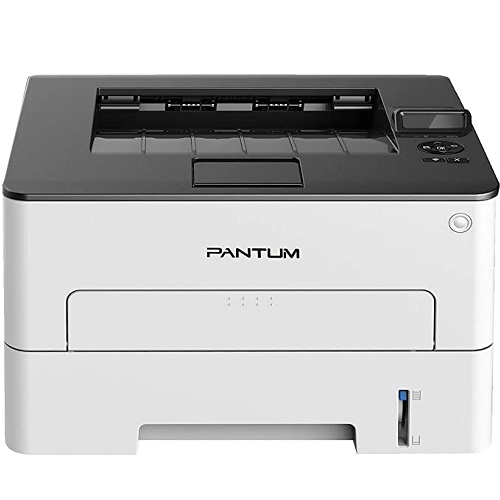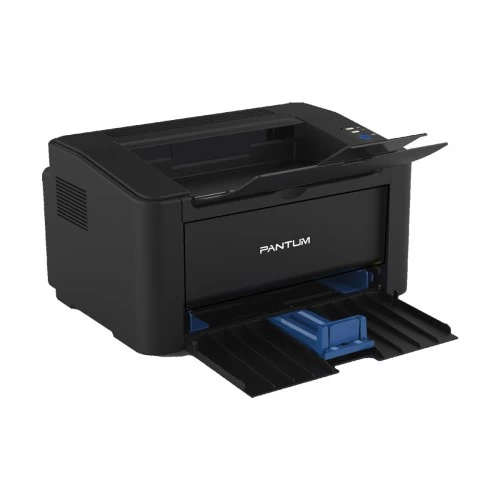

Pantum CP2100DW Color Laser Printer
Exclusive of all taxes
Product Details
Key Features
Model: CP2100DW
Processor:
500MHz, Memory: 512MB
Connection
method: USB+NET+WIFI
Printing speed:
20ppm
Duty cycle:
30,000 pages
|
Functions |
Print Only |
|
|
Printer Type |
Color Laser Printer |
|
|
Output Color |
Black & White, Color |
|
|
Technology |
Color Laser Print |
|
|
Print Speed |
Print speed(A4/LTR): 20ppm(A4) ; 21ppm(LTR) |
|
|
Print Resolution |
Optical: 600*600dpi; |
|
|
First Print Out Time |
Mono: 10s; Color: 12s |
|
|
Duty Cycle up to (Yield) |
30000 Pages |
|
|
Duplex |
Yes |
|
|
Paper Size |
A4、
Letter、 Legal、 Folio、
Oficio、 JIS B5、 ISO B5、
Executive、 Statement、 A5、big
16K(210mm×285mm)、16K(185mm×260mm)、big 32K(203mm×140mm)、32K(184mm×130mm)、 A6、
No.10 Env、 Monarch Env、 DL Env、
C5 Env、 C6 Env、 Yougata4、
Younaga3、 Nagagata3、 Yougata2、
ZL Env、 Postcard、B6、
Japanese Postcard |
|
|
Paper Type |
Thin paper: 60~70g (excluding 70g); |
|
|
Paper Weight |
Standard:60g~105g/㎡ |
|
|
Input Capacity |
250 pages |
|
|
Output Capacity |
100 pages |
|
|
Technical Specs |
||
|
Processor |
500MHz |
|
|
Memory |
DDR3L 512MB |
|
|
Display |
2-line LCD |
|
|
Connectivity |
USB+NET+WIFI |
|
|
Power Consumption |
Power: |
|
|
Physical Specs |
||
|
Color |
White |
|
|
Dimension |
401 x 400 x 225mm |
|
|
Weight |
16.3kg |
|
|
Support |
||
|
Toner/ Cartridge/ Refill |
Starter Cartridge: |
|
|
Software |
Windows:Windows
XP(x86)、Windows 7(x86/x64)、Windows 8.1(x86/x64)、Windows 10(x86/x64)、Windows 11(x64)、Server 2008、Server
2008 R2、Server 2012、Server 2012 R2、Server
2016、Server2019 |
|
|
Special Features |
||
|
Others |
Noise Level: Print≤54dB (Normal) ;Print≤50dB
(Mute printing) |
|
|
Warranty Information |
||
|
Warranty |
1-year
Limited warranty, an Adapter/Power Cable with no warranty, and also a Box
Mandatory While Claiming. |
|
How to Order
Revolution Technology BD has made shopping easier for customers. Follow these steps:
- Click Register Button from home page
- Register with: Name + Email + Mobile + Password
- Click Create Account after entering information
- Login automatically or use Login button
- Provide mobile number and password, then Sign Up
- Choose desired product and click Buy Now
- View product details and click Add to Cart
- Click Item box (upper right corner)
- Go to Shopping Cart page
- Continue Shopping for more products or proceed
- Click "Click Here to Address" button
- Provide Full Name, Phone, Email & Delivery Address
- Click Order Submit button
- View Bill Invoice and receive email confirmation
- Print Invoice using Print button
- Wait for delivery - we'll keep you updated
- Thank you for shopping with us!