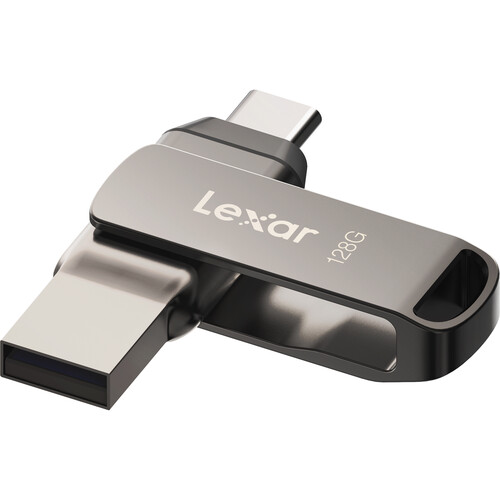
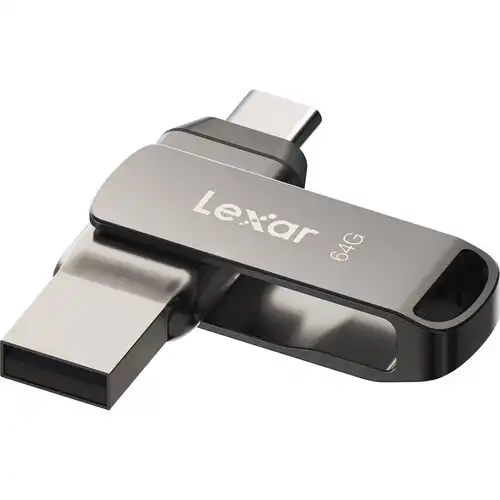
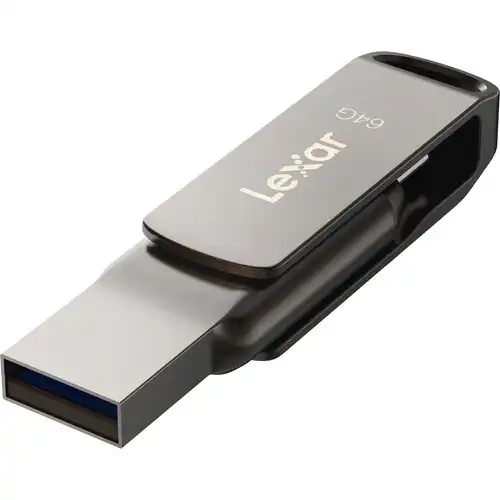
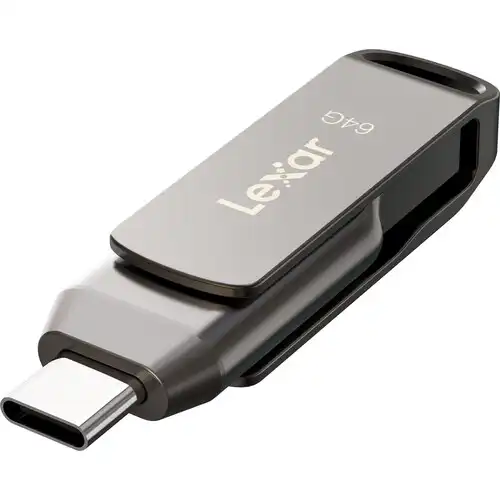
Lexar JumpDrive Dual Drive D400 64GB USB 3.1 Type-C Pen Drive
Exclusive of all taxes
Product Details
Key Features
MPN: LJDD400064G-BNQNG
Model: JumpDrive Dual Drive D400
Capacity: 64GB
Transfer Speed: up to 130MB/s
Interface: USB 3.1 Gen 1
Connectors: USB-A and USB Type-C
Specification
|
Capacity |
64GB |
|
Read/Write Speed |
Up to 130
MB/s |
|
Interface |
USB 3.2
Gen 1 |
|
Color |
Metallic
Gray |
|
Dimensions (L x W x H) |
60.6 x
16.2 x 9.7 mm |
|
Weight |
17.8 g |
|
Compatibility |
PC and Mac |
|
Warranty |
Limited
Lifetime Warranty |
Description
Lexar JumpDrive Dual Drive
D400 64GB USB 3.1 Type-C Pen Drive
The Lexar JumpDrive Dual Drive
D400 64GB USB 3.1 Type-C Pen Drive allows you to carry your important files
with you when you're on the go. You get access to 64GB of storage space on this
USB flash drive, which is sufficient for documents, pictures, and presentations.
The USB-A or USB-C connector on the JumpDrive can be used to connect it to a
variety of different systems. You can transfer files swiftly to and from your
computer using JumpDrive's increased data transfer rates of up to 130 MB/s
provided by the USB 3.1 Gen 1 interface. Your data will be protected from
unauthorized users with 256-bit AES encryption. The JumpDrive's USB-C connector
is shielded by the durable metal structure, eliminating possible harm as you
travel to your next location. To increase security while traveling, you can
fasten the JumpDrive to your keychain. The JumpDrive offers you broad
compatibility across a variety of devices because it can be formatted for
Android, PC, or Mac platforms.
How to Order
Revolution Technology BD has made shopping easier for customers. Follow these steps:
- Click Register Button from home page
- Register with: Name + Email + Mobile + Password
- Click Create Account after entering information
- Login automatically or use Login button
- Provide mobile number and password, then Sign Up
- Choose desired product and click Buy Now
- View product details and click Add to Cart
- Click Item box (upper right corner)
- Go to Shopping Cart page
- Continue Shopping for more products or proceed
- Click "Click Here to Address" button
- Provide Full Name, Phone, Email & Delivery Address
- Click Order Submit button
- View Bill Invoice and receive email confirmation
- Print Invoice using Print button
- Wait for delivery - we'll keep you updated
- Thank you for shopping with us!