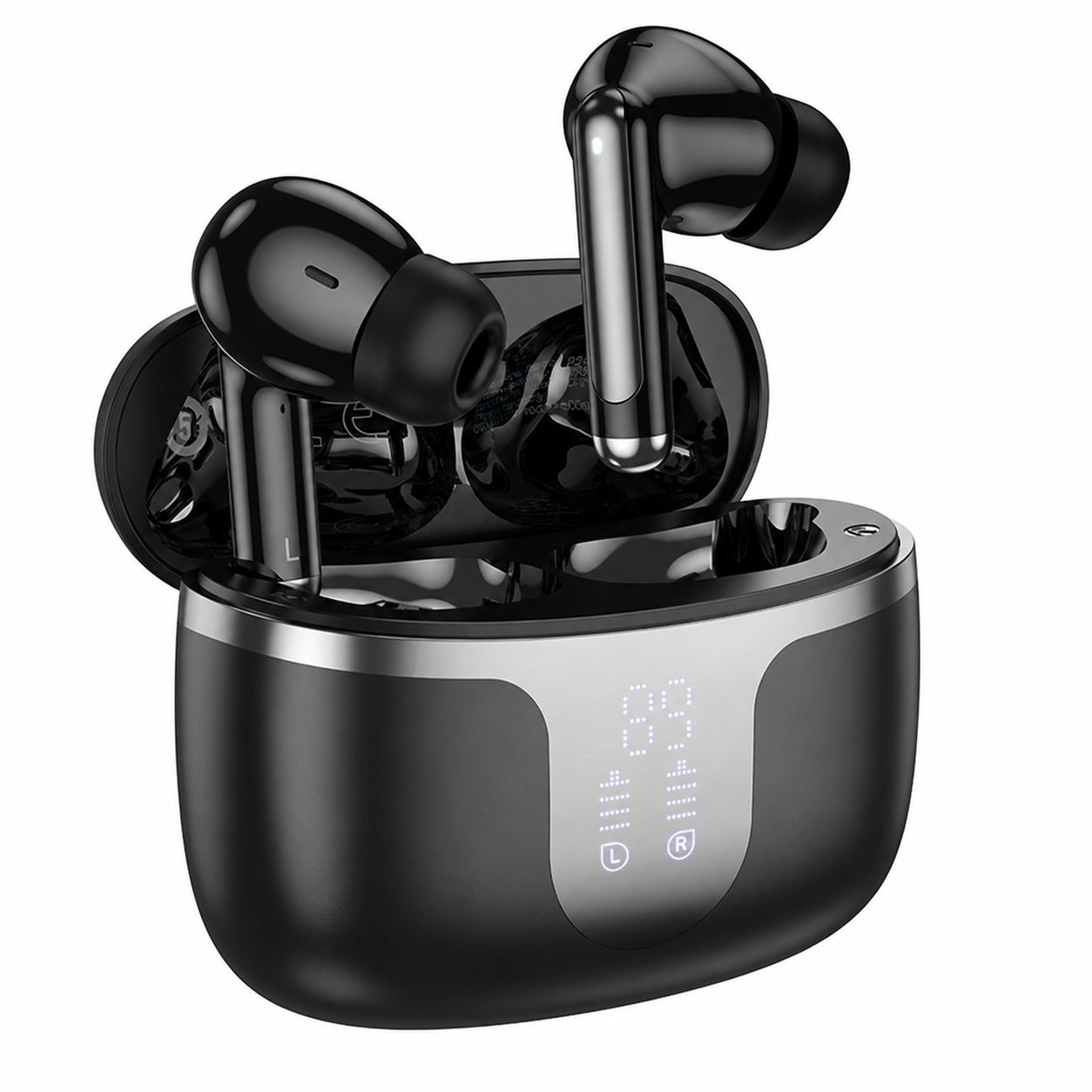
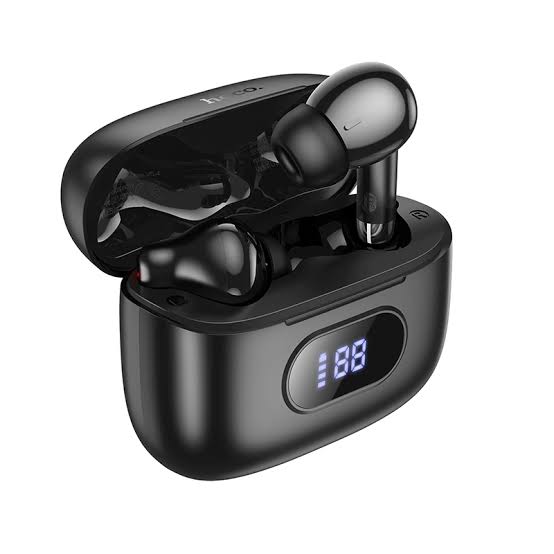
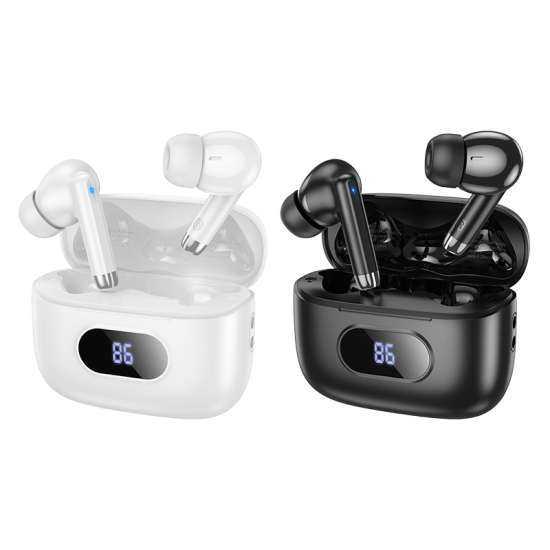
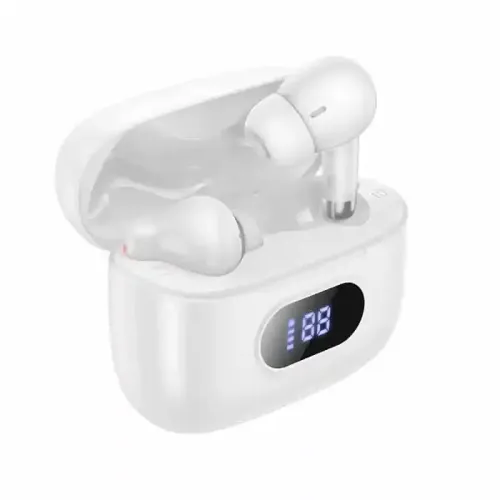
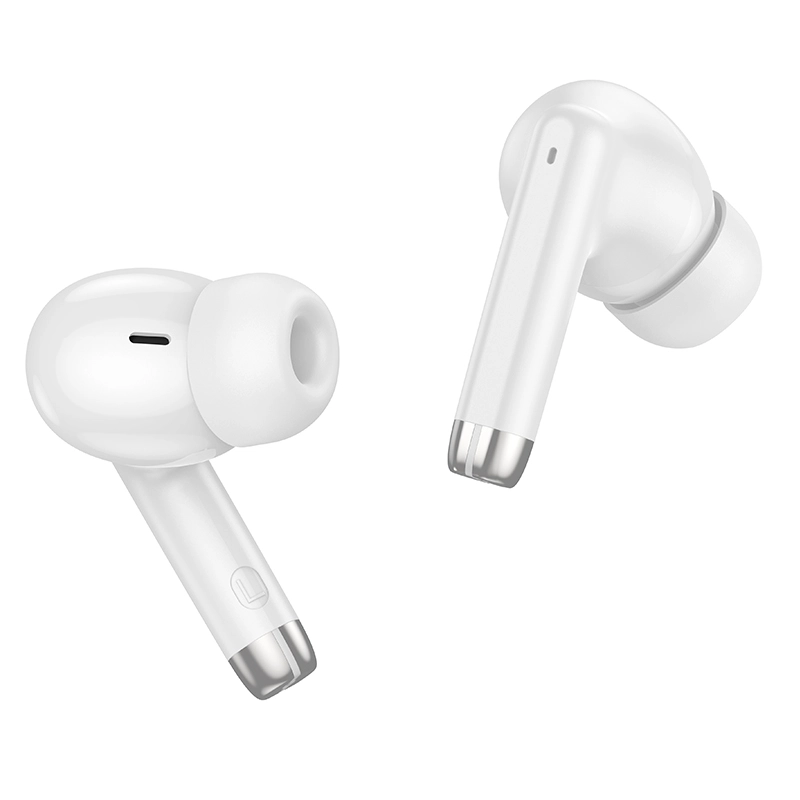
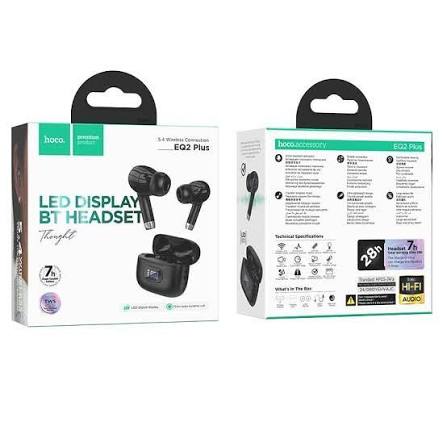
HOCO EQ2 Plus True Wireless Earbuds
Exclusive of all taxes
Product Details
Key Features
Bluetooth 5.4 Connectivity: Enjoy low-latency, stable connections with Bluetooth 5.4 for seamless music and calls.
Long Battery Life: Up to 7 hours of playback per charge and 180 hours standby, keeping you powered all day.
Compact Charging Case: The 58 × 49 × 25 mm case holds 320mAh, providing extra charges on the go.
Dual 40mAh Earbud Batteries: Each earbud packs a 40mAh battery, balancing weight and performance.
ABS Build Quality: Durable ABS material ensures a lightweight yet sturdy design.
Master‑Slave Switching: Switch effortlessly between earbuds for optimal audio balance.
Siri Support: Activate Siri hands‑free for quick commands and navigation.
Battery Level Display: See remaining charge in the case at a glance for convenient monitoring.
Versatile Use Cases: Ideal for music, calls, videos, and daily entertainment across all devices.
Easy Charging: Fast charging via standard USB, with the case included for convenience.
Brand | HOCO |
Model | EQ2 Plus |
Type | True Wireless Stereo (TWS) Earbuds |
Bluetooth Version | Bluetooth 5.4 |
Bluetooth Chip | JLAC6983D2 |
Earbud Battery | 40mAh × 2 |
Charging Case Battery | 320mAh |
Playback / Usage Time | Up to 7 Hours |
Standby Time | Up to 180 Hours |
Charging Case | Included |
Material | ABS |
Case Size | 58 × 49 × 25 mm |
Total Weight | Approx. 45.5g |
Master-Slave Switching | Supported |
Voice Assistant | Siri Supported |
Battery Display | Charging Case Battery Level Display |
Connectivity | Wireless Bluetooth |
Use | Music, Calls, Videos & Daily Entertainment |
Description
HOCO EQ2 Plus True Wireless Earbuds
Key Features & Benefits:
- Bluetooth 5.4 Connectivity: Enjoy low-latency, stable connections with Bluetooth 5.4 for seamless music and calls.
- Long Battery Life: Up to 7 hours of playback per charge and 180 hours standby, keeping you powered all day.
- Compact Charging Case: The 58 × 49 × 25 mm case holds 320mAh, providing extra charges on the go.
- Dual 40mAh Earbud Batteries: Each earbud packs a 40mAh battery, balancing weight and performance.
- ABS Build Quality: Durable ABS material ensures a lightweight yet sturdy design.
- Master‑Slave Switching: Switch effortlessly between earbuds for optimal audio balance.
- Siri Support: Activate Siri hands‑free for quick commands and navigation.
- Battery Level Display: See remaining charge in the case at a glance for convenient monitoring.
- Versatile Use Cases: Ideal for music, calls, videos, and daily entertainment across all devices.
- Easy Charging: Fast charging via standard USB, with the case included for convenience.
Ideal For:
- Students needing portable audio
- Fitness enthusiasts requiring lightweight earbuds
- Commuters looking for reliable call quality
- Gamers desiring low‑latency sound
- Professionals needing hands‑free voice control
- Travelers needing compact charging
- Tech hobbyists exploring Bluetooth 5.4
Summary:
The HOCO EQ2 Plus True Wireless Earbuds deliver Bluetooth 5.4 connectivity, 7 hours of playback, and 180 hours standby, all housed in a lightweight ABS case. With dual 40mAh earbud batteries, a 320mAh charging case, and Siri support, they cater to music lovers, commuters, and tech enthusiasts alike. Available exclusively at Revolution Technology BD, these earbuds combine performance and portability for everyday use.
How to Order
Revolution Technology BD has made shopping easier for customers. Follow these steps:
- Click Register Button from home page
- Register with: Name + Email + Mobile + Password
- Click Create Account after entering information
- Login automatically or use Login button
- Provide mobile number and password, then Sign Up
- Choose desired product and click Buy Now
- View product details and click Add to Cart
- Click Item box (upper right corner)
- Go to Shopping Cart page
- Continue Shopping for more products or proceed
- Click "Click Here to Address" button
- Provide Full Name, Phone, Email & Delivery Address
- Click Order Submit button
- View Bill Invoice and receive email confirmation
- Print Invoice using Print button
- Wait for delivery - we'll keep you updated
- Thank you for shopping with us!