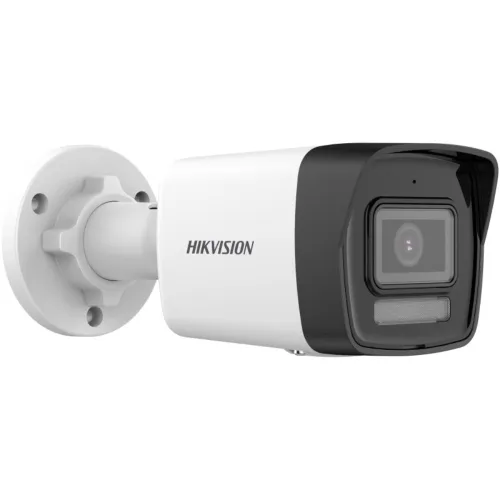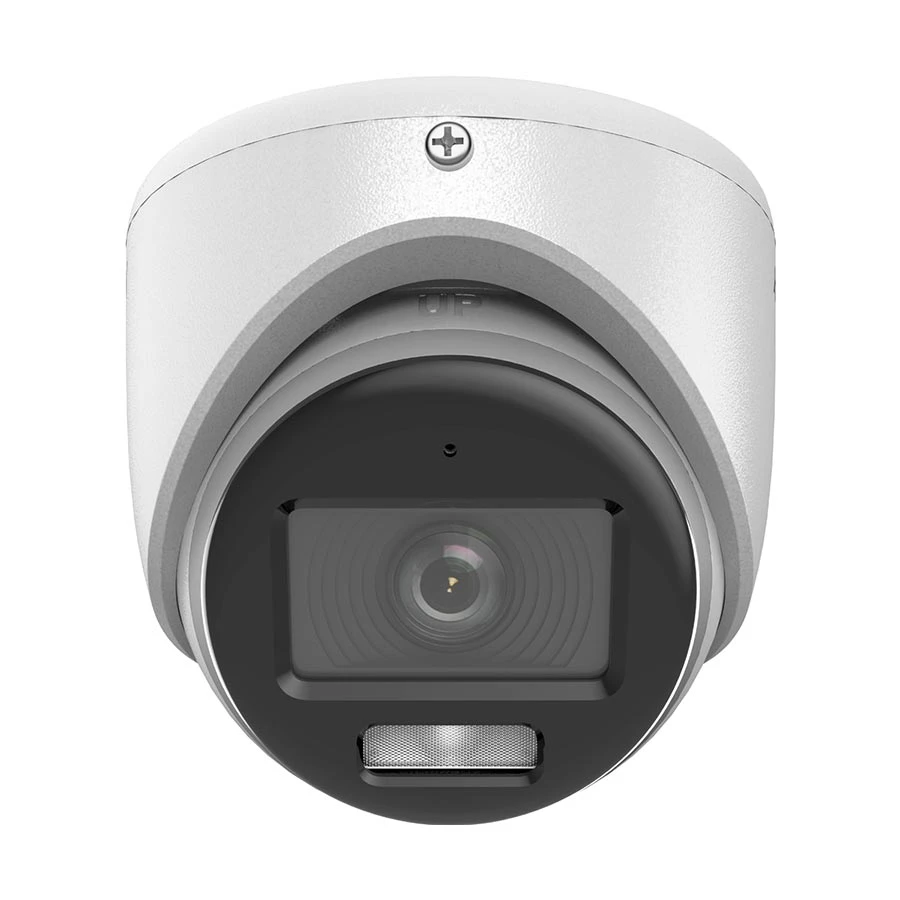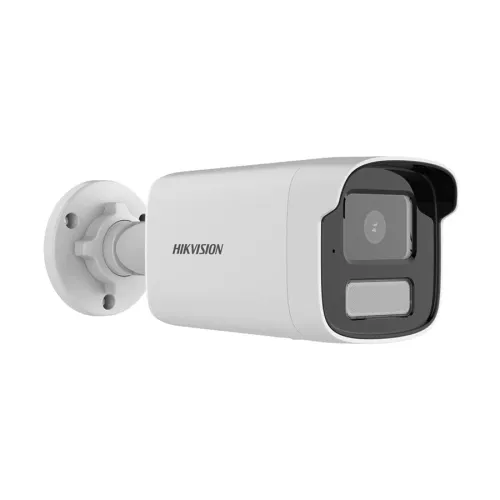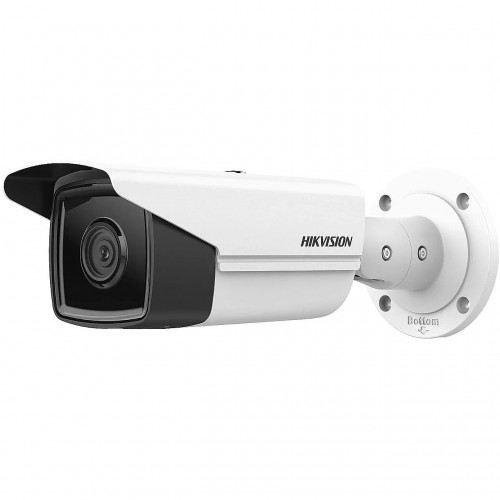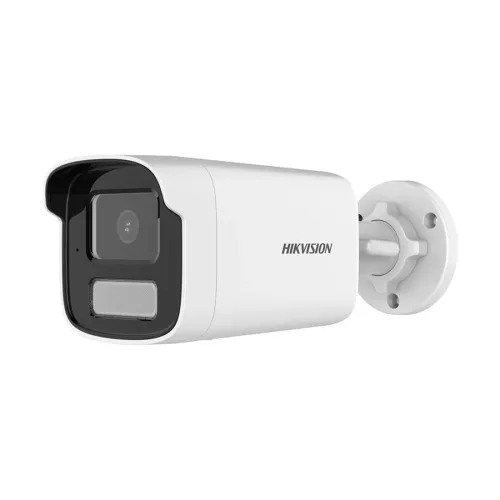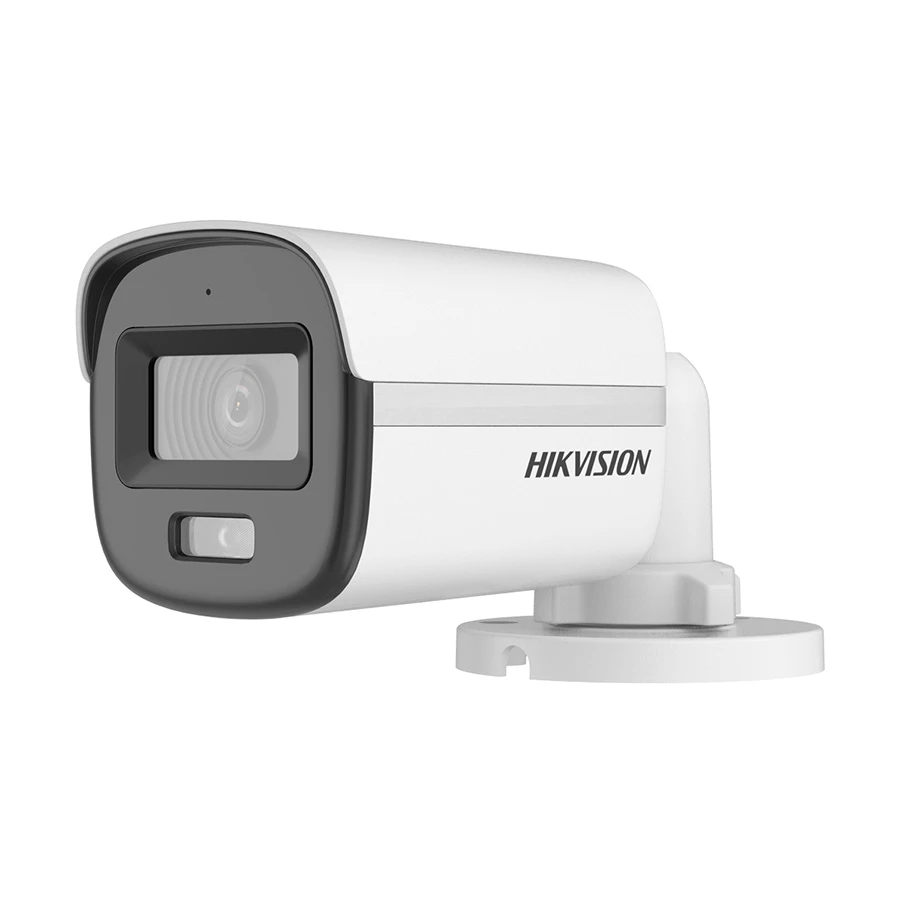
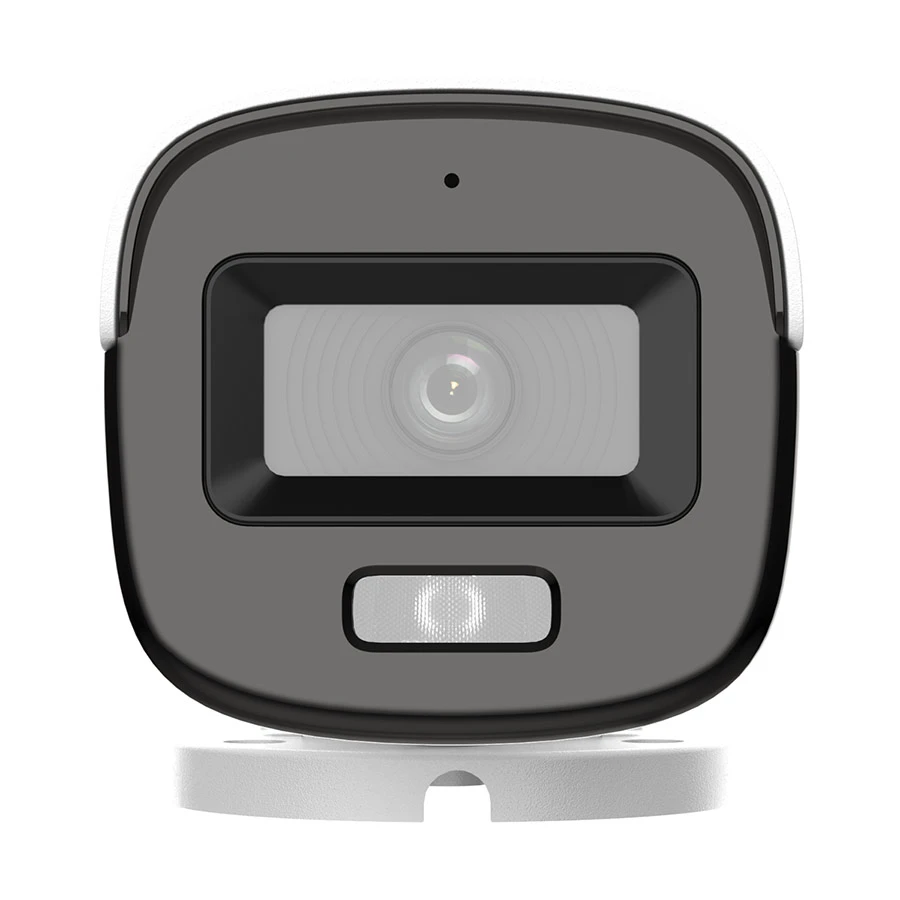
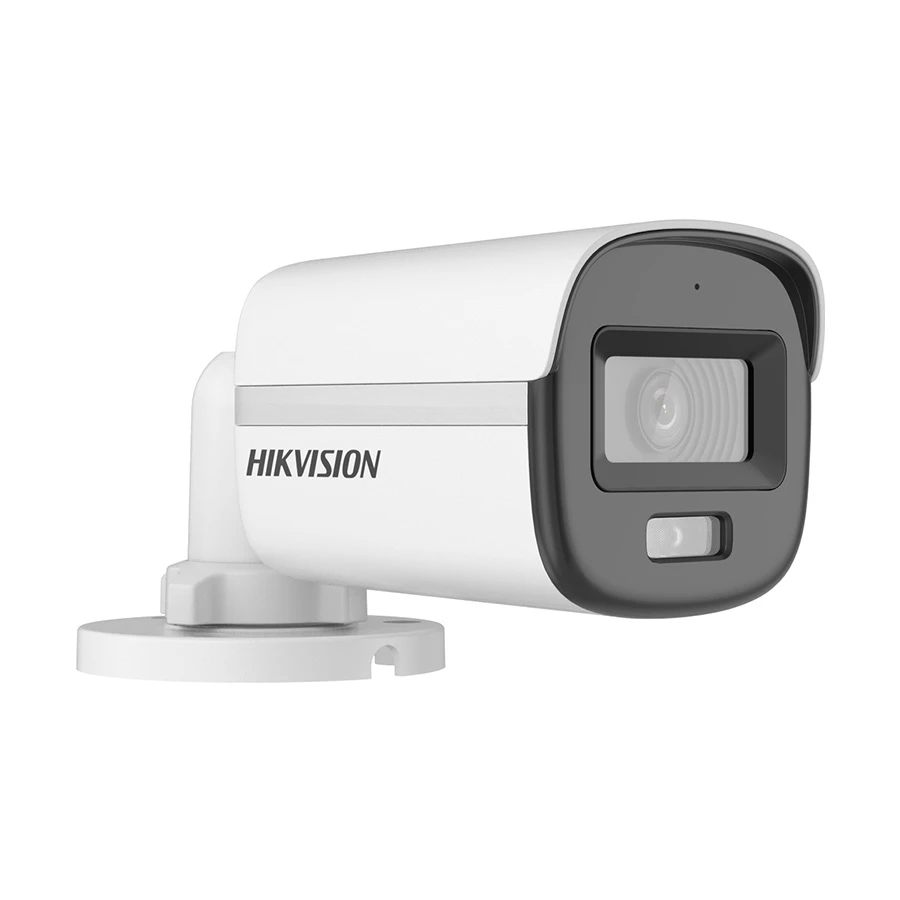
Hikvision DS-2CE10KF0T-LFS 5.0MP 3K ColorVu Audio Fixed Mini Bullet CC Camera
Exclusive of all taxes
Product Details
Key Features
Usage - Indoor & Outdoor
Form-Factor - Mini Bullet
Mega Pixels (MP) - 5.0
Night Vision Mode - Color
IR Range - 20 Meter
Specification
|
Image
Sensor |
3K CMOS |
|
Effective Pixels |
5.0 MP (Max. Resolution: 2960 x
1665) |
|
IR Distance |
Up to 20 Meters |
|
Focal Length |
3.6mm |
|
Dimension |
161.1 x 70 x 70mm |
|
Weight |
Approx. 400 gm |
|
Interface |
Only Mic |
|
Warranty |
01-year Warranty |
Description
Hikvision DS-2CE10KF0T-LFS CC
Camera
Hikvision
DS-2CE10KF0T-LFS 5.0MP 3K ColorVu Audio Fixed Mini Bullet CC Camera is a
high-performance surveillance solution for homes, offices, and businesses. This
camera ensures clear and colorful images even in low-light conditions. It also
features built-in audio, making it a reliable choice for both security and
monitoring needs.
Why Hikvision DS-2CE10KF0T-LFS
is Special
This
Hikvision CC camera stands out because of its superior 3K resolution, which
delivers crisp and detailed visuals. The ColorVu technology provides full-color
imaging 24/7, so you can see clear details even at night. Its fixed mini bullet
design makes it compact yet powerful. The built-in microphone ensures real-time
audio recording, enhancing your overall security system. Whether for home or
business use, it offers reliability, durability, and professional-grade
surveillance.
How to Maintain Hikvision
DS-2CE10KF0T-LFS
Maintaining your Hikvision DS-2CE10KF0T-LFS camera is simple but important for long-lasting performance. Clean the lens regularly with a soft cloth to ensure clear image quality. Avoid exposing the camera to direct sunlight for extended periods. Keep the camera firmware updated to access the latest features and security improvements. Check the wiring and connections periodically to avoid interruptions in surveillance. Proper maintenance will ensure your camera continues to perform at its best.
How to Order
Revolution Technology BD has made shopping easier for customers. Follow these steps:
- Click Register Button from home page
- Register with: Name + Email + Mobile + Password
- Click Create Account after entering information
- Login automatically or use Login button
- Provide mobile number and password, then Sign Up
- Choose desired product and click Buy Now
- View product details and click Add to Cart
- Click Item box (upper right corner)
- Go to Shopping Cart page
- Continue Shopping for more products or proceed
- Click "Click Here to Address" button
- Provide Full Name, Phone, Email & Delivery Address
- Click Order Submit button
- View Bill Invoice and receive email confirmation
- Print Invoice using Print button
- Wait for delivery - we'll keep you updated
- Thank you for shopping with us!