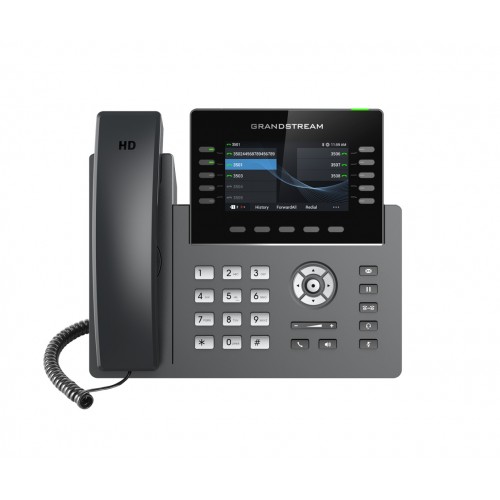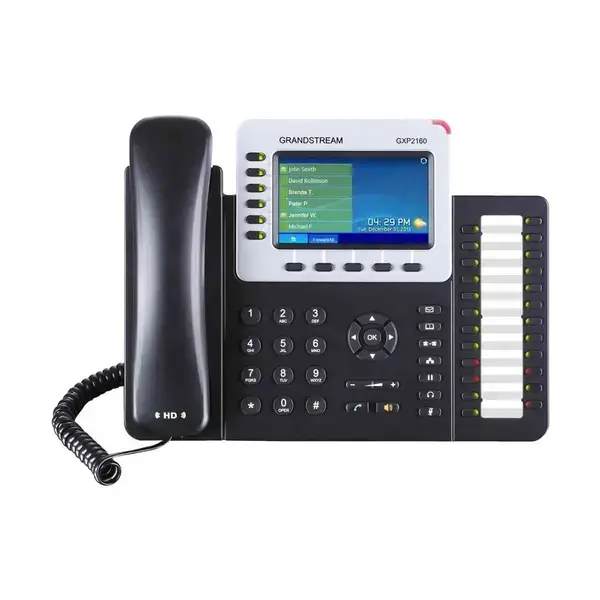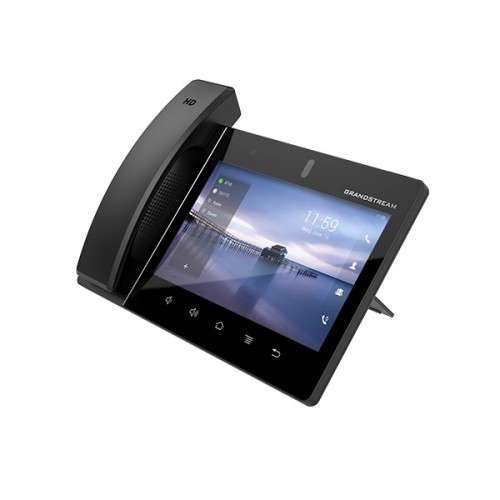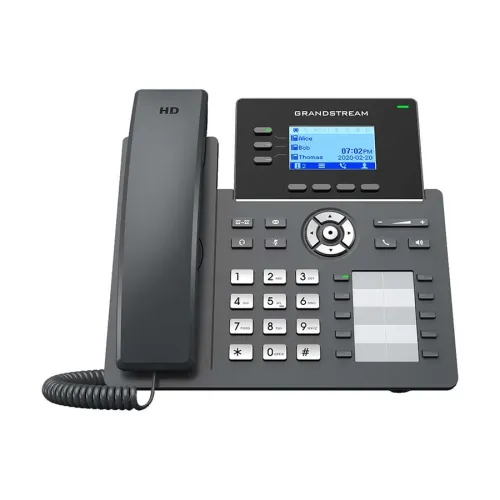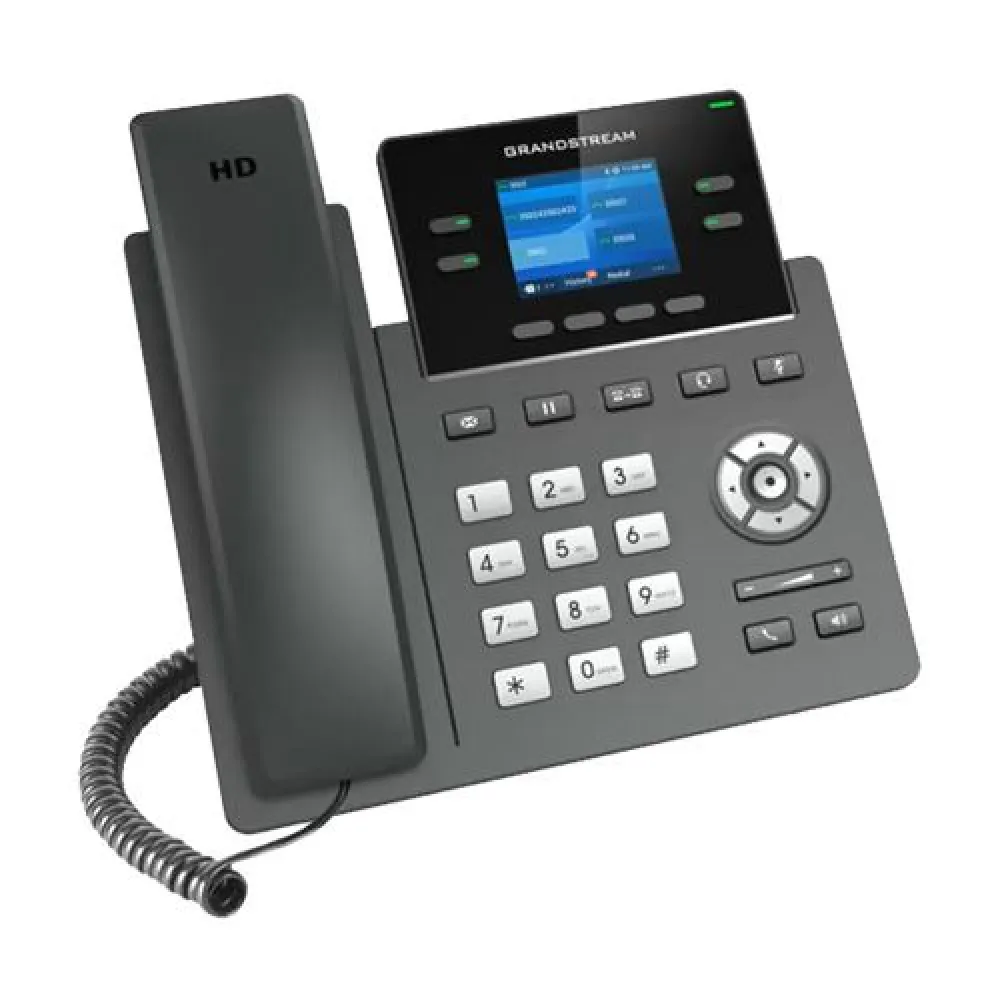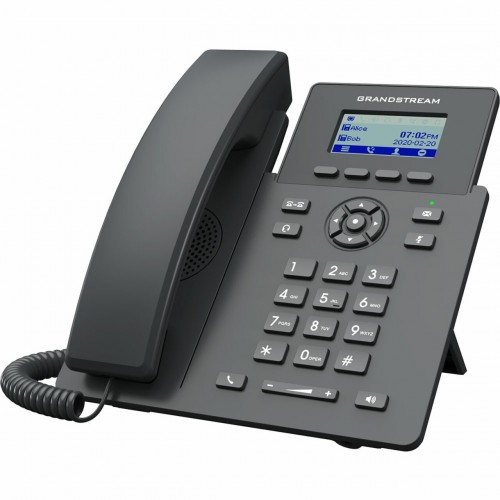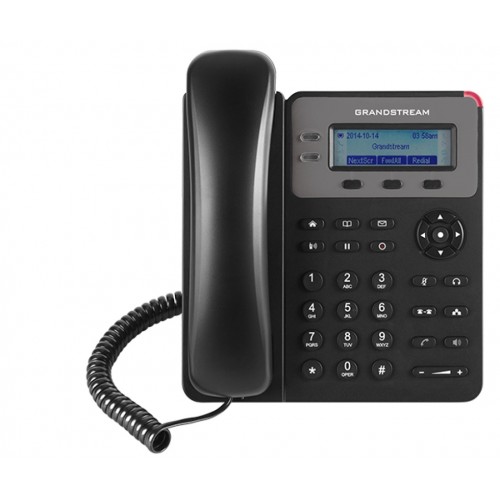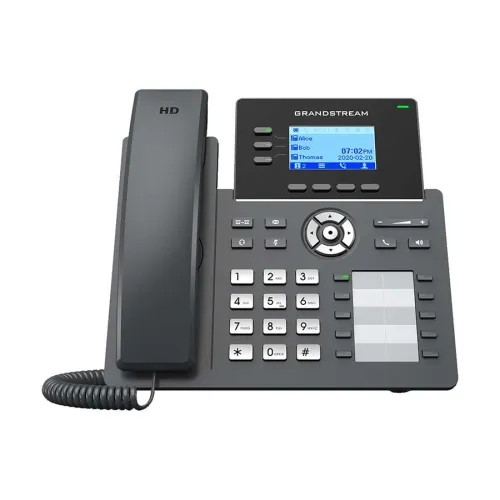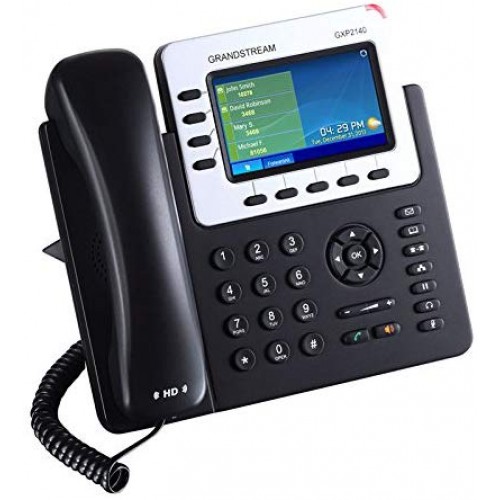
Grandstream GXP2140 Enterprise IP Phone
Exclusive of all taxes
Product Details
Key Features
Model: GXP2140
5 programmable
context-sensitive soft keys
5-Way Voice Conferencing
4 SIP accounts, 4 lines
Integrated PoE
Specification
| Display | ||
| Type | LCD | |
| Size | 4.3 Inch | |
| Resolution | 480x272 | |
| Physical Specification | ||
| Dimension | 9.8 x 13.2 x 4.2 in | |
| Weight | 2.16 lbs | |
| Network | ||
| Technology | SRTP & TLS | |
| Bluetooth | Integrated Bluetooth | |
Description
Grandstream GXP2140 Enterprise IP Phone
Grandstream GXP2140 IP Phone comes with 4 SIP accounts, supports 4 lines with 4.3 inch (480x272) color-screen LCD Display. In this IP Phone, users are served with the fastest possible connection speeds with dual Gigabit and PoE network ports. The GXP2140 is also compatible with GXP2200 LCD extension module (GXP2200 EXT). By using this IP Phone, you can enjoy crystal clear HD audio on speakerphone and handset. Utilize Integrated Bluetooth for use with Bluetooth headsets and Bluetooth-enabled mobile devices (transferring contact books and calls), USB, EHS for Plantronics headsets for getting the ultimate high-volume experience. Maximize your productivity with essential supported features such as 5-way conferencing. Together, these features make the GXP2140 an easy-to-use and effective Basic IP phone. It is also featured with state-of-the-art security encryption technology (SRTP and TLS). The GXP2140 supports a variety of automated provisioning options, including zero-configuration with Grandstream’s UCM series IP PBXs, encrypted XML files and TR-069, to make mass deployment extremely easy.
The Grandstream GXP2140 comes with 01 year of warranty.
How to Order
Revolution Technology BD has made shopping easier for customers. Follow these steps:
- Click Register Button from home page
- Register with: Name + Email + Mobile + Password
- Click Create Account after entering information
- Login automatically or use Login button
- Provide mobile number and password, then Sign Up
- Choose desired product and click Buy Now
- View product details and click Add to Cart
- Click Item box (upper right corner)
- Go to Shopping Cart page
- Continue Shopping for more products or proceed
- Click "Click Here to Address" button
- Provide Full Name, Phone, Email & Delivery Address
- Click Order Submit button
- View Bill Invoice and receive email confirmation
- Print Invoice using Print button
- Wait for delivery - we'll keep you updated
- Thank you for shopping with us!