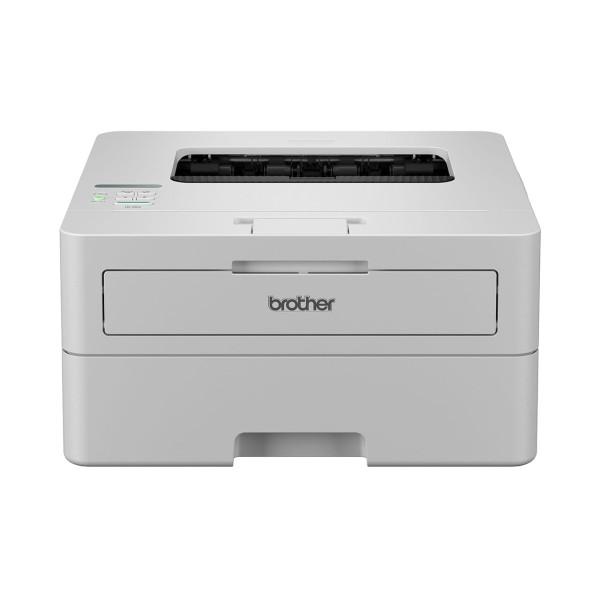
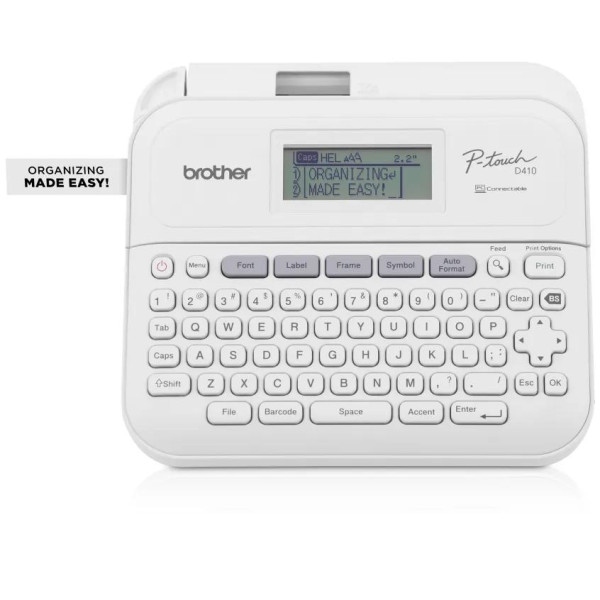
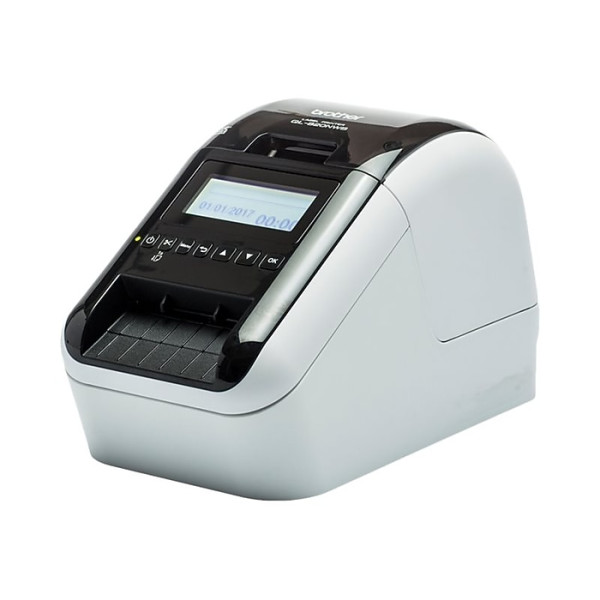
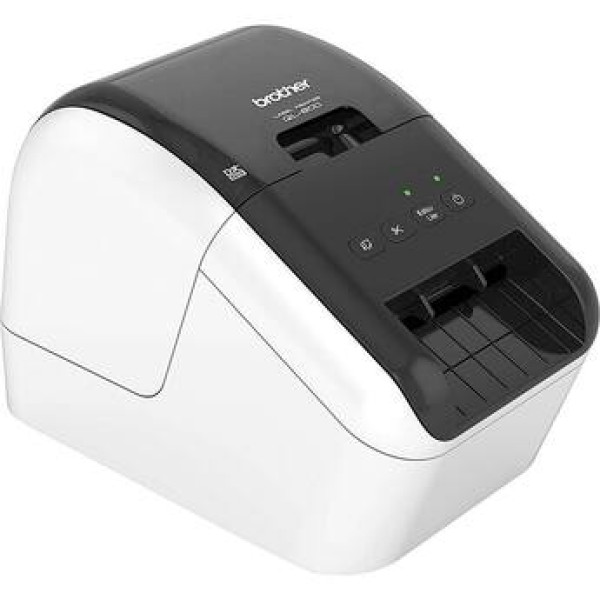
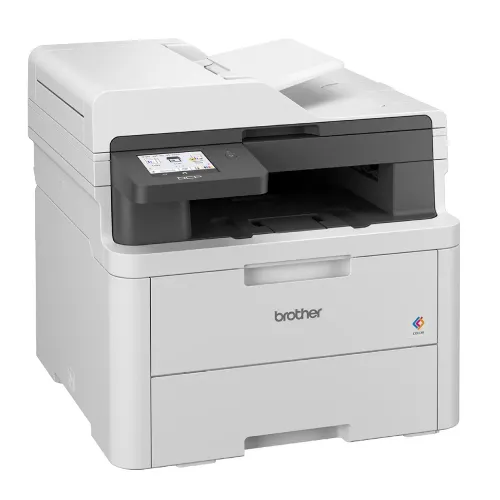
Brother HL-L2365DW Auto Duplex Mono Laser Printer with Wifi (30 PPM)
Exclusive of all taxes
Product Details
Key Features
Model:
Brother HL-L2365DW
Speed:
Up to 30/32 ppm (A4/LTR)
Resolution:
Up to 1,200 x 1,200 dpi
Duty
Cycle: 10,000 page, Automatic 2-sided Print
Wired,
Wireless & WiFi Direct
Specification
|
Functions |
Print Only |
|
|
Printer Type |
Single Function Mono Laser |
|
|
Output Color |
Black & White |
|
|
Technology |
Laser |
|
|
Print Speed |
A4 2-sided print speed: Up to 15 sides per
minute |
|
|
Print Resolution |
600 x 600dpi, HQ1200 (2400 x 600dpi) |
|
|
First Print Out Time |
Less than 8.5 seconds |
|
|
Duty Cycle up to (Yield) |
10,000 page |
|
|
Duplex |
Automatic |
|
|
Paper Size |
A4, Letter, A5, A5 (Long Edge), A6, Executive |
|
|
Paper Type |
Plain & recycled paper |
|
|
Paper Weight |
60 - 105 g/m2 |
|
|
Input Capacity |
250 Sheet Standard Paper |
|
|
Output Capacity |
100 Sheets face down |
|
|
Processor |
200MHz |
|
|
Memory |
32 MB |
|
|
Display |
16 characters x 1 line |
|
|
Connectivity |
LAN |
|
|
Power Consumption |
220 - 240 V AC 50/60 Hz, Printing: 537W or
less, Standby: 58W or less, Sleep: 5.4W or less, Deep Sleep: 0.5W or less |
|
|
Color |
Black |
|
|
Dimension |
356 x 183 x 360mm |
|
|
Weight |
6.9Kg |
|
|
Toner/ Cartridge/ Refill |
TN-2305 Toner (1200 pages) |
|
|
Software |
Windows 7, 8, 8.1, Vista, XP, Server 2008,
Server 2003, Server 2012, OS X 10.7.5, 10.8.x, 10.9.x |
|
|
Others |
Print wirelessly without having to go through
a wireless access point |
|
|
Warranty |
1-year Limited warranty, an Adapter/Power
Cable with no warranty |
Description
Brother HL-L2365DW Wireless Auto Duplex Laser Printer
- Up to 30ppm print speed
- Wired and wireless network ready
- Automatic 2-sided printing
- 250 sheet tray + 1 sheet manual feed
- Mobile and tablet printing
- 1,200 page in-box toner
How to Order
Revolution Technology BD has made shopping easier for customers. Follow these steps:
- Click Register Button from home page
- Register with: Name + Email + Mobile + Password
- Click Create Account after entering information
- Login automatically or use Login button
- Provide mobile number and password, then Sign Up
- Choose desired product and click Buy Now
- View product details and click Add to Cart
- Click Item box (upper right corner)
- Go to Shopping Cart page
- Continue Shopping for more products or proceed
- Click "Click Here to Address" button
- Provide Full Name, Phone, Email & Delivery Address
- Click Order Submit button
- View Bill Invoice and receive email confirmation
- Print Invoice using Print button
- Wait for delivery - we'll keep you updated
- Thank you for shopping with us!