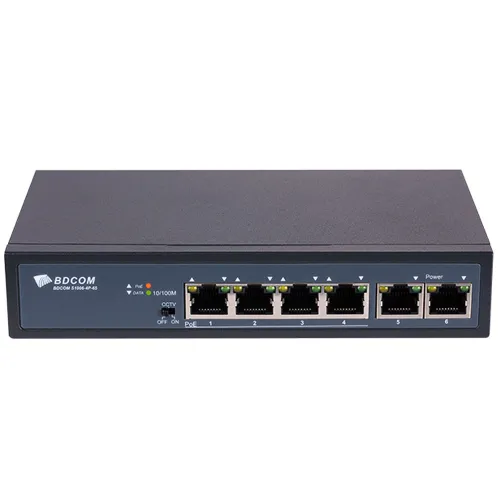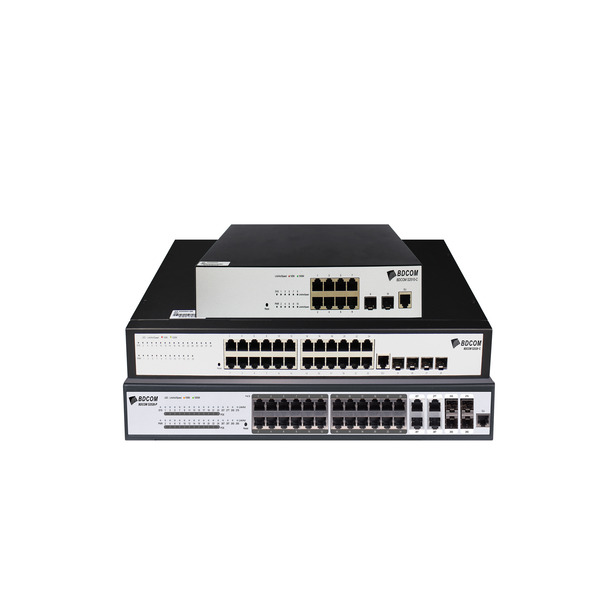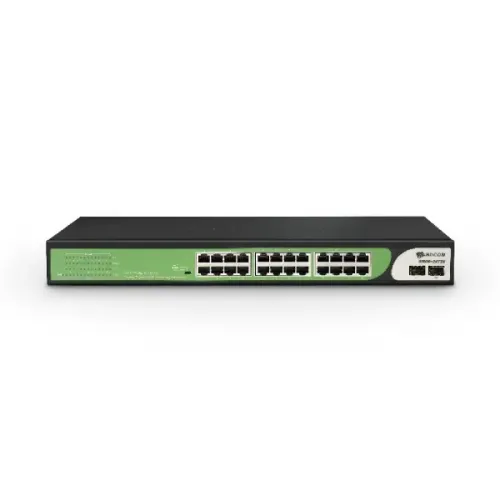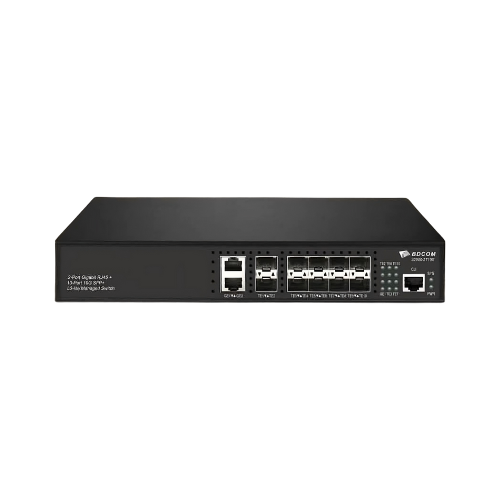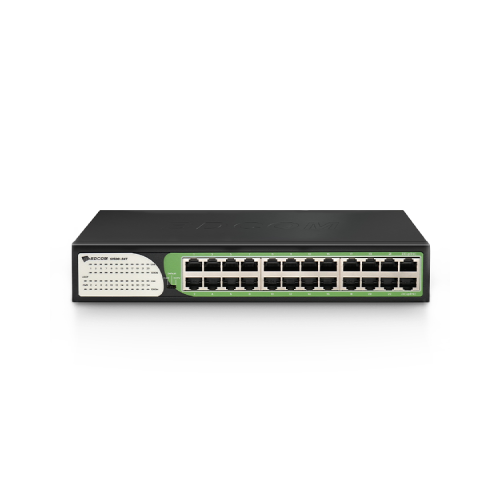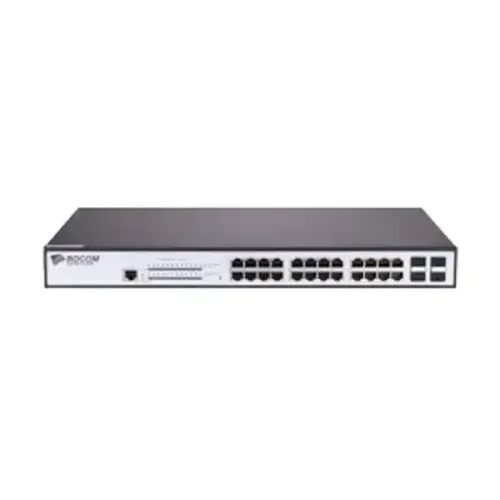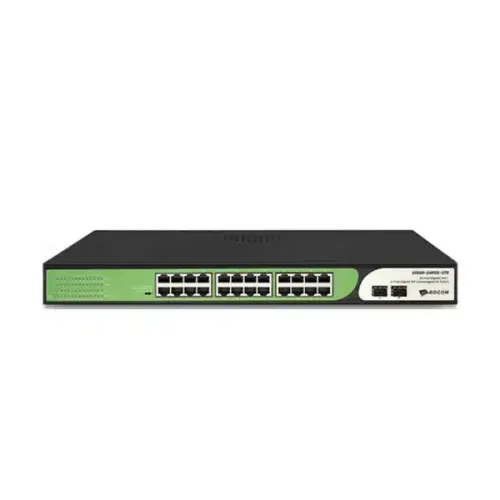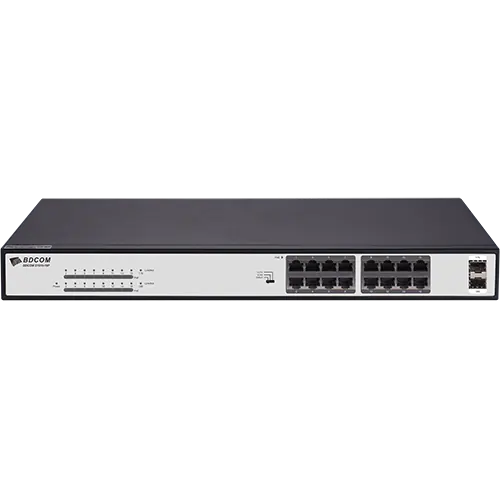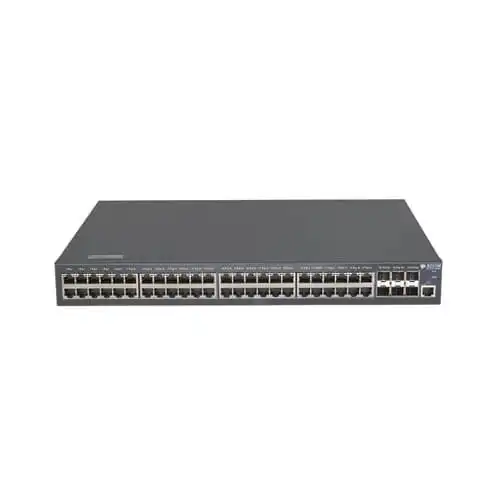
BDCOM S2900-48P6X 48-Port POE Gigabit Managed Switch
Contact us for pricing
Product Details
Key Features
Powerful Networking Solution: Delivers extensive network traffic control and optimization with Layer 3 Lite capabilities.
Ample Power Supply: Total PoE budget of 740W provides ample power to support and power connected devices such as IP cameras, VoIP phones, and other PoE-enabled equipment.
Fast Data Transfer: 48 ports enable data transfer speeds of 10/100/1000 Mbps with PoE+ functionality.
Flexible Expansion Options: 6 x 10 Gigabit Ethernet SFP+ ports and 1 Gigabit Ethernet SFP+ ports for fast data transmission and network expansion.
Reliable Cooling System: Dependable cooling fan to maintain ideal operating temperatures.
Power Choices: 370W AC and 740W DC POE power choices, making it a versatile and expandable solution for demanding network applications.
Suitable for Small and Medium-Sized Organizations: Tough and powerful 48-Port POE Gigabit Managed Switch designed to suit the networking demands of small and medium-sized organizations.
Layer 3 Lite Capabilities: Provides extensive network traffic control and optimization with Layer 3 Lite capabilities.
PoE+ Functionality: Ensures efficient power supply to connected devices with PoE+ functionality on 48 ports.
Type | Managed |
Port | 48 x 10/100/1000 (PoE+) + 6 x 10 Gigabit Ethernet / 1 Gigabit Ethernet SFP+ |
MAC Address Table | 16K entries |
Power Supply | AC 100-240/ DC 36-72 V |
Dimensions (L x W x H) | 17.3 x 11.8 x 1.7 in |
Weight | 11.46lbs |
Manufacture Warranty | 1 Year |
Description
BDCOM S2900-48P6X 48-Port POE Gigabit Managed Switch
Key Features & Benefits:
- Powerful Networking Solution: Delivers extensive network traffic control and optimization with Layer 3 Lite capabilities.
- Ample Power Supply: Total PoE budget of 740W provides ample power to support and power connected devices such as IP cameras, VoIP phones, and other PoE-enabled equipment.
- Fast Data Transfer: 48 ports enable data transfer speeds of 10/100/1000 Mbps with PoE+ functionality.
- Flexible Expansion Options: 6 x 10 Gigabit Ethernet SFP+ ports and 1 Gigabit Ethernet SFP+ ports for fast data transmission and network expansion.
- Reliable Cooling System: Dependable cooling fan to maintain ideal operating temperatures.
- Power Choices: 370W AC and 740W DC POE power choices, making it a versatile and expandable solution for demanding network applications.
- Suitable for Small and Medium-Sized Organizations: Tough and powerful 48-Port POE Gigabit Managed Switch designed to suit the networking demands of small and medium-sized organizations.
- Layer 3 Lite Capabilities: Provides extensive network traffic control and optimization with Layer 3 Lite capabilities.
- PoE+ Functionality: Ensures efficient power supply to connected devices with PoE+ functionality on 48 ports.
Ideal For:
- Small and medium-sized organizations
- Businesses with demanding network applications
- Users with IP cameras, VoIP phones, and other PoE-enabled equipment
- IT professionals seeking a powerful and flexible networking solution
- Users requiring fast data transfer speeds and network expansion options
- Organizations with multiple devices to power and connect
- Users in need of a reliable and expandable network solution
Summary:
The BDCOM S2900-48P6X is a powerful 48-Port POE Gigabit Managed Switch suitable for small and medium-sized organizations. It delivers extensive network traffic control and optimization with Layer 3 Lite capabilities. With a total PoE budget of 740W, it provides ample power to support and power connected devices. Available at Revolution Technology BD.
How to Order
Revolution Technology BD has made shopping easier for customers. Follow these steps:
- Click Register Button from home page
- Register with: Name + Email + Mobile + Password
- Click Create Account after entering information
- Login automatically or use Login button
- Provide mobile number and password, then Sign Up
- Choose desired product and click Buy Now
- View product details and click Add to Cart
- Click Item box (upper right corner)
- Go to Shopping Cart page
- Continue Shopping for more products or proceed
- Click "Click Here to Address" button
- Provide Full Name, Phone, Email & Delivery Address
- Click Order Submit button
- View Bill Invoice and receive email confirmation
- Print Invoice using Print button
- Wait for delivery - we'll keep you updated
- Thank you for shopping with us!