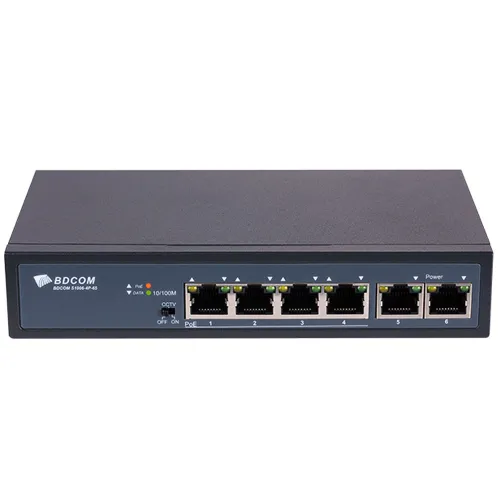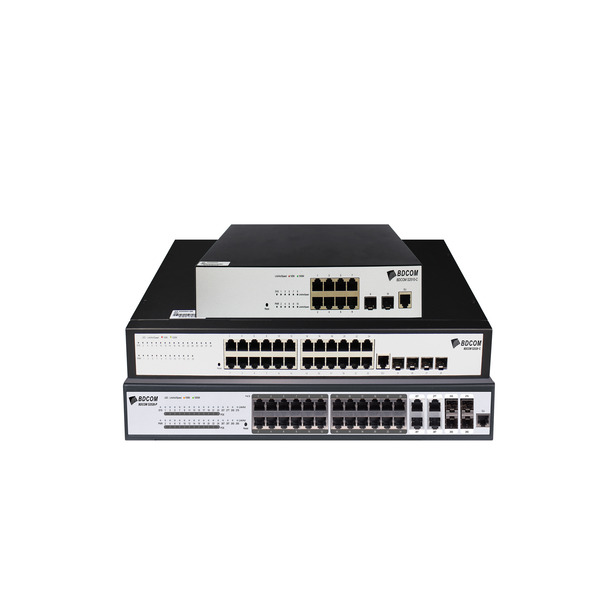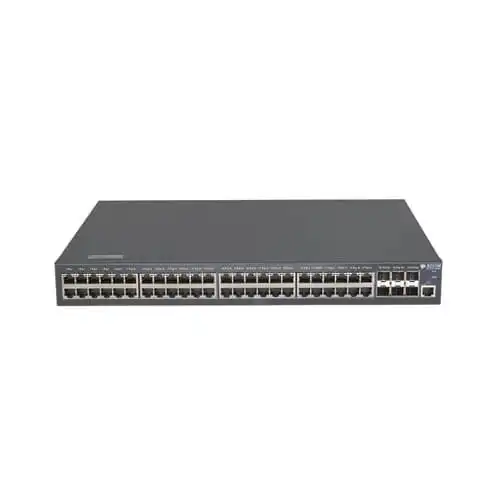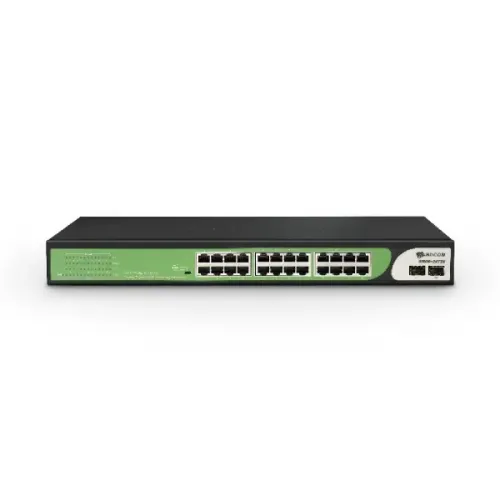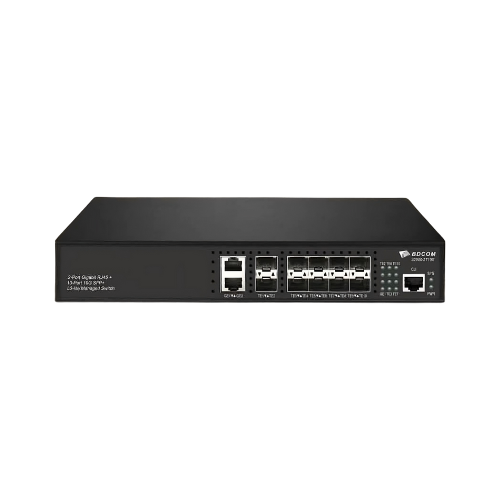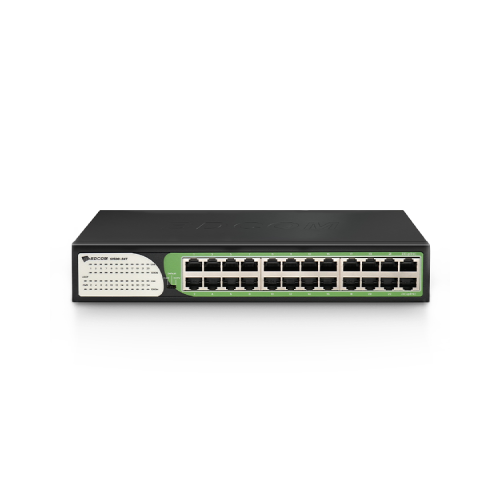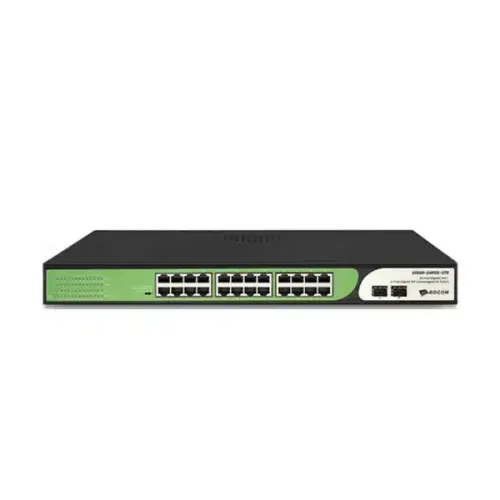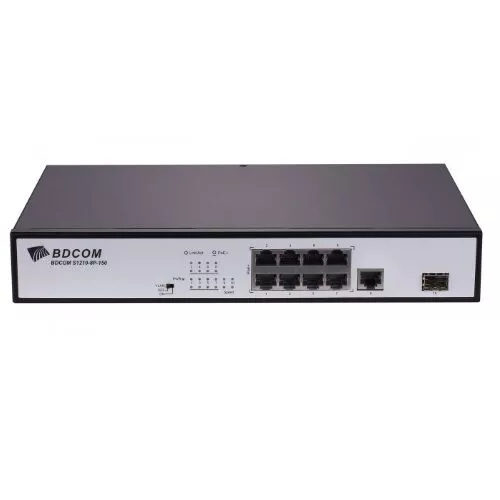
BDCOM S1210-8P 8 Ports 100M Unmanaged Switch
Exclusive of all taxes
Product Details
Key
Features
Model: S1210-8P
Uplink RJ45 1GE &
Uplink SFP 1GE
POE port 8FE. Port
cache 2M
MAC capacity 4K
Switching capacity
5.6G
Specification
|
Port |
POE port 8FE |
|
Environment |
Operating temperature/humidity: -10°C~50°C,10%-90%
non-condensing Storage temperature/humidity: -40°C~70°C,5%-95%
non-condensing |
|
Interface |
Uplink RJ45 1GE Uplink SFP 1GE |
|
Power Supply |
Built-in AC: 100~220V, 50Hz±10% |
|
Dimensions (L x W x
H) |
220×150×40mm |
|
Warranty |
1 Year |
Description
BDCOM S1210-8P 8 Ports 100M Unmanaged Switch
The BDCOM S1210-8P 8
Ports 100M Unmanaged Switch is a multifunctional PoE switch that provides power
and data transmission for up to 8 PoE-enabled devices. It also has 1 Gigabit
RJ45 port and 1 Gigabit SFP port for connecting to other network devices or
uplinking to a higher-level switch. The BDCOM S1210-8P Unmanaged Switch
supports IEEE 802.3af/at PoE standards, delivering up to 120W of total PoE
power and up to 30W per port. It also features a functional DIP switch that
allows you to choose between default mode or CCTV mode, which isolates the
ports from each other and extends the transmission distance up to 250 meters.
BDCOM S1210-8P Switch has a switching capacity of 5.6G and a MAC address table
of 4K, ensuring smooth network performance and scalability. It has a metal
casing for durability and heat dissipation. BDCOM S1210-8P Switch also has a
6KV thunder proof protection that prevents damage from lightning surges. The
switch is easy to install and use, requiring no configuration or software. The
BDCOM S1210-8P 8 Ports 100M Unmanaged Switch is an ideal solution for PoE
applications that require high performance and low cost.
How to Order
Revolution Technology BD has made shopping easier for customers. Follow these steps:
- Click Register Button from home page
- Register with: Name + Email + Mobile + Password
- Click Create Account after entering information
- Login automatically or use Login button
- Provide mobile number and password, then Sign Up
- Choose desired product and click Buy Now
- View product details and click Add to Cart
- Click Item box (upper right corner)
- Go to Shopping Cart page
- Continue Shopping for more products or proceed
- Click "Click Here to Address" button
- Provide Full Name, Phone, Email & Delivery Address
- Click Order Submit button
- View Bill Invoice and receive email confirmation
- Print Invoice using Print button
- Wait for delivery - we'll keep you updated
- Thank you for shopping with us!