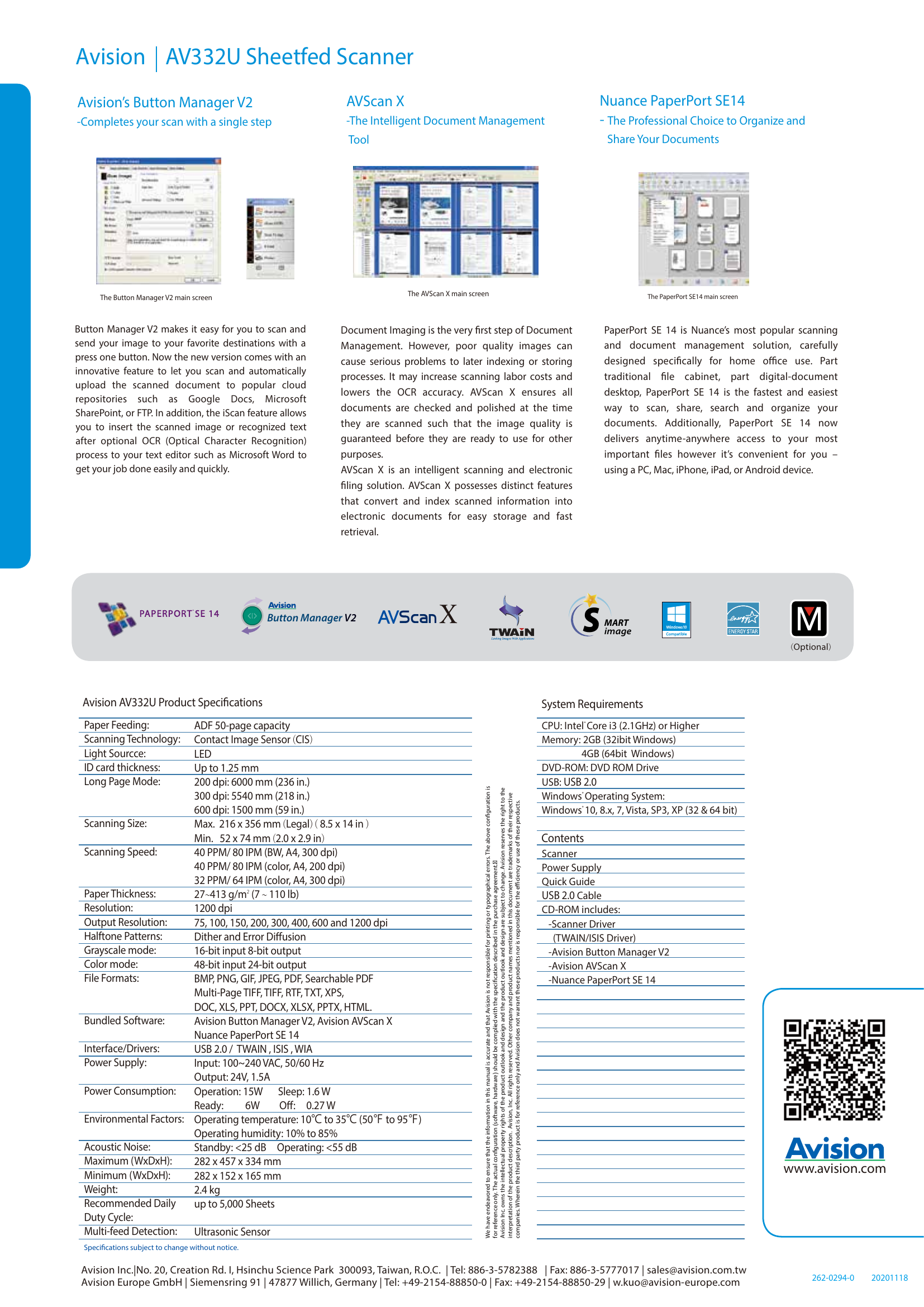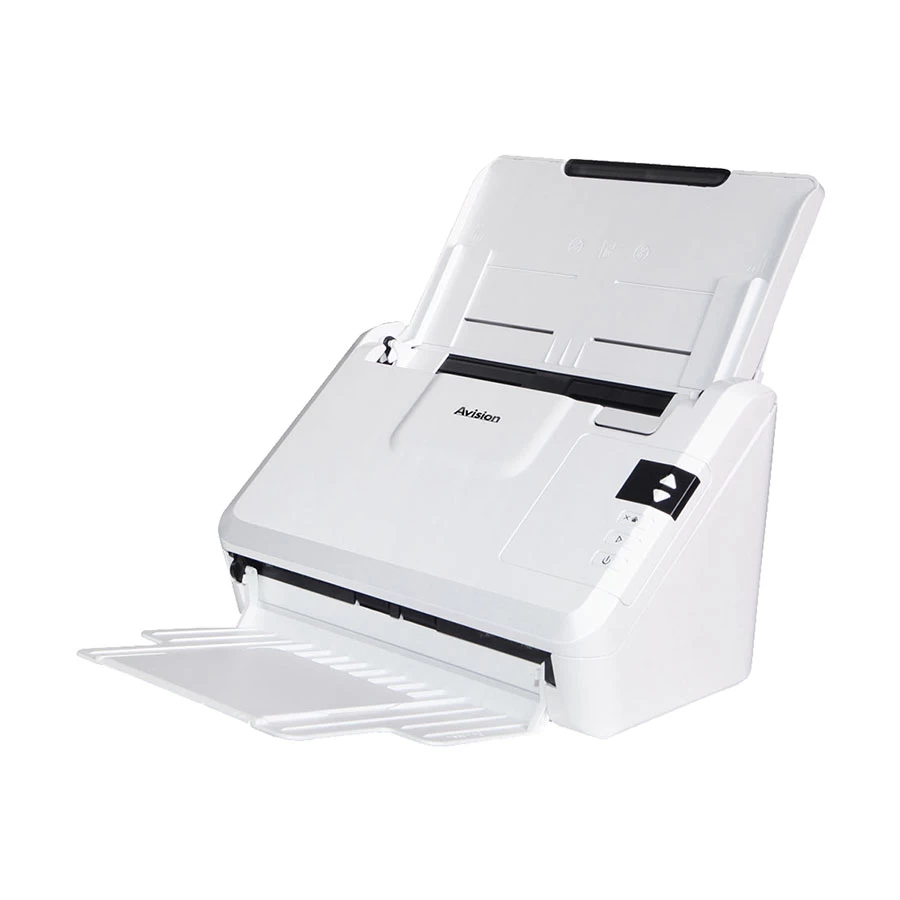
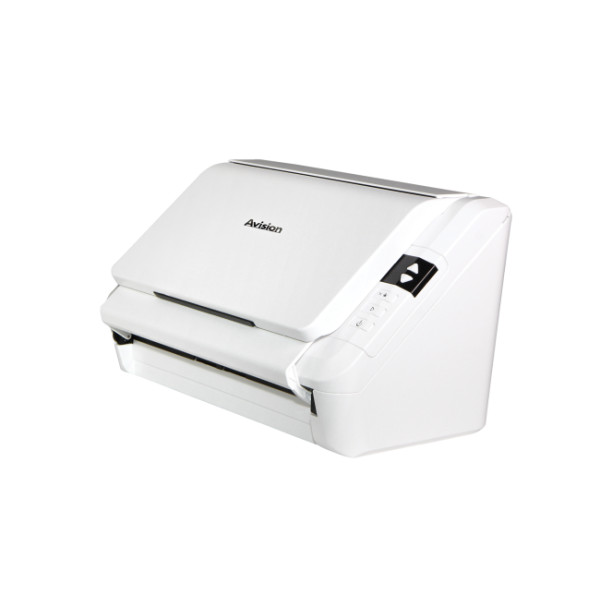
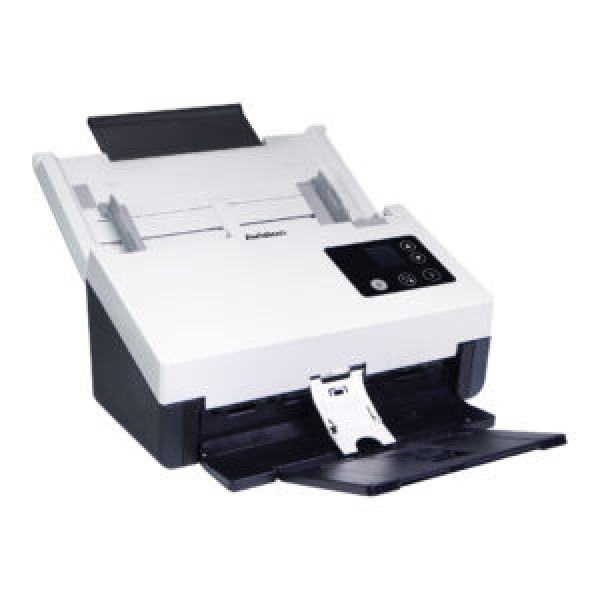
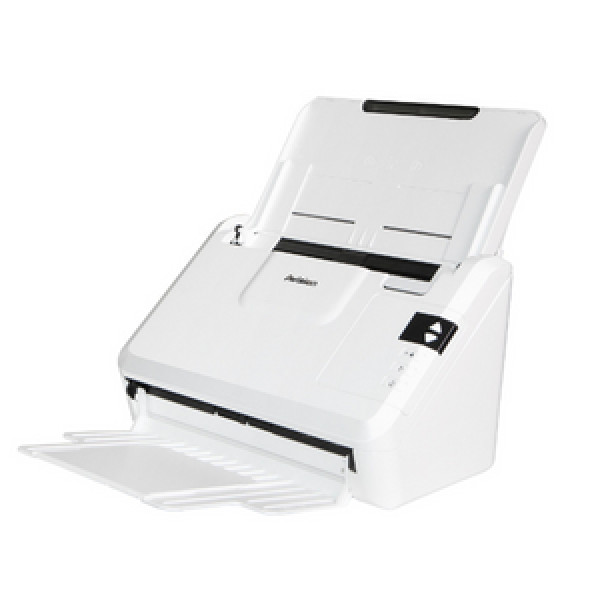
Avision AV332U Flatbed and Sheet Fed Color Duplex Document Scanner with ADF Scanner
Contact us for pricing
Product Details
Key Features
Fast Scanning: Scan up to 40 pages per minute in black and white, and 40 pages per minute in color.
High Resolution: Scan with a resolution of 600 dpi for crisp and clear images.
Legal Scan Size: Scan documents up to legal size.
Sheetfed and Flatbed Scanning: Scan documents using the sheetfed or flatbed scanner.
Contact Image Sensor (CIS) Technology: Use Contact Image Sensor (CIS) technology for high-quality scanning.
ADF and Duplex Scan: Use the Automatic Document Feeder (ADF) and duplex scan feature to scan multiple pages quickly and easily.
TWAIN and ISIS Scan Drivers: Use TWAIN and ISIS scan drivers for compatibility with a wide range of software.
LED Light Source: Use an LED light source for energy efficiency and a long lifespan.
USB 2.0 Interface: Connect to a computer using a USB 2.0 interface.
128MB Memory: Store scanned documents in 128MB of memory.
5000 Page Daily Duty Cycle: Scan up to 5000 pages per day for heavy use.
White Color: The Avision AV332U has a sleek white design.
Compact Dimensions: The scanner has compact dimensions of 282 x 457 x 334mm.
Brand | Avision |
Model | Avision AV332U |
Type | Sheetfed & Flatbed Scanner |
Scan Technology | Contact Image Sensor (CIS) |
Scanning Speed (B & W) | 40ppm/ 80ipm |
Scanning Speed (Color) | 40ppm/ 80ipm |
Resolution | 600 dpi |
Scan Size Max. | Legal |
Scan Drivers Included | TWAIN , ISIS |
Duplex Scan | Yes |
ADF | Yes |
Sheet Capacity (ADF) | 50 Sheets |
Max. Scan Paper Size ADF | 216 x 356mm |
Paper Weight | 27g - 413 g/m |
Light Source Type | LED |
Interface (Built-in) | USB |
USB Type | USB 2.0 |
Memory | 128MB |
Duty Cycle (Daily) | 5000 Pages |
Color | White |
Dimensions | 282 x 457 x 334mm |
Weight (Kg) | 2.5 Kg |
Warranty Details | 1 year |
Description
Avision AV332U Flatbed and Sheet Fed Color Duplex Document Scanner with ADF Scanner
Key Features & Benefits:
- Fast Scanning: Scan up to 40 pages per minute in black and white, and 40 pages per minute in color.
- High Resolution: Scan with a resolution of 600 dpi for crisp and clear images.
- Legal Scan Size: Scan documents up to legal size.
- Sheetfed and Flatbed Scanning: Scan documents using the sheetfed or flatbed scanner.
- Contact Image Sensor (CIS) Technology: Use Contact Image Sensor (CIS) technology for high-quality scanning.
- ADF and Duplex Scan: Use the Automatic Document Feeder (ADF) and duplex scan feature to scan multiple pages quickly and easily.
- TWAIN and ISIS Scan Drivers: Use TWAIN and ISIS scan drivers for compatibility with a wide range of software.
- LED Light Source: Use an LED light source for energy efficiency and a long lifespan.
- USB 2.0 Interface: Connect to a computer using a USB 2.0 interface.
- 128MB Memory: Store scanned documents in 128MB of memory.
- 5000 Page Daily Duty Cycle: Scan up to 5000 pages per day for heavy use.
- White Color: The Avision AV332U has a sleek white design.
- Compact Dimensions: The scanner has compact dimensions of 282 x 457 x 334mm.
Ideal For:
- Small and medium-sized businesses
- Home offices
- Students and researchers
- Professionals who need to scan documents quickly and easily
- Businesses that need to digitize paper documents
- Individuals who need to scan large documents
- Companies that require high-quality scanning
Summary:
The Avision AV332U is a high-quality document scanner designed for small and medium-sized businesses, home offices, and individuals. It features fast scanning, high resolution, and a compact design. With its sheetfed and flatbed scanning capabilities, automatic document feeder, and duplex scan feature, this scanner is perfect for those who need to scan multiple pages quickly and easily. The Avision AV332U is available at Revolution Technology BD.
How to Order
Revolution Technology BD has made shopping easier for customers. Follow these steps:
- Click Register Button from home page
- Register with: Name + Email + Mobile + Password
- Click Create Account after entering information
- Login automatically or use Login button
- Provide mobile number and password, then Sign Up
- Choose desired product and click Buy Now
- View product details and click Add to Cart
- Click Item box (upper right corner)
- Go to Shopping Cart page
- Continue Shopping for more products or proceed
- Click "Click Here to Address" button
- Provide Full Name, Phone, Email & Delivery Address
- Click Order Submit button
- View Bill Invoice and receive email confirmation
- Print Invoice using Print button
- Wait for delivery - we'll keep you updated
- Thank you for shopping with us!