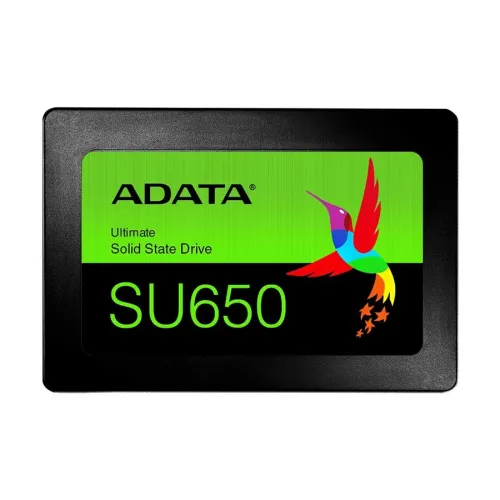
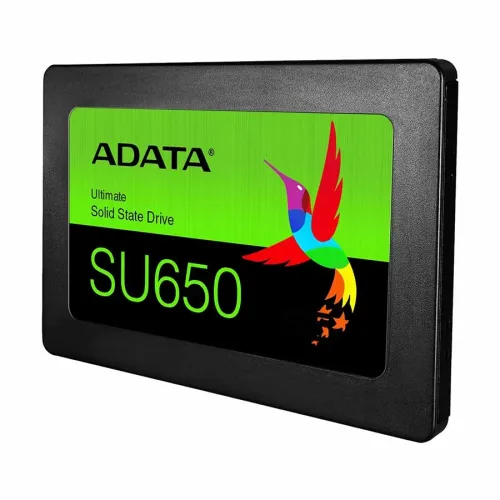
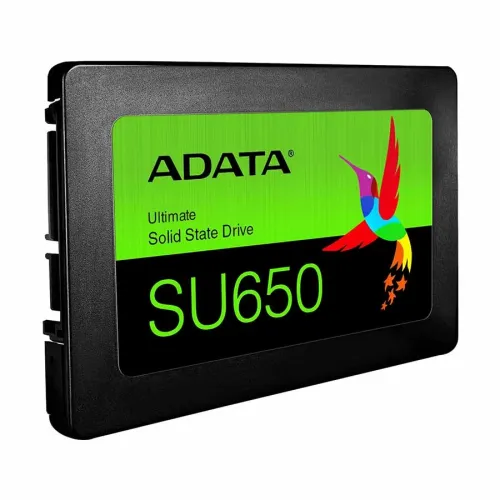
ADATA SU650 512GB 2.5" SATA SSD
Exclusive of all taxes
Product Details
Key Features
Model: SU650
Capacity: 512GB
Form Factor: 2.5"
Technology: 3D NAND Flash
Interface: SATA 6Gb/s
Specification
|
Capacity |
512GB |
|
Form Factor |
2.5 Inch |
|
Flash Type |
3D NAND Flash |
|
Interface |
SATA 6Gb/s |
|
Sequential Read Speed |
Up to 520 MB/s |
|
Sequential Write Speed |
Up to 450 MB/s |
|
MTBF |
2,000,000 hours |
|
TBW |
600TB |
|
Dimensions (L x W x H) |
100.45 x 69.85 x 7 mm |
|
Weight |
59.5 g |
|
Operating Temperature |
0°C to 70°C |
|
Storage Temperature |
-40°C to 85°C |
|
Shock Resistance |
1500G/0.5ms |
|
Warranty |
3 years |
Description
Adata SU650 512GB 2.5" SATA SSD
The Adata SU650 512GB 2.5" SSD is a solid storage choice that flawlessly balances performance and capacity. This SSD contains 512GB of storage space, which is sufficient for operating systems, programs, and frequently used data. Because of its 2.5" size factor, it is compatible with a broad range of laptops, desktops, and other devices, making it a versatile solution for a variety of computer applications. The groundbreaking 3D NAND Flash technology used in the SU650 delivers not just increased storage density but also quicker read and write rates. As a result, boot times are faster, program loading times are faster, and the computing experience is more responsive overall. The use of 3D NAND Flash enhances the drive's endurance and longevity, making it a trustworthy alternative. The SATA 6Gb/s interface improves disk performance by guaranteeing quick and efficient data transfer between the SSD and the host system. Because this interface is backward compatible, the Adata SU650 is suited for a broad range of systems, even older ones that may lack the most up-to-date hardware specs. The Adata SU650 512GB SSD provides a low-cost alternative without sacrificing speed. Its large capacity, 3D NAND technology, and SATA 6Gb/s interface make it an appealing option for those looking for a dependable and effective storage update for their computer equipment.
How to Order
Revolution Technology BD has made shopping easier for customers. Follow these steps:
- Click Register Button from home page
- Register with: Name + Email + Mobile + Password
- Click Create Account after entering information
- Login automatically or use Login button
- Provide mobile number and password, then Sign Up
- Choose desired product and click Buy Now
- View product details and click Add to Cart
- Click Item box (upper right corner)
- Go to Shopping Cart page
- Continue Shopping for more products or proceed
- Click "Click Here to Address" button
- Provide Full Name, Phone, Email & Delivery Address
- Click Order Submit button
- View Bill Invoice and receive email confirmation
- Print Invoice using Print button
- Wait for delivery - we'll keep you updated
- Thank you for shopping with us!