

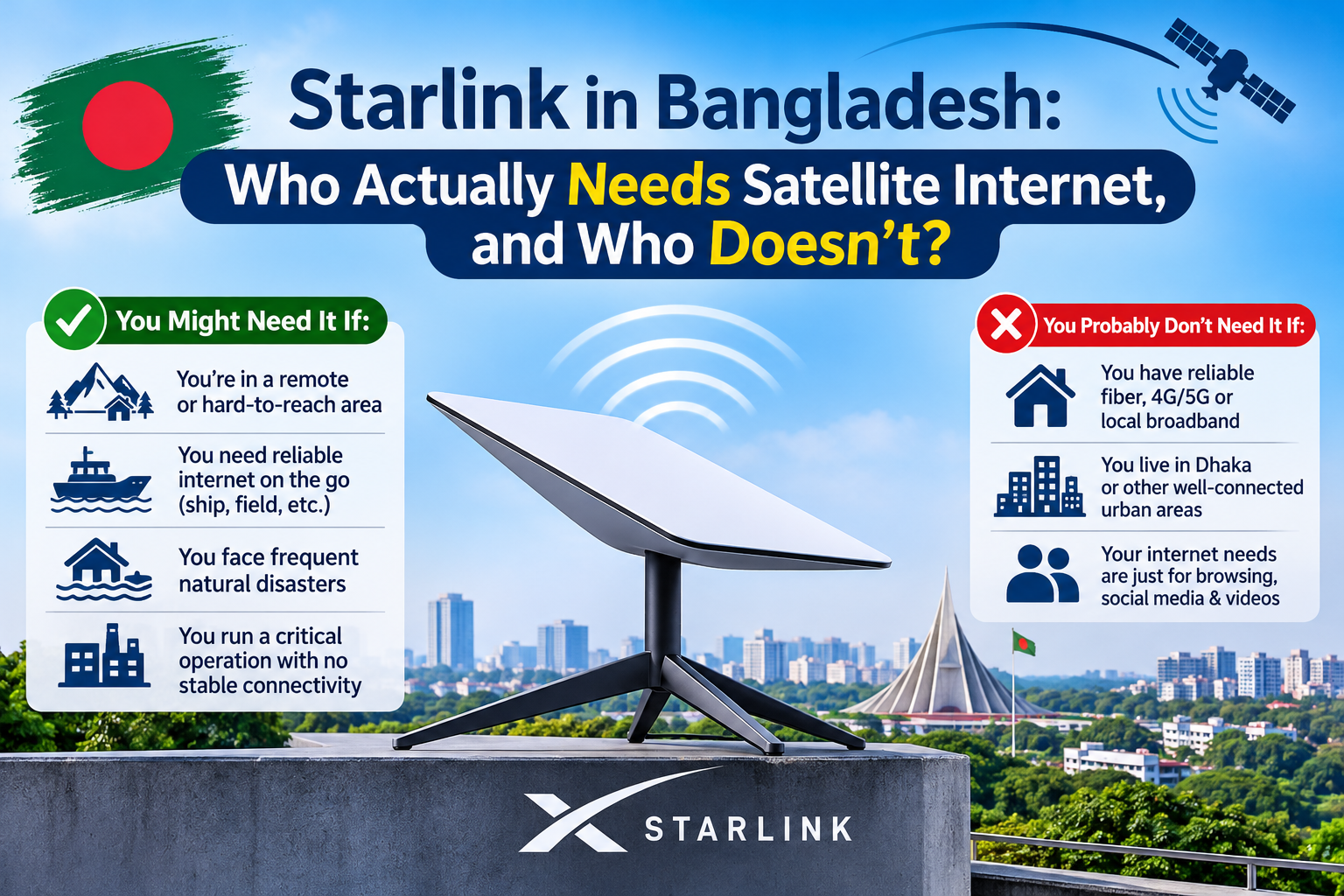
Instead of listing features, let’s walk through three typical customers and give each an honest verdict.
Three Customers, Three Verdicts
Customer 1: The remote site
A solar installer, a construction firm, or a field office, working in an area where fibre doesn’t reach and mobile data is unreliable.
For this customer, the problem is simple: there is no good alternative. Satellite internet is built for exactly this situation, and experts say Starlink’s real market in Bangladesh is remote areas that broadband doesn’t reach. technosports
Verdict: Yes, as the primary connection.
Customer 2: The Dhaka office with fibre
A business in a commercial area with a working fibre line and a reasonable internet bill.
Starlink won’t replace their fibre, and it shouldn’t. Local broadband is far cheaper than satellite. Home broadband in Bangladesh can start at around Tk 400 for 5 Mbps, while Starlink’s home plans cost up to ten times more. But this office has a different risk: one fibre line is a single point of failure. One cable cut, one provider outage, and the whole office is offline. technosports
Verdict: Not as the main line. Yes, as a backup. A second, independent connection that works when the first one fails is worth far more than a faster main line.
Customer 3: The school or community project
A school, clinic, or NGO field office in a hard-to-reach location.
This is where satellite changes things. Bangladesh Satellite Company reported connecting 12 schools across three hill tract districts, with plans to expand to more than 150. Where the alternative is no connection at all, the price looks very different. thedailystar
Verdict: Yes, and it can be transformative.
Bonus customer: the freelancer at home in Dhaka
A freelancer with decent local broadband gets little from Starlink, and pays a lot. That price gap is a big reason Starlink had only 3,469 subscribers in Bangladesh as of January 2026, according to BTRC data. By May 2026 the figure was about 5,389, most of them corporate users. The pattern is clear: businesses and remote locations use it, ordinary city households mostly don’t. thedailystartechnosports
Verdict: Probably not, unless you live where broadband can’t reach.
The 60-Second Decision Test
Answer these five questions:
- Is your location outside reliable fibre or mobile coverage?
- Would an internet outage of a few hours cost your business real money?
- Do you run critical systems that need a connection (POS, CCTV, VPN, payments)?
- Do you have a clear view of the sky at your site?
- Can you give the dish uninterrupted power?
| Your answers | Recommendation |
|---|---|
| “Yes” to question 1 | Starlink as your primary connection |
| “No” to 1, “Yes” to 2 or 3 | Starlink as a backup link behind your fibre |
| “No” to 1, 2 and 3 | You probably don’t need it |
| “No” to question 4 or 5 | Fix the site first (mounting, power), then decide |
If You Use It as a Backup: How Failover Really Works
A backup link only helps if the switch happens automatically. This is the part most people get wrong, so here is what actually has to happen.
1. A firewall or router with two WAN ports. One port connects to your main provider, the other to Starlink. Good business firewalls support this “dual WAN” setup natively.
2. Health checks, not just cable detection. A cable can be plugged in while the internet beyond it is down. The firewall should probe a few reliable addresses, such as a public DNS server, and decide the link is bad only when several probes fail in a row.
3. A switch of the default route. When the main link is judged down, traffic moves to the second link. Expect existing connections to drop and reconnect, which is normally a few seconds to a minute depending on your settings.
4. Failback. When the main line returns, the firewall should move back after it has been stable for a while, so you don’t bounce between links.
5. A test. Unplug the main line on a quiet afternoon and confirm that email, VPN, and your POS system still work. A failover you have never tested is a hope, not a plan.
Four Technical Gotchas Before You Buy
Sky view. The dish needs a clear view of the sky. Trees, tall buildings, and water tanks can cause drops. Choose the mounting location before you order.
Public IP and remote access. Many satellite plans place customers behind carrier-grade NAT, which means you may not get a public IP address of your own. That can break inbound services like remote CCTV viewing, port-forwarded servers, or a VPN gateway. Ask whether your plan includes a public or static IP, and if it doesn’t, plan to use outbound tunnels or a cloud relay.
Shared capacity. Starlink advertises unlimited data at speeds up to 300 Mbps, but if the connection is shared by many people the speed will drop. Size your expectations to how many users and devices will share it. tbsnews
Wi-Fi inside the building. The dish’s internet is only as good as the Wi-Fi you spread it with. For an office, connect it to a proper router or firewall and a set of access points, not just the default Wi-Fi.
Keep It Running When the Power Goes Out
A satellite link doesn’t help if the dish loses power during load-shedding. The simple fix is to put the dish, the router, and the firewall on a UPS or a portable power station, and to check the dish’s power draw on its spec sheet so you can size the battery for the runtime you need. For remote sites, pairing the setup with solar and a lithium battery gives you a connection that doesn’t depend on the grid at all.
Questions We Hear
“Is Starlink faster than my fibre?”
Usually not. Good fibre generally gives lower latency and a much lower price. Starlink’s strength is reach and independence, not beating fibre in the city.
“Can I just buy it and plug it in?”
For a basic home setup, mostly yes. For a business using it as a backup, the firewall configuration, power protection, and testing are what make it reliable.
“Is it officially available in Bangladesh?”
Yes. Starlink launched its commercial service in Bangladesh in May 2025. The service is distributed through authorised resellers, with Robi Axiata, Felicity IDC, and Bangladesh Satellite Company named in BTRC documents. bdnews24thedailystar
“What will it cost me?”
Home plans launched at Tk 4,200 and Tk 6,000 a month, and the dish itself is a significant one-time cost. Plans and prices change, so ask us for a current quotation.
The Bottom Line
Starlink is not for everyone, and that is the honest answer. It’s excellent where no alternative exists, and it’s a smart second line for a business that can’t afford to go offline. For a city office with working fibre and no backup, the better investment may be a second connection, a dual-WAN firewall, and power protection, with Starlink as one option for the second link.
Talk to Revolution Technology BD
Tell us where your site is, how many people use the connection, and what stops working when it goes down. We’ll tell you whether satellite is the right answer, and design the failover, firewall, and power around it.
- Starlink:
https://revolutiontech.com.bd/products/thirdCategory/851 - Starlink Accessories:
https://revolutiontech.com.bd/products/thirdCategory/852 - Firewall:
https://revolutiontech.com.bd/products/thirdCategory/390 - Router:
https://revolutiontech.com.bd/products/thirdCategory/381 - Portable Power Station:
https://revolutiontech.com.bd/products/subCategory/380 - Lithium UPS:
https://revolutiontech.com.bd/products/subCategory/321 - Network Monitoring Solution:
https://revolutiontech.com.bd/products/thirdCategory/615 - Firewall Implementation Service:
https://revolutiontech.com.bd/services/details/implementation-installation-firewall