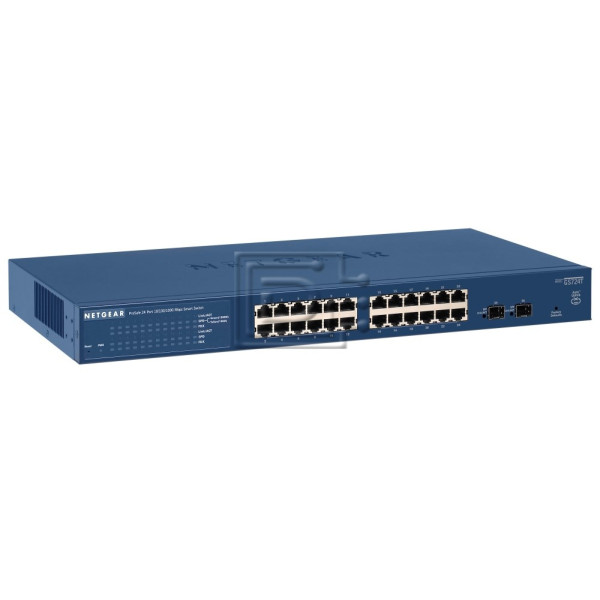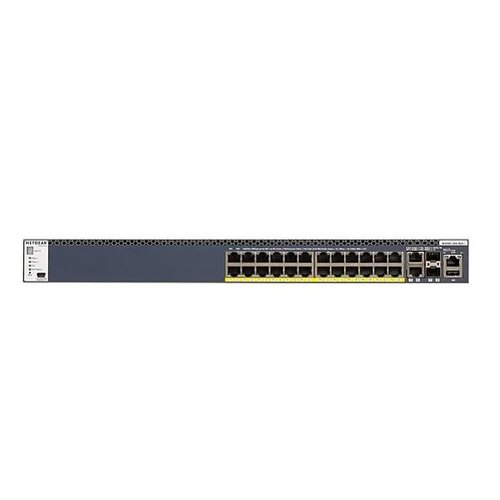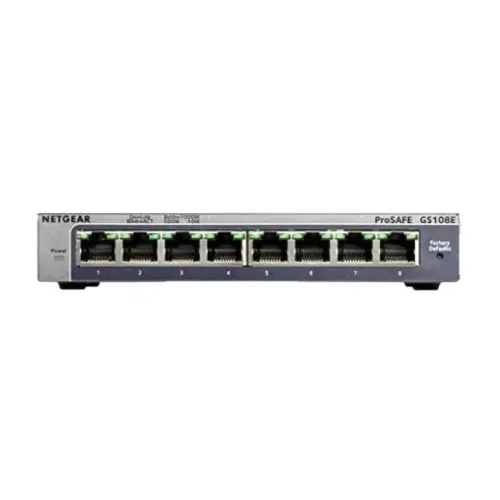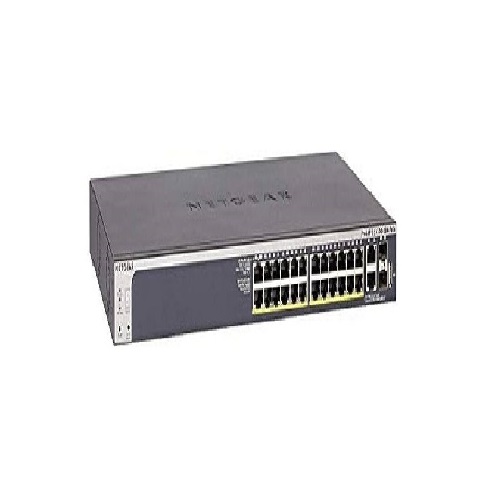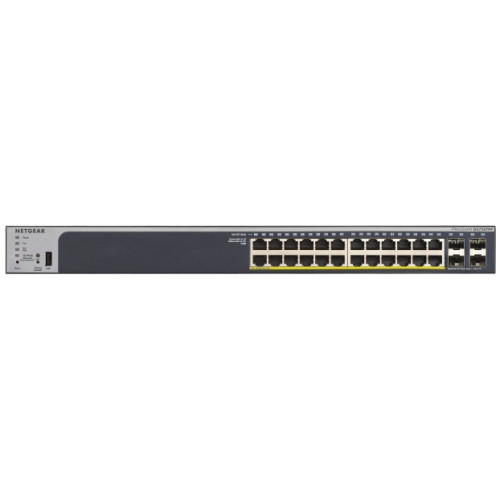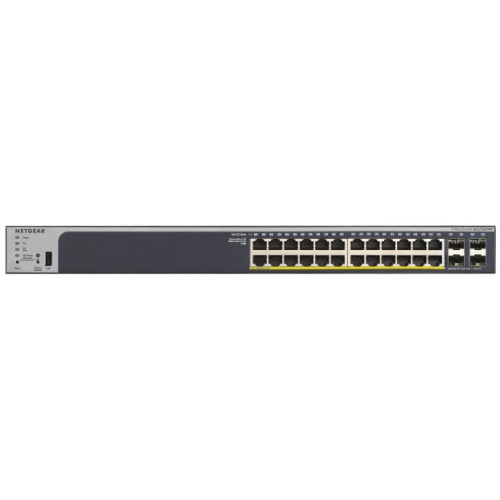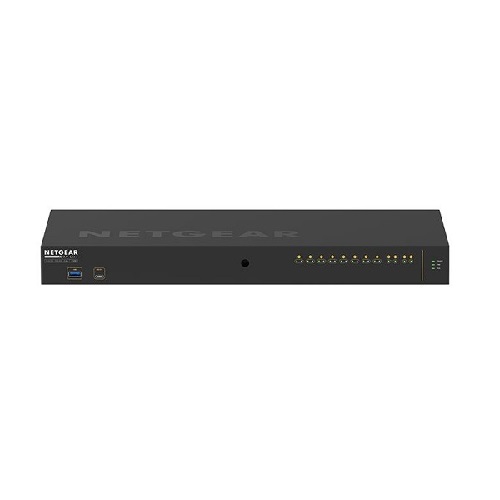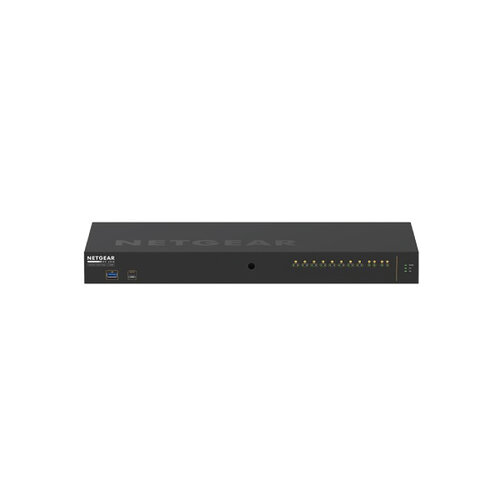
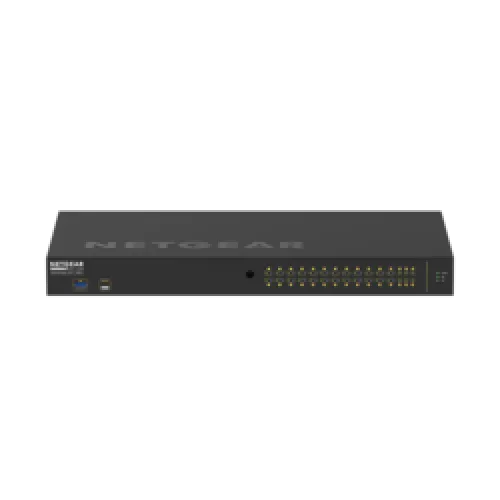
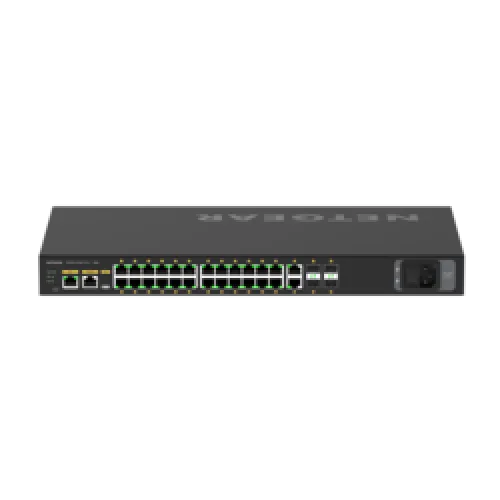
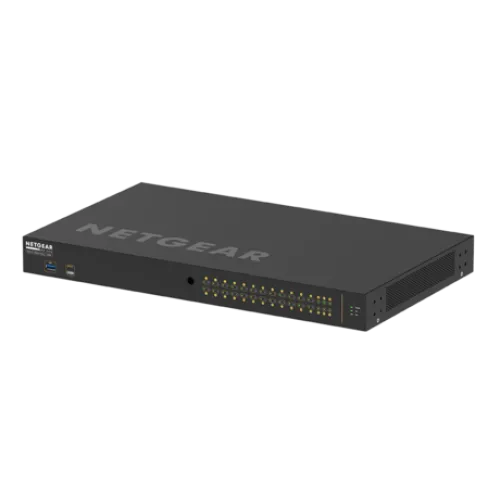
Netgear GSM4230P M4250-26G4F-PoE+ 30 Port Managed AV Line Rackmount Switch
Contact us for pricing
Product Details
Key Features
Model: M4250-26G4F-PoE+
Primary Port Speed: 1 Gigabit
Number of Ports: 30 (24x 1G
PoE+, 2x 1G, 4x SFP)
PoE Ports: 24 PoE+ (30W/port),
300W Budget
IGMP Support: Enhanced
(NETGEAR IGMP Plus)
Specification
|
Ports |
24 |
|
Data Transmission
Rate |
10/100/1000 Mbps |
|
MAC Address Table |
8k |
|
Environment |
0 to 45 Degree C (32 – 113 Degree F) |
|
Hardware Features |
|
|
Power Supply |
AC 120/230 V (50/60 Hz) |
|
Dimensions (L x W x
H) |
Height 257 mm Width 440 mm Depth 43.2 mm |
|
Weight |
4.3 Kg |
|
Manufacture
Warranty |
|
|
Warranty |
Lifetime warranty |
Description
NETGEAR M4250-26G4F-PoE+ (GSM4230P) AV Line 24-Port Managed
Network Switch
The NETGEAR M4250-26G4F-PoE+
(GSM4230P) AV Line 24-Port Managed Network Switch Compliant Managed Network
Switch from Netgear was created with input from professionals in the field and
is designed for 1G AV over IP. Get 24 rear-facing PoE+ compliant RJ45 ports
with a 300W power budget, four Gigabit SFP uplink slots, clean AV rack
integration, and pre-configured functionality right out of the box. A special
interface with color-coded, port-based profiles was created for AV
professionals. Reversed mounting may be used, with ports on the front and
recessed mounting to safeguard cables. Static, RIP and PIM routing, DHCP
Server, and PTPv2 are among the features offered.
Built-In Video Profiles
NETGEAR M4250-26G4F-PoE+
(GSM4230P) AV Line 24-Port Managed Network Switch is simple to assign unique
profiles for NVX, SVSI, Q-SYS, and Dante video profiles to ports as needed.
How to Order
Revolution Technology BD has made shopping easier for customers. Follow these steps:
- Click Register Button from home page
- Register with: Name + Email + Mobile + Password
- Click Create Account after entering information
- Login automatically or use Login button
- Provide mobile number and password, then Sign Up
- Choose desired product and click Buy Now
- View product details and click Add to Cart
- Click Item box (upper right corner)
- Go to Shopping Cart page
- Continue Shopping for more products or proceed
- Click "Click Here to Address" button
- Provide Full Name, Phone, Email & Delivery Address
- Click Order Submit button
- View Bill Invoice and receive email confirmation
- Print Invoice using Print button
- Wait for delivery - we'll keep you updated
- Thank you for shopping with us!