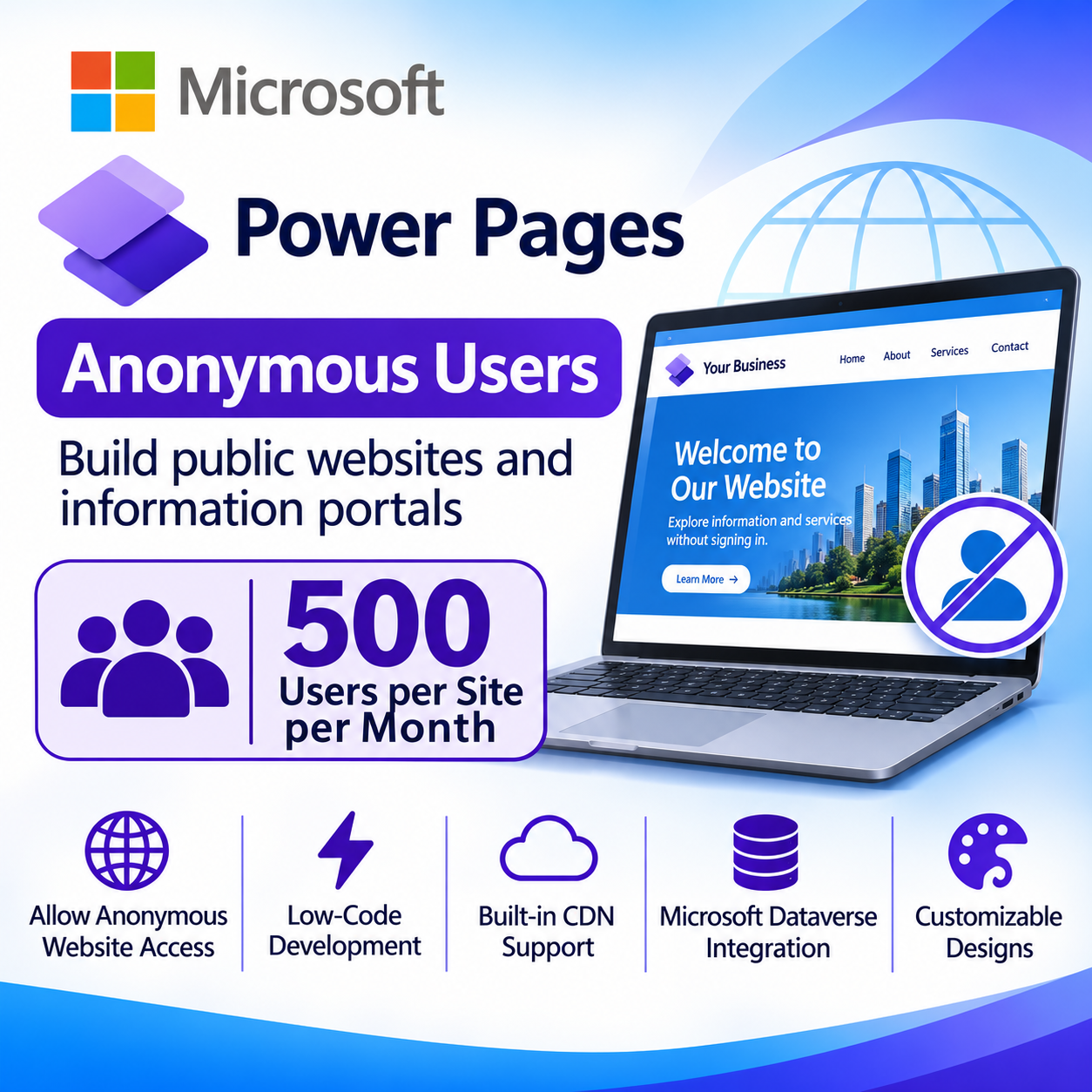

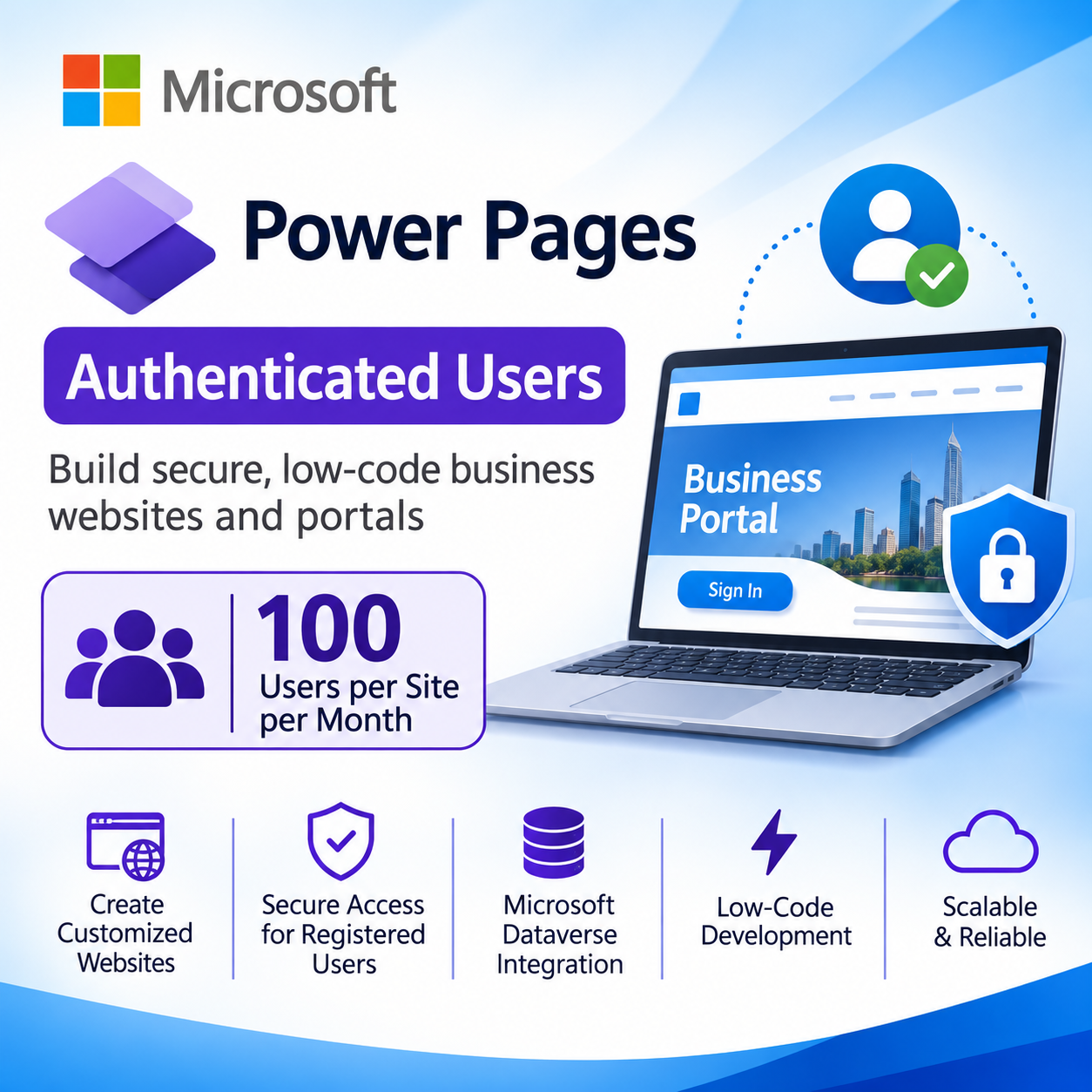
Microsoft Power Pages Authenticated Users – 100 Users/Site/Month
Contact us for pricing
Product Details
Key Features
Authenticated Access: Provides secure, sign‑in required access for up to 100 authenticated users per website each month.
Built‑in CDN: Includes a content delivery network to accelerate page load times for all visitors.
Dataverse Storage: Offers 2 GB of Microsoft Dataverse database capacity and 16 GB of file storage per subscription.
Low‑Code Development: Enables businesses to create customized websites using intuitive low‑code tools without extensive coding.
Branded Design: Supports custom layouts, components, and branding to match corporate identity.
Power Platform Integration: Seamlessly integrates with Microsoft Dataverse and other Power Platform services for data consistency.
Scalable Cloud Deployment: Runs on a cloud‑based infrastructure that scales automatically as user demand grows.
Versatile Portal Types: Ideal for customer portals, partner portals, employee self‑service sites, and other business applications.
Annual Billing Convenience: Subscription is billed annually, simplifying budgeting and financial planning.
Secure Business Websites: Delivers a secure environment for registered users to access sensitive business content.
Product Name | Microsoft Power Pages Authenticated Users |
License Type | Subscription |
Capacity | 100 authenticated users per website per month |
Billing | Paid annually |
Website Access | For authenticated users who sign in to access website content and services |
Platform | Microsoft Power Platform |
Deployment | Cloud-based |
Ideal For | Organizations requiring secure, scalable business websites and portals for registered users |
Description
Microsoft Power Pages Authenticated Users – 100 Users/Site/Month
Key Features & Benefits:
- Authenticated Access: Provides secure, sign‑in required access for up to 100 authenticated users per website each month.
- Built‑in CDN: Includes a content delivery network to accelerate page load times for all visitors.
- Dataverse Storage: Offers 2 GB of Microsoft Dataverse database capacity and 16 GB of file storage per subscription.
- Low‑Code Development: Enables businesses to create customized websites using intuitive low‑code tools without extensive coding.
- Branded Design: Supports custom layouts, components, and branding to match corporate identity.
- Power Platform Integration: Seamlessly integrates with Microsoft Dataverse and other Power Platform services for data consistency.
- Scalable Cloud Deployment: Runs on a cloud‑based infrastructure that scales automatically as user demand grows.
- Versatile Portal Types: Ideal for customer portals, partner portals, employee self‑service sites, and other business applications.
- Annual Billing Convenience: Subscription is billed annually, simplifying budgeting and financial planning.
- Secure Business Websites: Delivers a secure environment for registered users to access sensitive business content.
Ideal For:
- Customer support portals for retail and service companies
- Partner collaboration sites for vendors and distributors
- Employee self‑service portals for HR and IT requests
- Member portals for professional associations
- External client portals for project tracking and document sharing
- Education portals for student and faculty access
- Supply chain partner portals for inventory and order management
Summary:
Microsoft Power Pages Authenticated Users delivers a cloud‑based, low‑code platform that supports up to 100 authenticated users per site each month, with built‑in CDN, 2 GB Dataverse database and 16 GB file storage. It integrates tightly with the Microsoft Power Platform, enabling secure, branded portals for customers, partners, employees, and more. The subscription is billed annually and is ideal for organizations needing scalable, secure business websites. Available now at Revolution Technology BD.
How to Order
Revolution Technology BD has made shopping easier for customers. Follow these steps:
- Click Register Button from home page
- Register with: Name + Email + Mobile + Password
- Click Create Account after entering information
- Login automatically or use Login button
- Provide mobile number and password, then Sign Up
- Choose desired product and click Buy Now
- View product details and click Add to Cart
- Click Item box (upper right corner)
- Go to Shopping Cart page
- Continue Shopping for more products or proceed
- Click "Click Here to Address" button
- Provide Full Name, Phone, Email & Delivery Address
- Click Order Submit button
- View Bill Invoice and receive email confirmation
- Print Invoice using Print button
- Wait for delivery - we'll keep you updated
- Thank you for shopping with us!