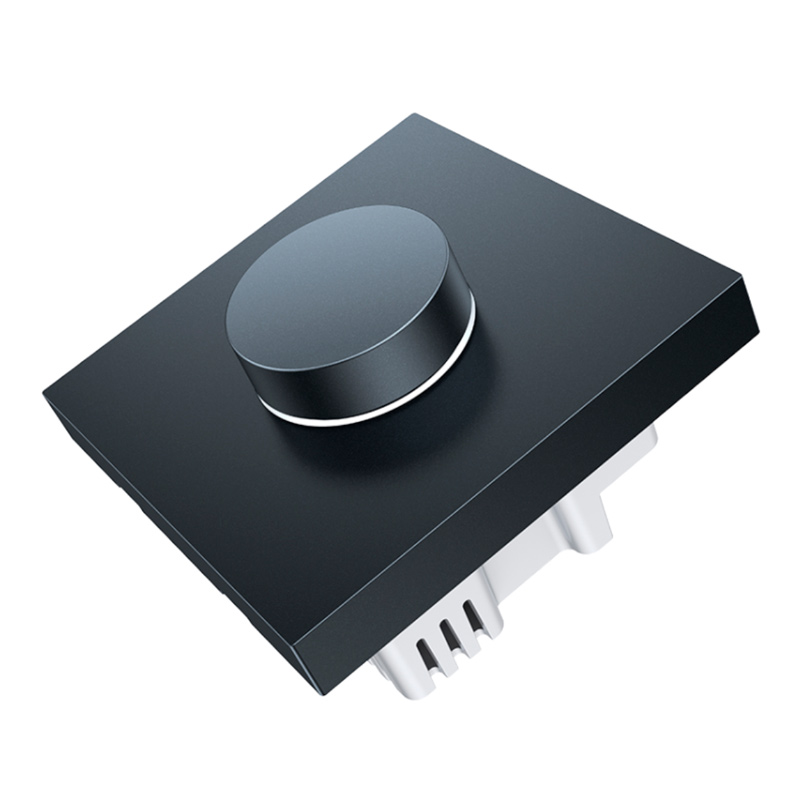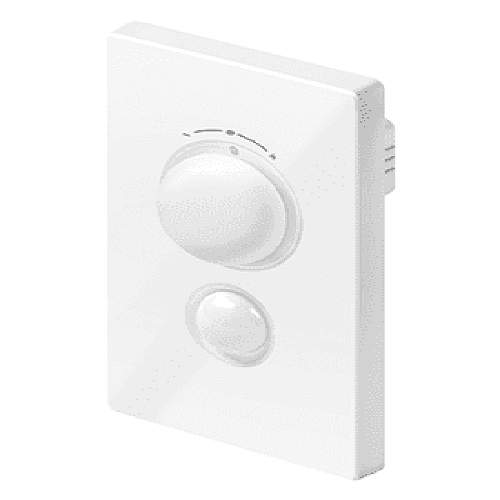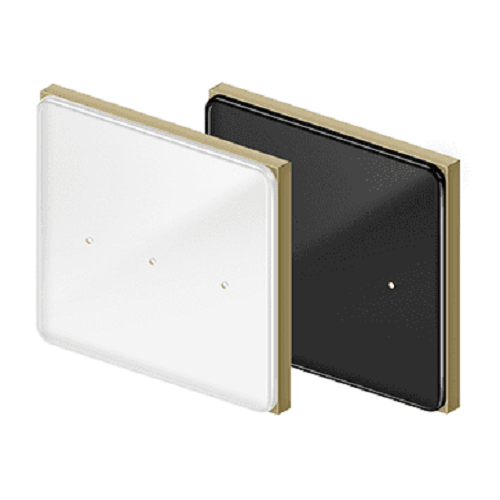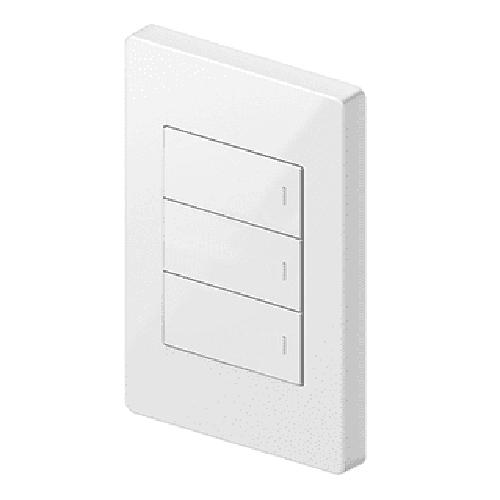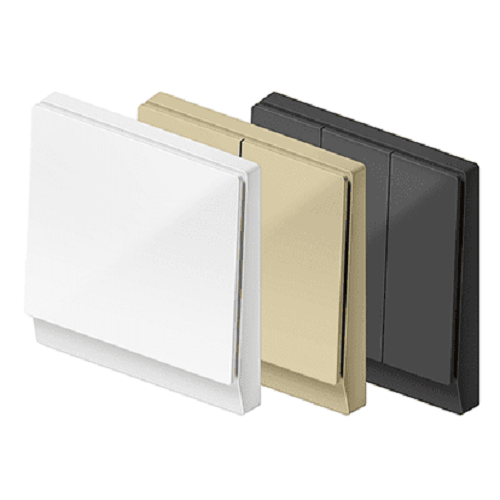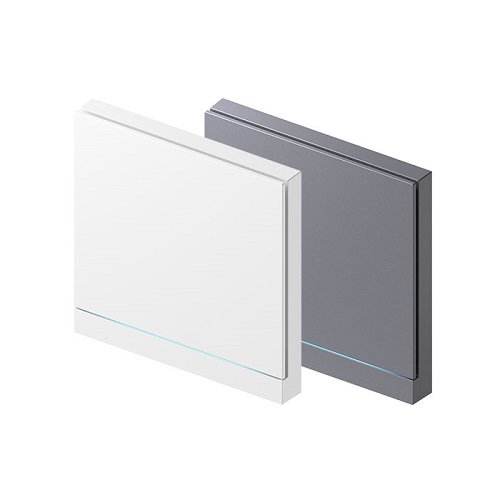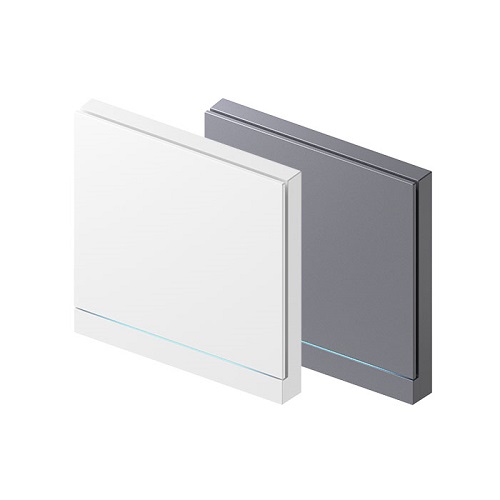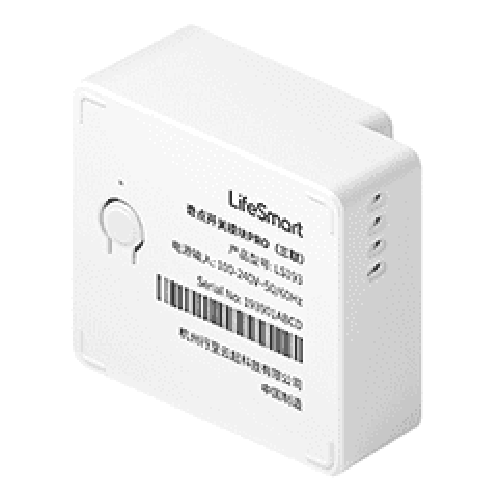
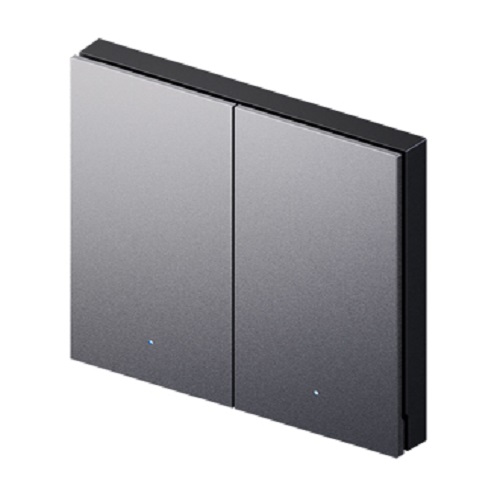
LifeSmart BLEND Smart Switch PRO (Metal)
Contact us for pricing
Product Details
Metal Material Button
Simple and Borderless Design
DIY LED indicator light
CoSS™ Technology
Microswitch
Works with HomeKit
Product Description
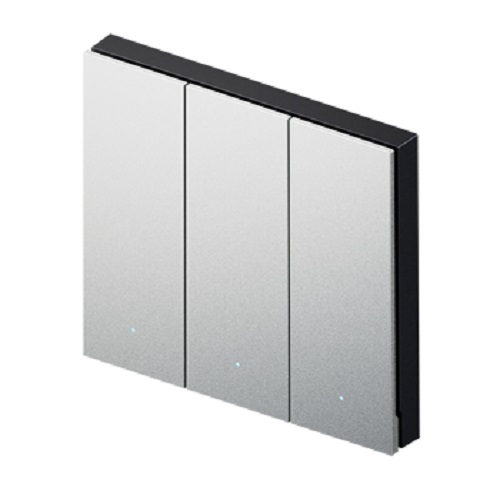
BLEND Switch PRO (Metal) adopts the microswitch and silica gel cover, which make the pressing experience better.
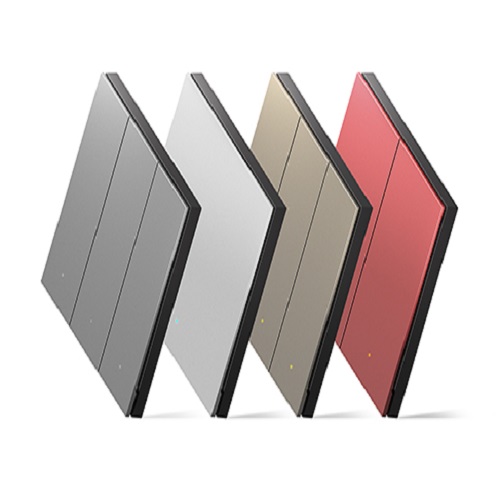
It adopts metallic aluminum and anodic oxidation process the same to MacBook. The metal panel is cast by CNC, sandblasting and more than dozens of processes. User can custom color and light effect of the LED to indicate different status of switches. With the LED indicator, we can find and operate the switch at the first time in dark environment.The CoSS™ transmission technology developed by LifeSmart, with highlights including long transmission distance, strong anti-interference ability, completely solve the problem of wireless signals being shielded by metal.Borderless design to make the smart switch and wall fit perfectly, shaping the new concept of space aesthetics.The perfecline plate is a simple but ingenious accessary that allows the aligning of multiple switches in a perfectly straight, evenly-spaced line. It adopts zinc alloy. The material is hard and not easy to bend.
Works with Apple HomeKit when added to Smart Station. And can integrate with 1 billion accessories from over 100 brands worldwide.
Specification
|
Model Number |
LS240-MG1/LS240-MG2/LS240-MG3 |
|
Installation |
In-wall
concealed with 86 back box |
|
Wiring |
Live+neutral |
|
Operating
Temperature |
-5~45°C |
|
Operating
Humidity |
5~90% |
|
Power Supply |
AC 100-240V
50/60Hz |
|
Power
Consumption |
<0.6W |
|
Maximum
Overload |
Resistive
load: 500W per channel |
|
Inductive/Capacitive
load:200Wperchannel |
|
|
Radio
Protocol |
CoSS |
|
Range(Open
field) |
200m |
|
Color |
Gray/Graphit/Red/Golden |
|
Dimensions |
86*86*36mm |
|
Material |
Metal |
How to Order
Revolution Technology BD has made shopping easier for customers. Follow these steps:
- Click Register Button from home page
- Register with: Name + Email + Mobile + Password
- Click Create Account after entering information
- Login automatically or use Login button
- Provide mobile number and password, then Sign Up
- Choose desired product and click Buy Now
- View product details and click Add to Cart
- Click Item box (upper right corner)
- Go to Shopping Cart page
- Continue Shopping for more products or proceed
- Click "Click Here to Address" button
- Provide Full Name, Phone, Email & Delivery Address
- Click Order Submit button
- View Bill Invoice and receive email confirmation
- Print Invoice using Print button
- Wait for delivery - we'll keep you updated
- Thank you for shopping with us!