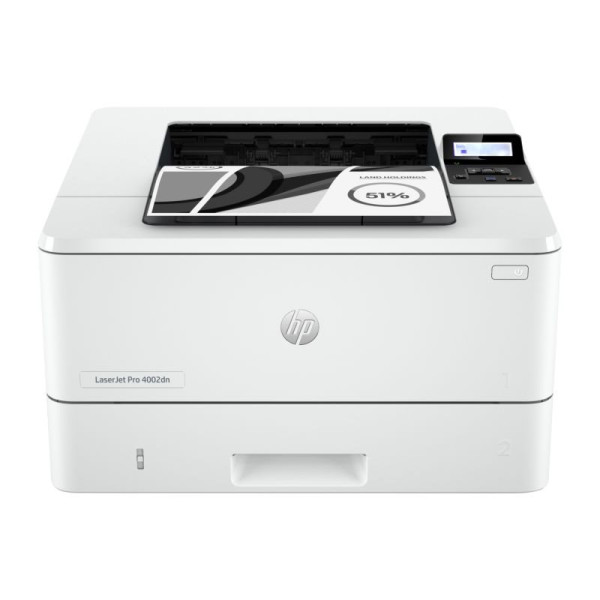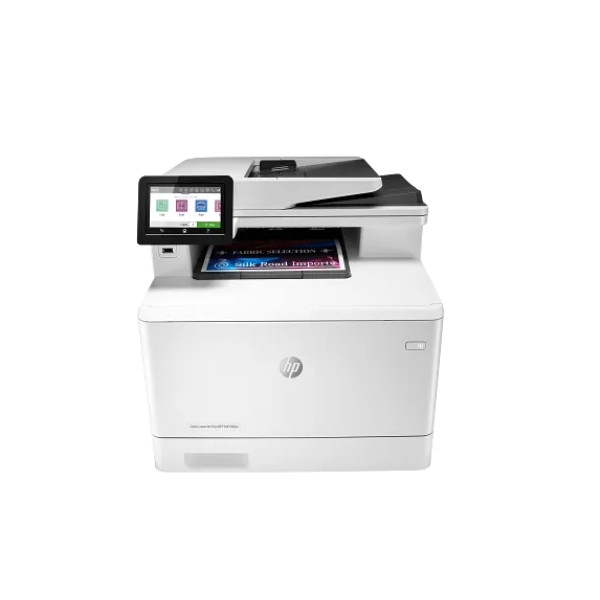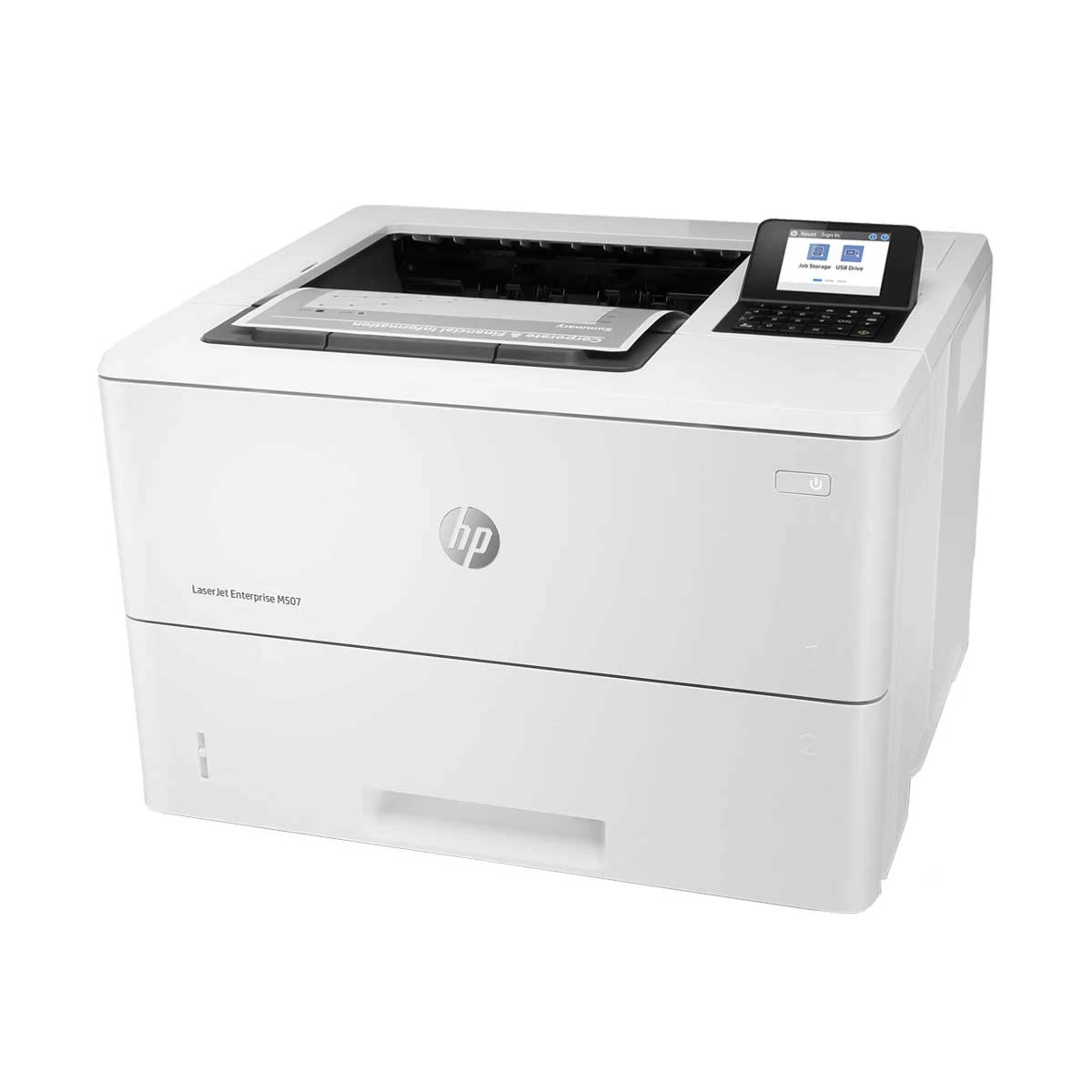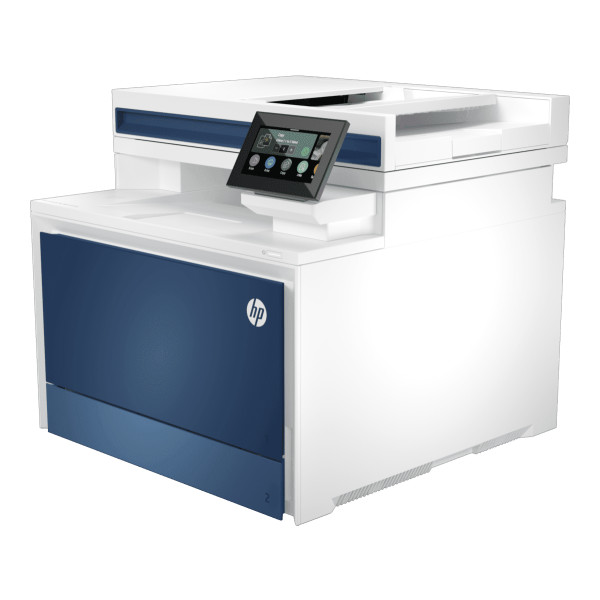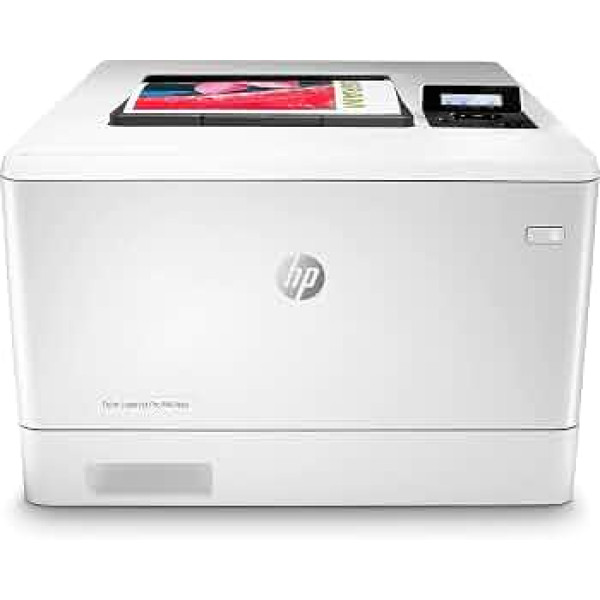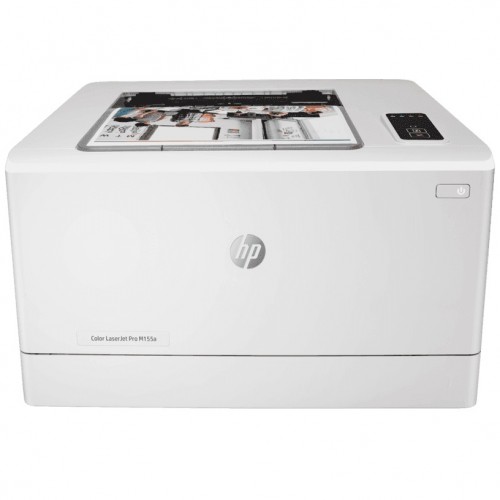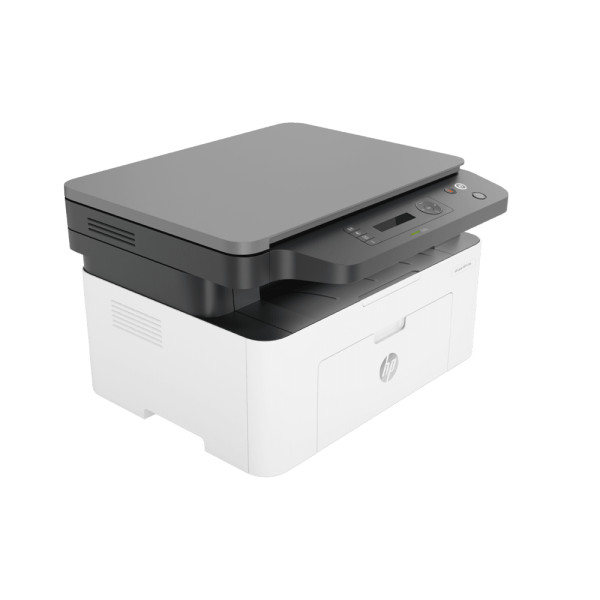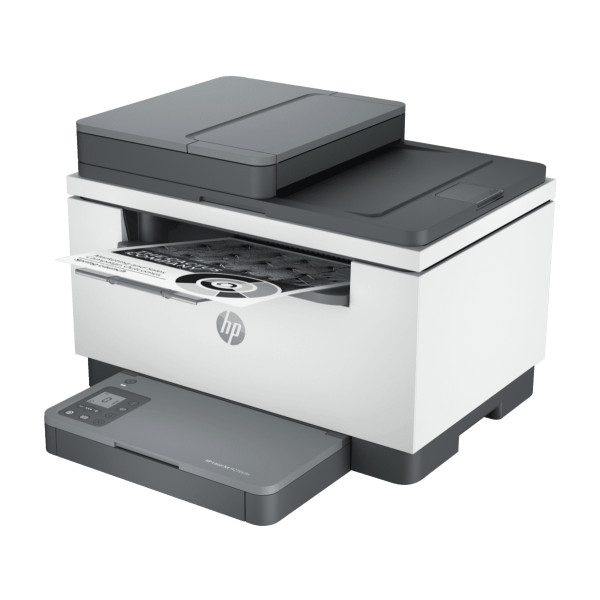
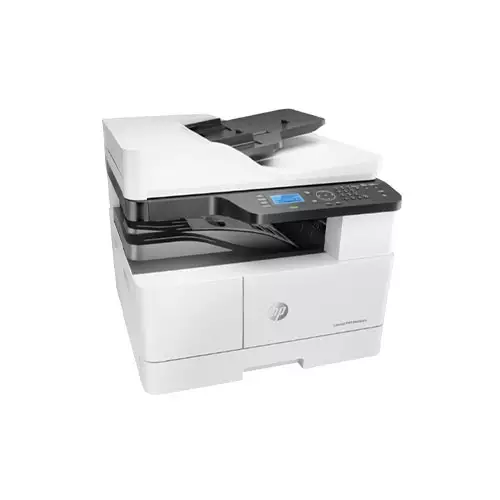
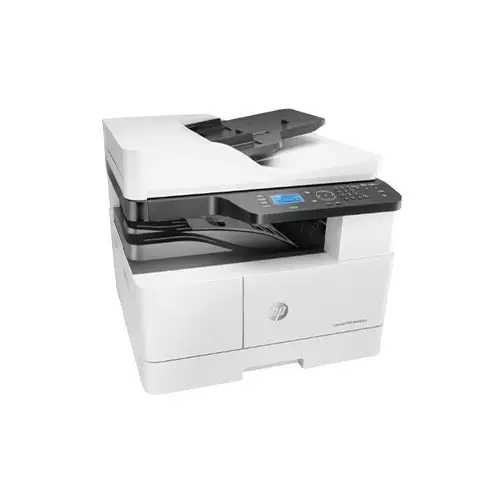
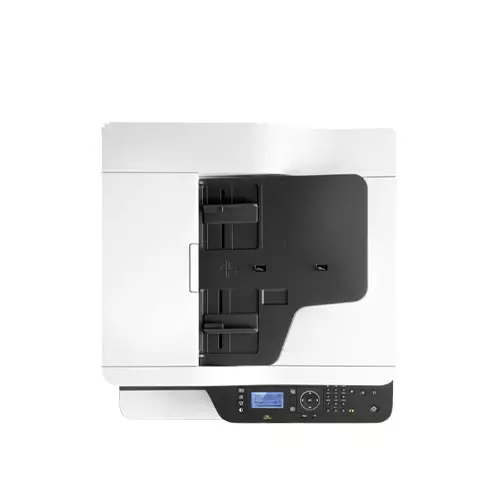
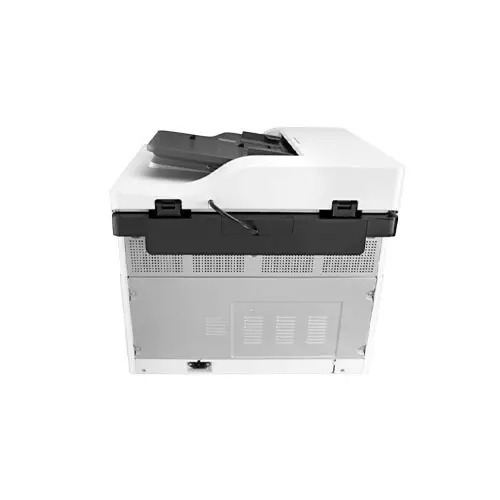
HP LaserJet M443nda Multifunctional Photocopier
Contact us for pricing
Product Details
Key Features
Fast Printing: Prints up to 25 pages per minute in black, with a ready time of just 7.7 seconds for A4.
High Yield Cartridges: Use HP Original 335A or 335X toner cartridges that deliver 7,400 or 13,700 pages respectively, plus an 80,000 page imaging drum.
Versatile Media Handling: Supports a wide range of media types and sizes including A3, B4, and 8K, with trays holding 100 to 250 sheets.
Quality Copying: Copies at up to 25 copies per minute with 600 x 600 dpi resolution for sharp results.
Efficient Scanning: Scans at 33 ipm for both black and white and colour, with 600 dpi resolution and dual‑speed duplex scanning.
Robust Connectivity: Connects via Hi‑Speed USB 2.0 and Ethernet 10/100 Base TX for flexible network use.
Energy Efficient: Consumes 600 watts during active printing, dropping to 80 watts when ready and 0.7 watts in sleep mode.
Durable Build: Weighs 30 kg and operates within 10 to 30°C and 20–80% humidity, suitable for office environments.
Long Duty Cycle: Handles up to 50,000 pages per month for both letter and A4 formats, ideal for high‑volume use.
Multi‑OS Compatibility: Runs on Windows, RedHat, Fedora, openSUSE, Ubuntu, Debian, and Linux Mint, ensuring broad software support.
Automatic Duplex: Prints automatically on both sides of the paper, saving time and reducing paper waste.
Warranty Protection: Backed by a 1‑year warranty for peace of mind.
Print Speed Black (ISO, A4) | Up to 25 ppm |
Print Speed Black (A4, ready) | As fast as 7.7 sec |
Consumable Number of print cartridges | 2 (black) W1335A HP Original 335A LaserJet Toner Cartridge (yield 7,400 ISO pages); W1335X HP Original 335X High-Yield Black LaserJet Toner Cartridge (yield 13,700 ISO pages); CF257A HP 57A Original LaserJet Imaging Drum (yield 80,000 pages) |
Print Technology | Laser |
Copy Speed | Up to 25 cpm |
Copy Resolution | Up to 600 x 600 dpi |
Media | Plain, Mid-weight, Light, Coloured, Preprinted, Recycled, Intermediate, Prepunched |
Paper Handling Input, standard: Tray 1 | 100 sheet |
Paper Handling Input, standard: Tray 2 | 250 sheet |
Paper Handling Output, standard | Up to 250 Sheets |
Media sizes supported | A3; A4; A5; B4 (JIS); B5 (JIS); 8K; 16K; Oficio 216x340mm |
Scan Technology | Digital-CMOS Image Sensors (D-CIS) |
Scanning Speed (normal, A4) | Up to 33 ipm (black and white); Up to 33 ipm (colour) |
Duplex (normal, A4) | Up to 13 ipm (black and white); Up to 12 ipm (colour) |
Scan Resolution | Up to 600 dpi |
Processor | 600 MHz |
Memory | 512 MB |
Display | 4-line LCD |
Networking & Connectivity | Hi-Speed USB 2.0 Device, Ethernet 10/100 Base TX |
Power Consumption | 600 watts (active printing), 80 watts (ready), 0.7 watts (sleep), 0.2 watts (off) |
Power AC 220 - 240V | 50/60Hz |
Special Features | Duplex printing: Automatic (standard) |
Operating Humidity | 20 to 80% RH |
Operating Temperature | 10 to 30° C |
Dimension | 560 x 583 x 505 mm |
Weight | 30 kg (includes supplies) |
Duty Cycle letter | Up to 50,000 pages per month |
Duty Cycle A4 | Up to 50,000 pages per month |
Function | Print, Copy, Scan |
Operating System Support | Windows 7 (32/64-bit); Windows 2008 Server R2; Windows 8 (32/64-bit); Windows 8.1(32/64-bit); Windows 10 (32/64-bit); Windows 2012 Server; Windows 2016 Server; RedHat Enterprise Linux : 5, 6, 7; Fedora : 15, 16, 17, 18, 19, 20, 21, 22, 23, 24, 25, 26; openSUSE : 112, 11.4, 12.1, 121.2, 12.3, 13.1, 13.2, 42.1; Ubuntu : 11.10, 12.04, 12.10,13.04, 13.10, 14.04, 14.10, 15.04, 15.10, 16.04, 16.10, 17.04, 17.10, 18.04, 18.10,19.04; SUSE Linux Enterprise Desktop : 10, 11, 12; Debian : 6, 7, 8, 9; Linux Mint :15, 16, 17, 18 |
Warranty Information | 01 year |
Description
HP LaserJet M443nda Multifunctional Photocopier
Key Features & Benefits:
- Fast Printing: Prints up to 25 pages per minute in black, with a ready time of just 7.7 seconds for A4.
- High Yield Cartridges: Use HP Original 335A or 335X toner cartridges that deliver 7,400 or 13,700 pages respectively, plus an 80,000 page imaging drum.
- Versatile Media Handling: Supports a wide range of media types and sizes including A3, B4, and 8K, with trays holding 100 to 250 sheets.
- Quality Copying: Copies at up to 25 copies per minute with 600 x 600 dpi resolution for sharp results.
- Efficient Scanning: Scans at 33 ipm for both black and white and colour, with 600 dpi resolution and dual‑speed duplex scanning.
- Robust Connectivity: Connects via Hi‑Speed USB 2.0 and Ethernet 10/100 Base TX for flexible network use.
- Energy Efficient: Consumes 600 watts during active printing, dropping to 80 watts when ready and 0.7 watts in sleep mode.
- Durable Build: Weighs 30 kg and operates within 10 to 30°C and 20–80% humidity, suitable for office environments.
- Long Duty Cycle: Handles up to 50,000 pages per month for both letter and A4 formats, ideal for high‑volume use.
- Multi‑OS Compatibility: Runs on Windows, RedHat, Fedora, openSUSE, Ubuntu, Debian, and Linux Mint, ensuring broad software support.
- Automatic Duplex: Prints automatically on both sides of the paper, saving time and reducing paper waste.
- Warranty Protection: Backed by a 1‑year warranty for peace of mind.
Ideal For:
- Small to medium offices needing high‑speed printing and copying
- Educational institutions requiring reliable scanning and duplex printing
- Business centers that handle large volumes of documents
- IT departments needing Linux compatibility
- Home offices that value energy efficiency and multi‑functionality
Summary:
The HP LaserJet M443nda Multifunctional Photocopier delivers fast, high‑quality printing at up to 25 ppm and sharp copies at 600 x 600 dpi. With high‑yield toner cartridges, versatile media handling, and efficient scanning, it supports up to 50,000 pages per month. Ideal for offices, schools, and business centers, it is available at Revolution Technology BD with a 1‑year warranty.
How to Order
Revolution Technology BD has made shopping easier for customers. Follow these steps:
- Click Register Button from home page
- Register with: Name + Email + Mobile + Password
- Click Create Account after entering information
- Login automatically or use Login button
- Provide mobile number and password, then Sign Up
- Choose desired product and click Buy Now
- View product details and click Add to Cart
- Click Item box (upper right corner)
- Go to Shopping Cart page
- Continue Shopping for more products or proceed
- Click "Click Here to Address" button
- Provide Full Name, Phone, Email & Delivery Address
- Click Order Submit button
- View Bill Invoice and receive email confirmation
- Print Invoice using Print button
- Wait for delivery - we'll keep you updated
- Thank you for shopping with us!