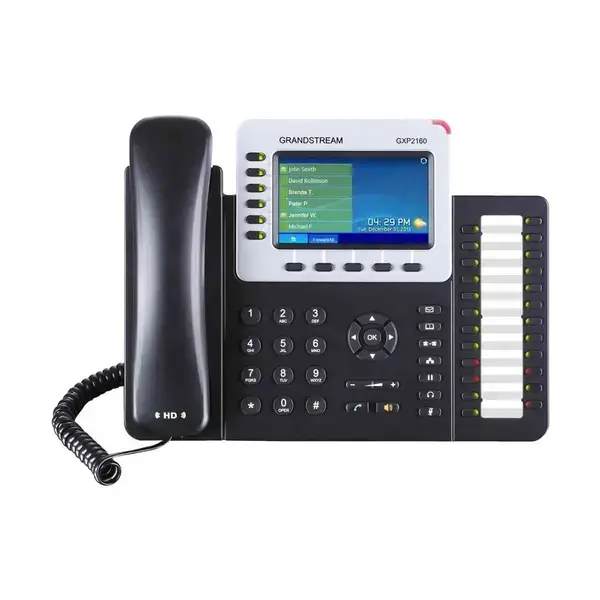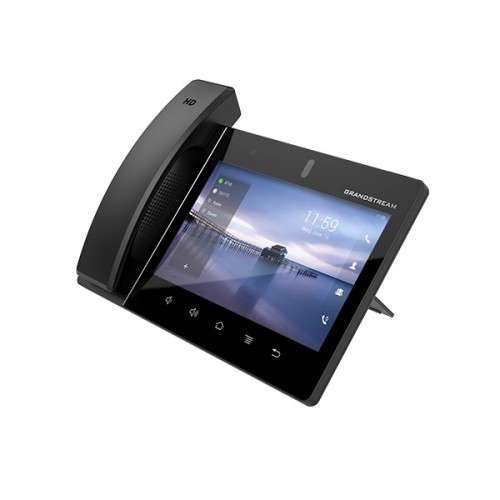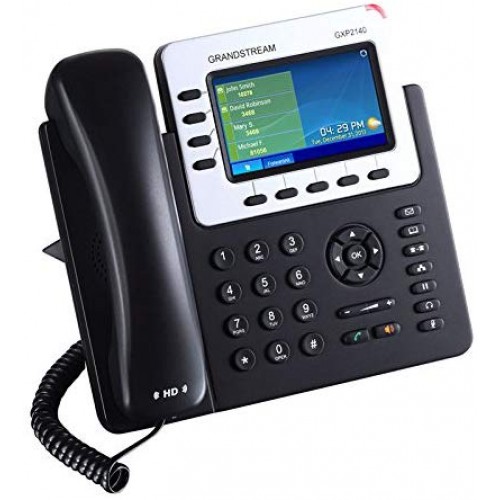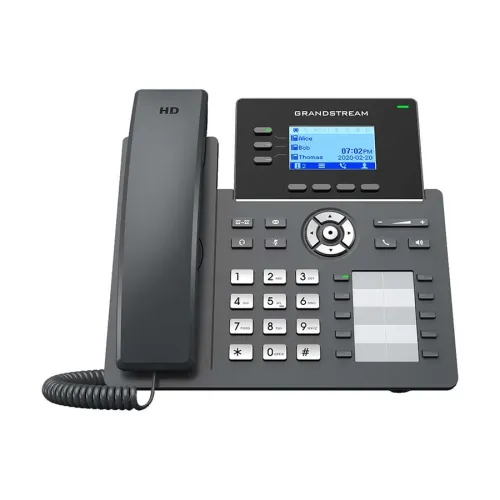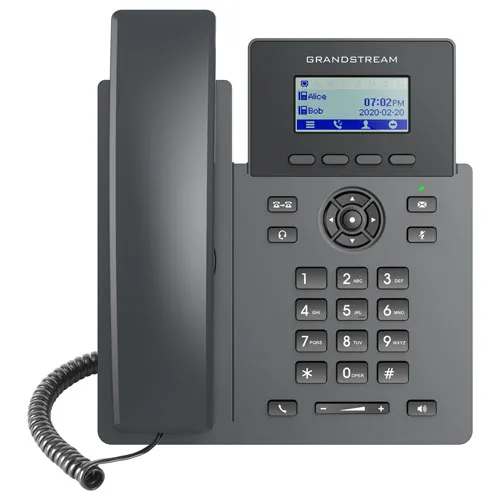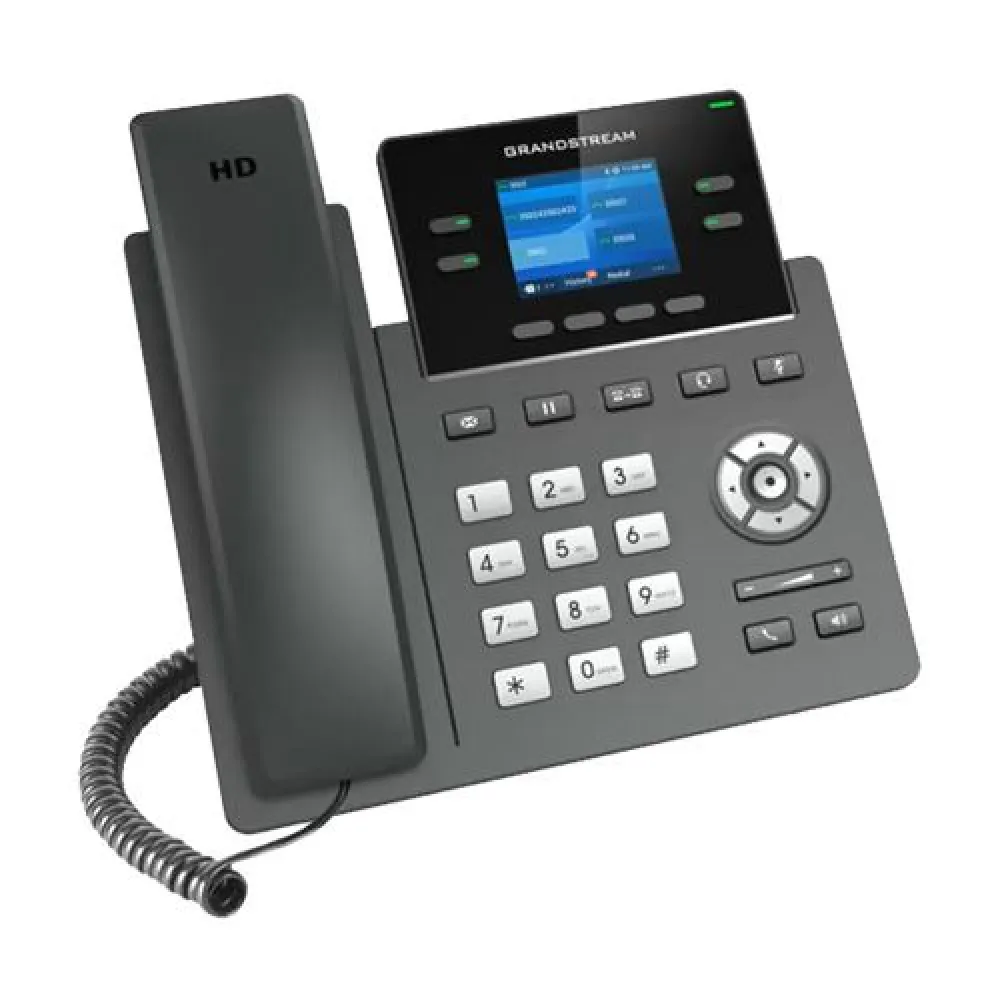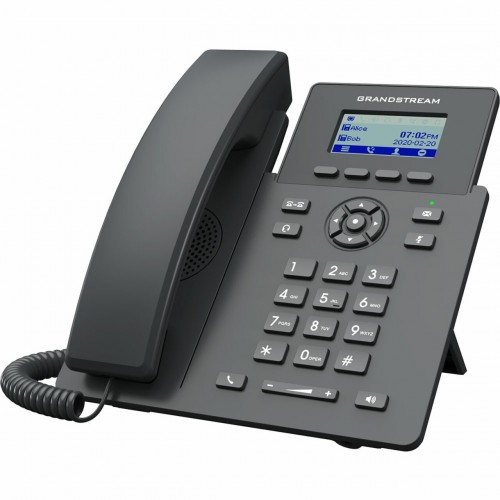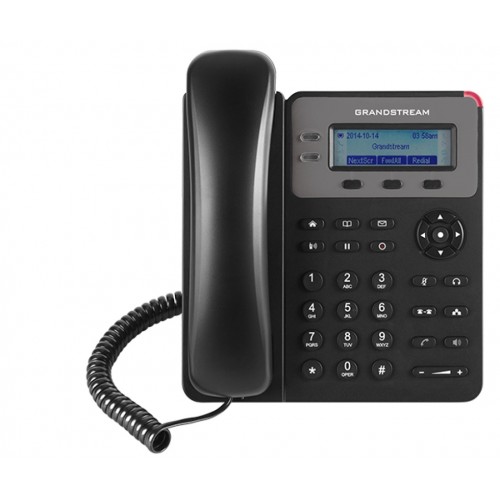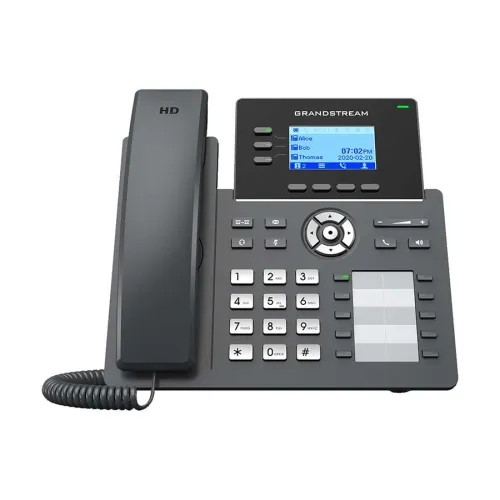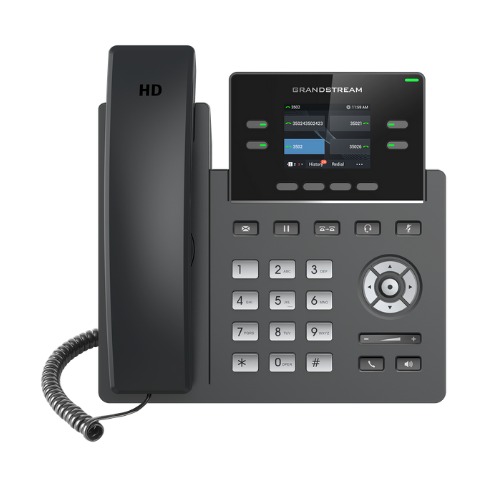
Grandstream GRP2612W HD IP Phone
৳ 11,500
Exclusive of all taxes
Genuine Product
Fast Delivery
Easy Returns
Product Details
Key Features
Model: GRP2612W
4 SIP accounts & 4
multi-purpose line keys
Integrated dual-band 802.11ac
Wi-Fi
2.4 (320x240) color LCD
Up to 16 virtual multi-purpose
keys
Description
Order
Info
Video
Reviews
Questions
Description
Grandstream GRP2612W HD IP Phone
Grandstream GRP2612W HD IP Phone featured with 2.4 (320x240) color LCD, up to 4 SIP accounts and 4 multi-purpose line keys, Integrated dual-band 802.11ac Wi-Fi., Up to 16 virtual multi-purpose keys (VPNs) for digital BLF/speed dial, 4 XML programmable softkeys. This IP Phone has Dual switched 10/100MBps ports. This IP Phone has an easily swappable faceplate for flexible logo customization, Zero provisioning, and easy management through Grandstreams new cloud platform, GDMS (Grandstream Device Management System). GDMS, which is currently in Beta and will be officially released in the coming months, provides a centralized secure interface to easily provision and manage large deployments of Grandstream endpoints. You can use their IP Phone in Industry leading security protection such as secure boot, random default password, unique security certificate per device, and encrypted data storage. It also supports all major voice codecs including wide-band Opus, G.722, G.711, G.729A/B, G.723, iLBC, G.726, etc., and multi-party conferencing, Dual firmware images for improved reliability and Unified firmware across with all other GRP2600 series models. This latest Grandstream GRP2612W HD IP Phone has 01-year warranty.
How to Order
Revolution Technology BD has made shopping easier for customers. Follow these steps:
- Click Register Button from home page
- Register with: Name + Email + Mobile + Password
- Click Create Account after entering information
- Login automatically or use Login button
- Provide mobile number and password, then Sign Up
- Choose desired product and click Buy Now
- View product details and click Add to Cart
- Click Item box (upper right corner)
- Go to Shopping Cart page
- Continue Shopping for more products or proceed
- Click "Click Here to Address" button
- Provide Full Name, Phone, Email & Delivery Address
- Click Order Submit button
- View Bill Invoice and receive email confirmation
- Print Invoice using Print button
- Wait for delivery - we'll keep you updated
- Thank you for shopping with us!