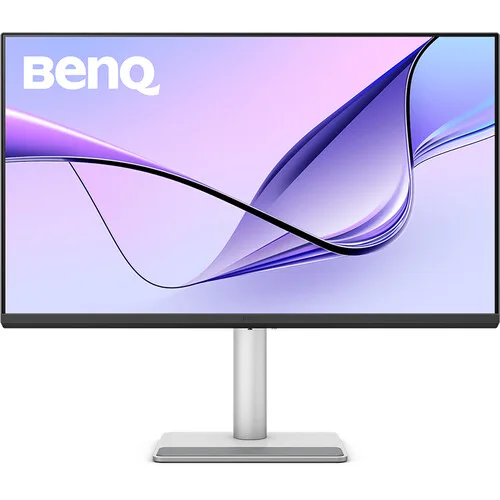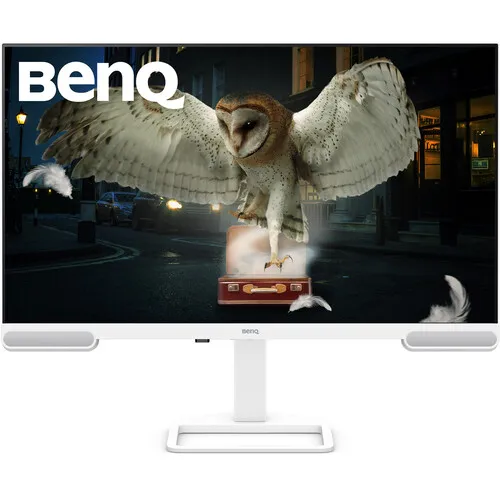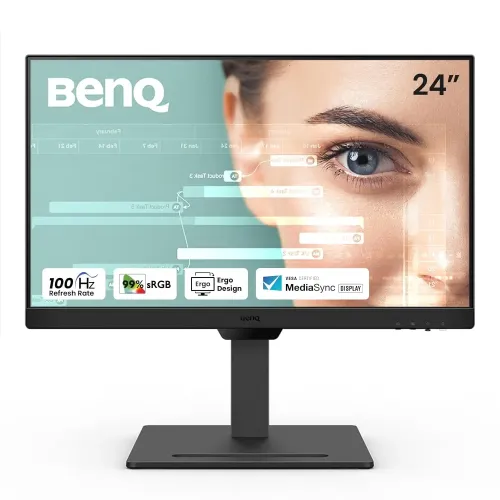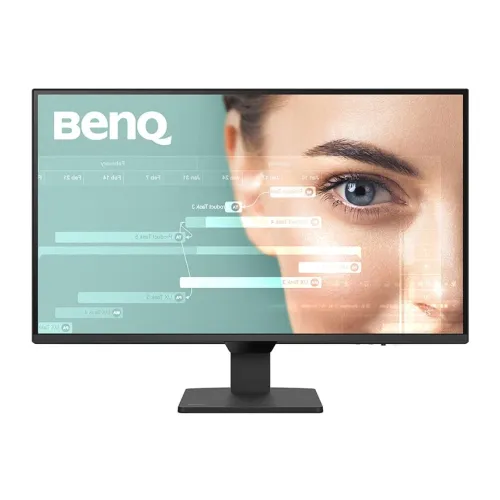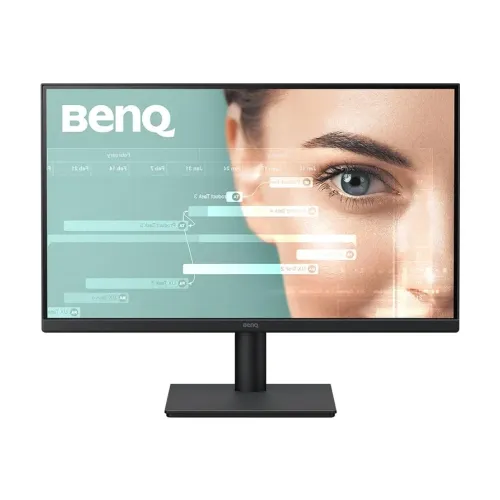

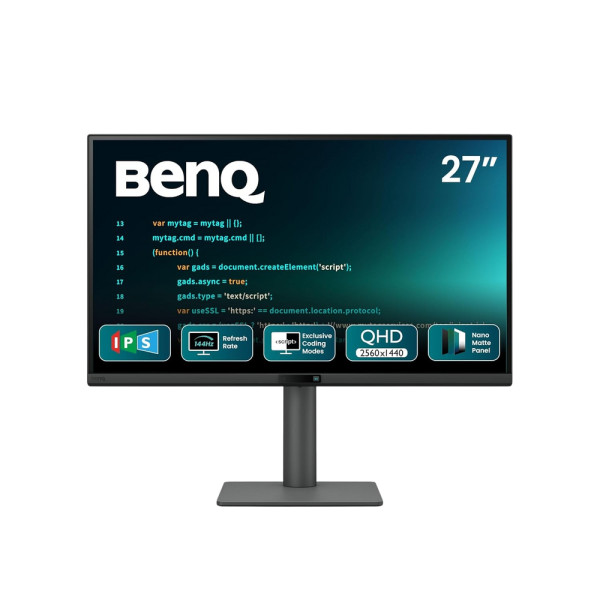
BenQ RD270Q 27 inch Programming Monitor
Exclusive of all taxes
Product Details
Key Features
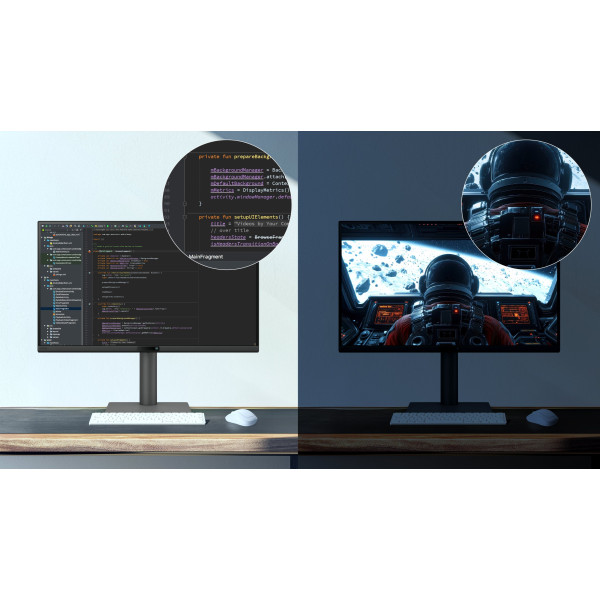
Ultra‑Sharp 27‑inch QHD Display: The 27‑inch 2K QHD panel delivers crisp 2560x1440 resolution for detailed code and UI elements.
High Refresh Rate for Smooth Scrolling: 144Hz refresh rate eliminates screen tearing and provides buttery‑smooth cursor movement during long coding sessions.
Fast 5ms Gray‑to‑Gray Response: A 5ms response time ensures minimal ghosting, keeping animations and transitions crisp.
Wide Viewing Angles: 178° horizontal and vertical viewing angles let teammates view the screen without color shift.
Borderless Design: Seamless borderless frame creates an immersive workspace and reduces visual distractions.
Built‑in Speakers: Integrated speakers provide clear audio for video tutorials without needing external speakers.
Rotatable Ergonomics: The rotatable stand lets you switch between landscape and portrait modes for optimal code readability.
Non‑Touch, Focused Workspace: No touch screen ensures a distraction‑free environment, perfect for developers who prefer keyboard‑centric work.
Sleek Black Aesthetic: A professional black finish matches any modern office setup.
3‑Year Warranty: Peace of mind with a comprehensive three‑year warranty covering manufacturing defects.
Brand | BenQ |
Model | BenQ RD270Q |
Series | Professional |
Shape | Widescreen |
Design | |
Display Size (Inch) | 27 |
Display Type | 2K QHD Display |
Borderless | Yes |
Touch Screen | No |
Display Resolution | 2560x1440 |
Refresh Rate (Hz) | 144Hz |
Response Time (ms) | 5ms (Gray to Gray) |
Horizontal Viewing Angle | 178 Degree |
Vertical Viewing Angle | 178 Degree |
Speaker (Built-in) | Yes |
Rotatable | Yes |
Color | Black |
Weight (Kg) | |
Warranty Details | 3 Year |
Description
BenQ RD270Q 27 inch Programming Monitor
Key Features & Benefits:
- Ultra‑Sharp 27‑inch QHD Display: The 27‑inch 2K QHD panel delivers crisp 2560x1440 resolution for detailed code and UI elements.
- High Refresh Rate for Smooth Scrolling: 144Hz refresh rate eliminates screen tearing and provides buttery‑smooth cursor movement during long coding sessions.
- Fast 5ms Gray‑to‑Gray Response: A 5ms response time ensures minimal ghosting, keeping animations and transitions crisp.
- Wide Viewing Angles: 178° horizontal and vertical viewing angles let teammates view the screen without color shift.
- Borderless Design: Seamless borderless frame creates an immersive workspace and reduces visual distractions.
- Built‑in Speakers: Integrated speakers provide clear audio for video tutorials without needing external speakers.
- Rotatable Ergonomics: The rotatable stand lets you switch between landscape and portrait modes for optimal code readability.
- Non‑Touch, Focused Workspace: No touch screen ensures a distraction‑free environment, perfect for developers who prefer keyboard‑centric work.
- Sleek Black Aesthetic: A professional black finish matches any modern office setup.
- 3‑Year Warranty: Peace of mind with a comprehensive three‑year warranty covering manufacturing defects.
Ideal For:
- Professional software developers
- Freelance programmers and web designers
- IT students and coding bootcamp participants
- Data analysts needing high‑resolution charts
- Game developers testing UI layouts
- Remote workers setting up dual‑monitor stations
- Tech enthusiasts building a productivity workstation
Summary:
The BenQ RD270Q 27‑inch Programming Monitor offers a sharp 2560x1440 QHD panel, 144Hz refresh rate, and 5ms response time, making it ideal for developers and designers who demand clarity and speed. Its borderless design, rotatable stand, and built‑in speakers enhance ergonomics and workflow efficiency. Backed by a three‑year warranty, this sleek black monitor is perfect for professional and hobbyist programmers alike. Available now at Revolution Technology BD.
How to Order
Revolution Technology BD has made shopping easier for customers. Follow these steps:
- Click Register Button from home page
- Register with: Name + Email + Mobile + Password
- Click Create Account after entering information
- Login automatically or use Login button
- Provide mobile number and password, then Sign Up
- Choose desired product and click Buy Now
- View product details and click Add to Cart
- Click Item box (upper right corner)
- Go to Shopping Cart page
- Continue Shopping for more products or proceed
- Click "Click Here to Address" button
- Provide Full Name, Phone, Email & Delivery Address
- Click Order Submit button
- View Bill Invoice and receive email confirmation
- Print Invoice using Print button
- Wait for delivery - we'll keep you updated
- Thank you for shopping with us!