ZKBio CVSecurity
Contact us for pricing
Genuine Product
Fast Delivery
Easy Returns
Product Details
Key Features
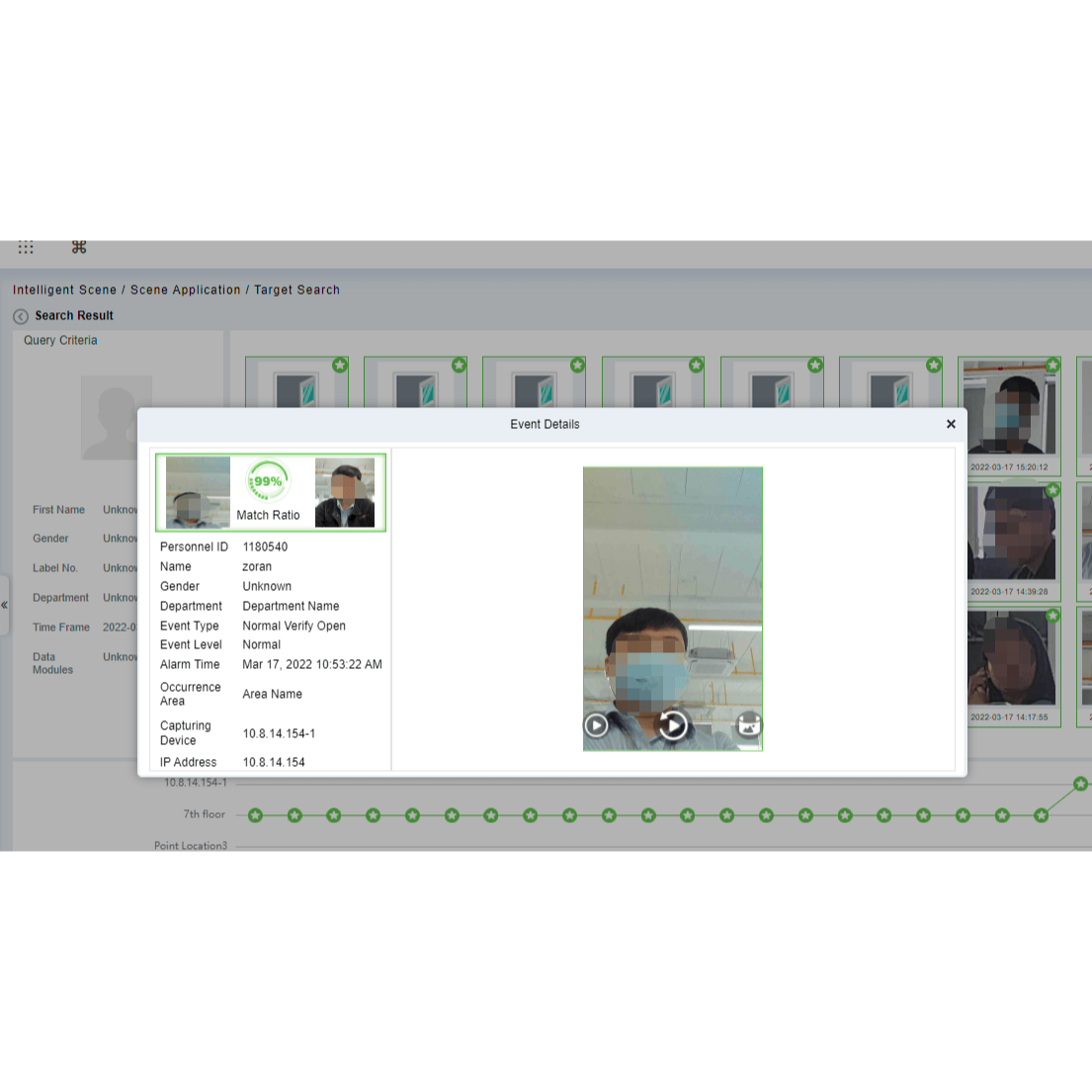
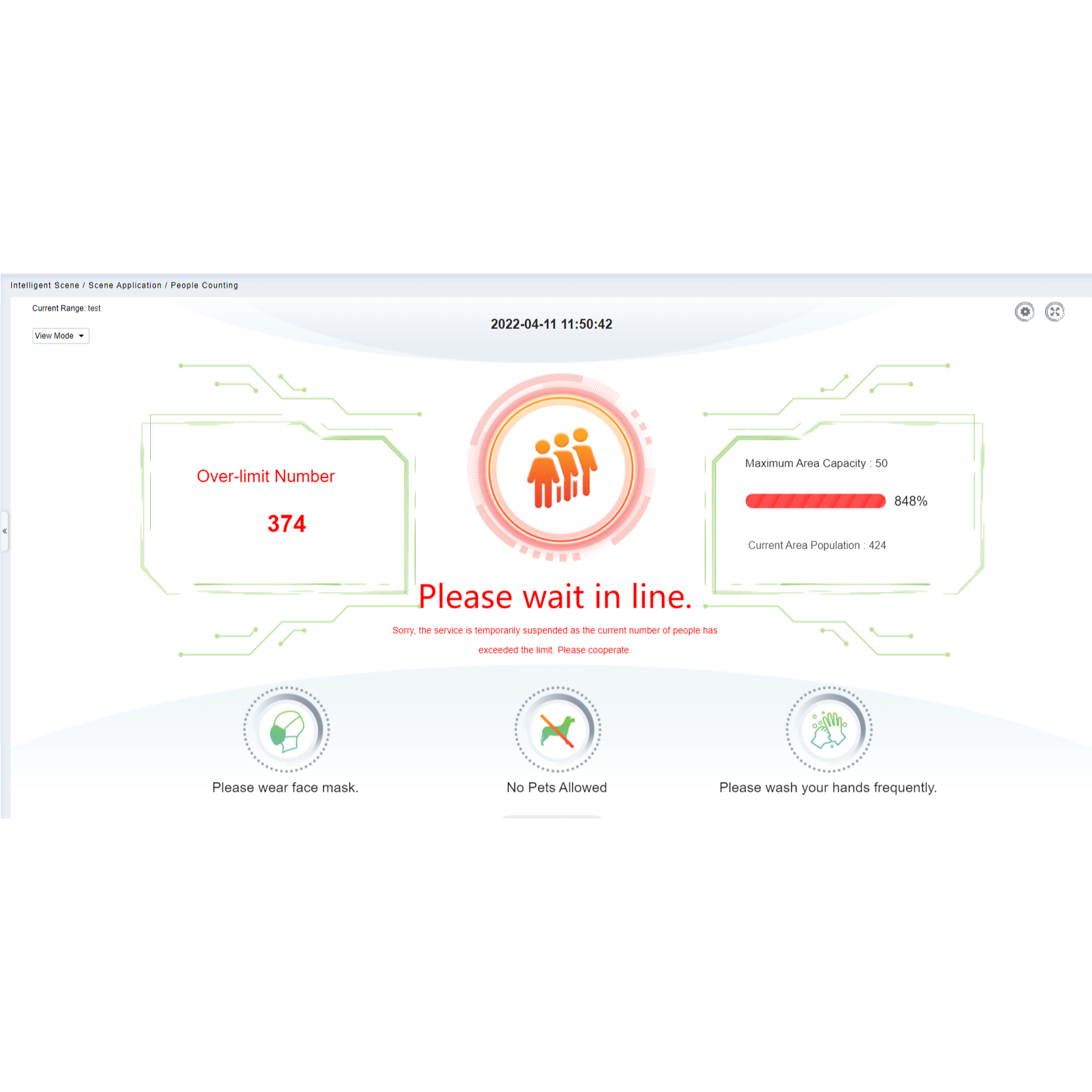
All-in-One Biometric Security Advanced Solution
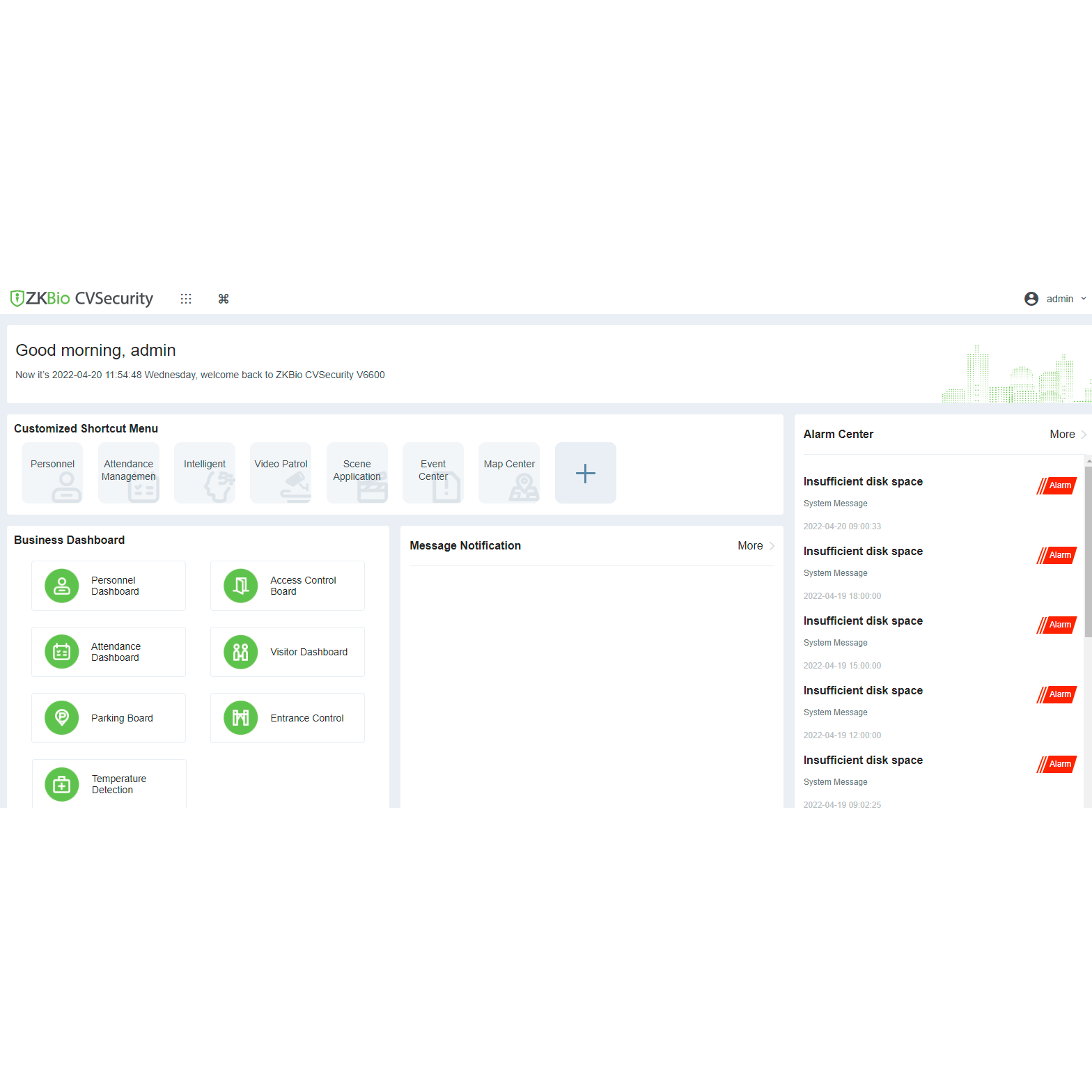
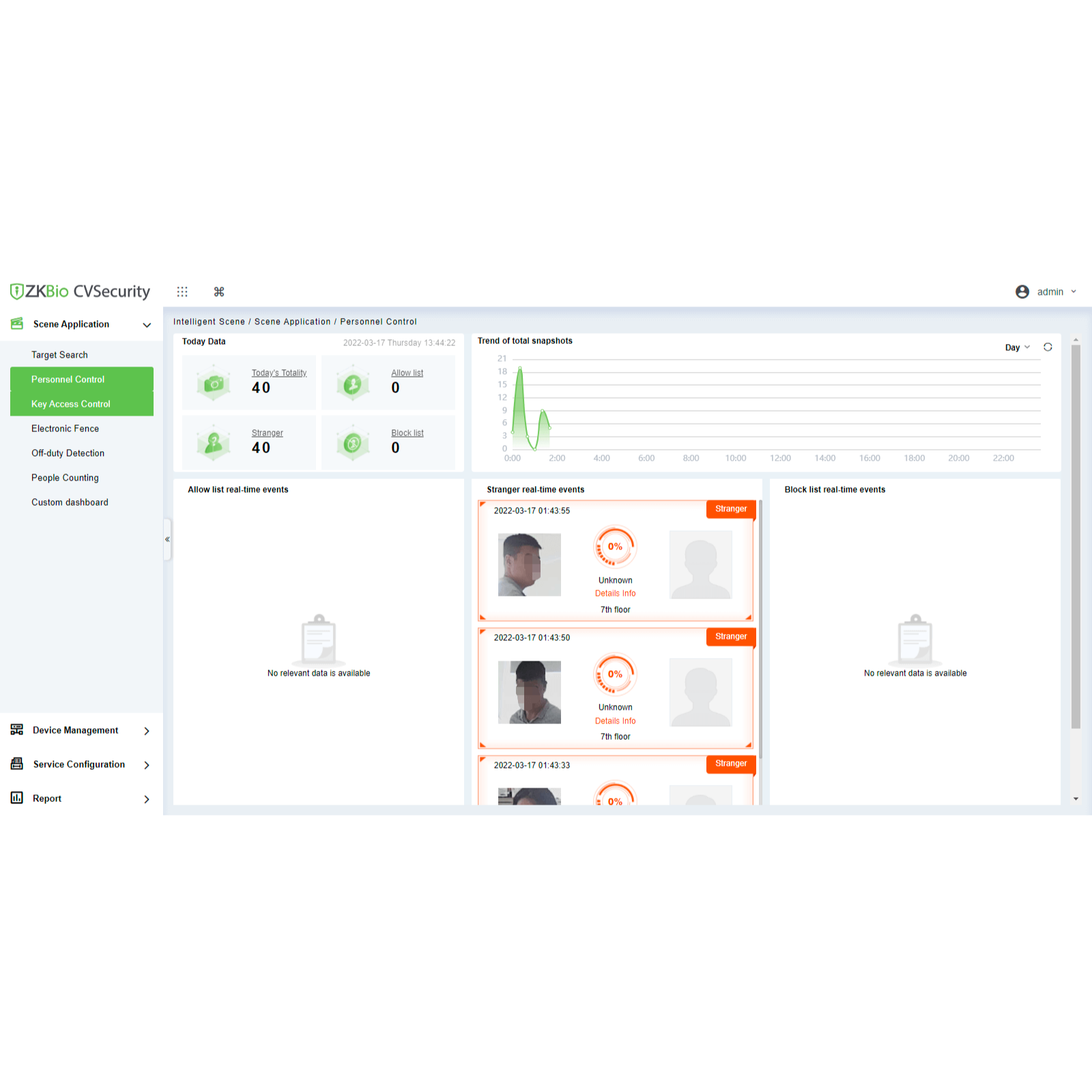
Comprehensive web-based platform
Hybrid biometric and computer vision technology
Custom Modular System
Global Anti-Passback and Linkage
Encrypted data transfer
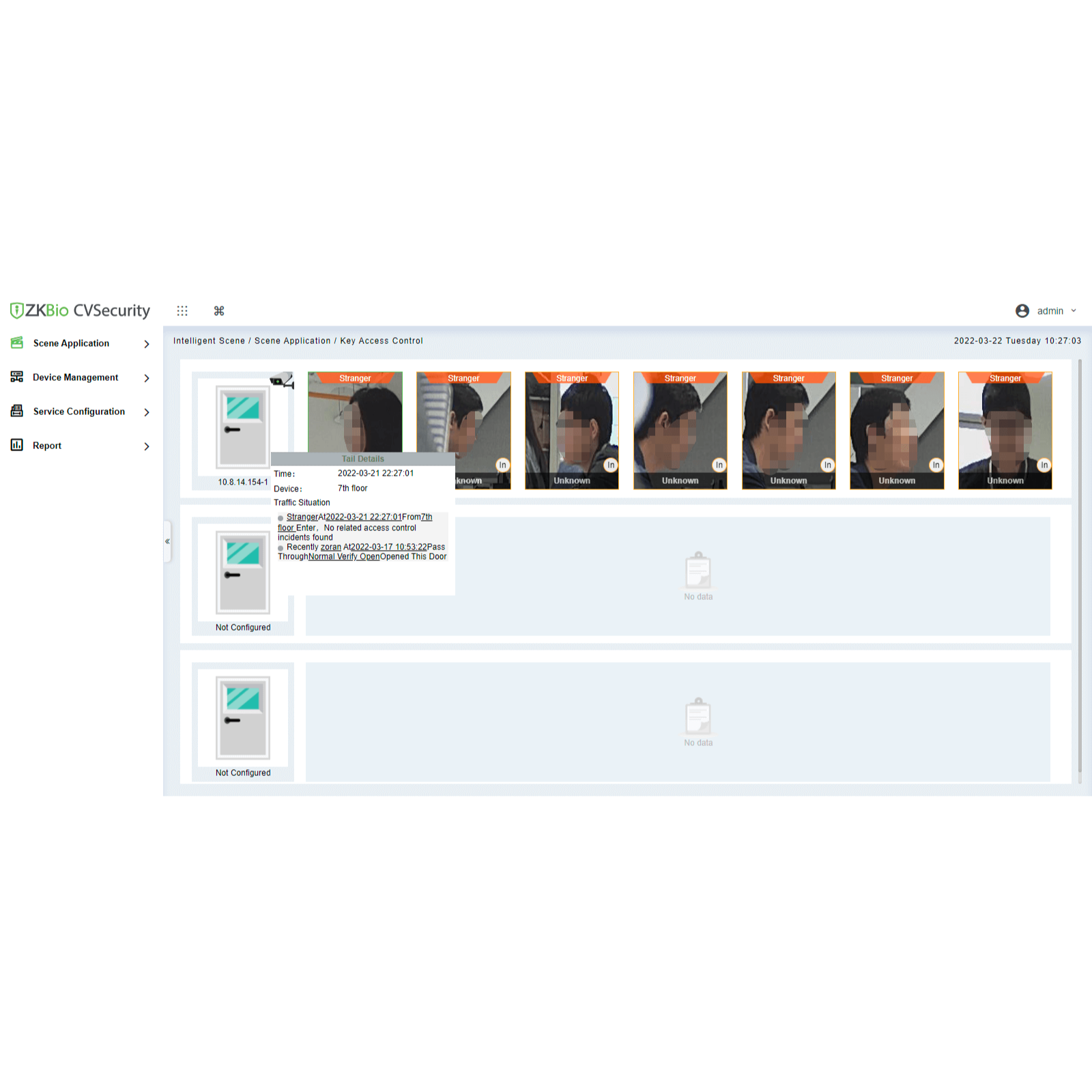
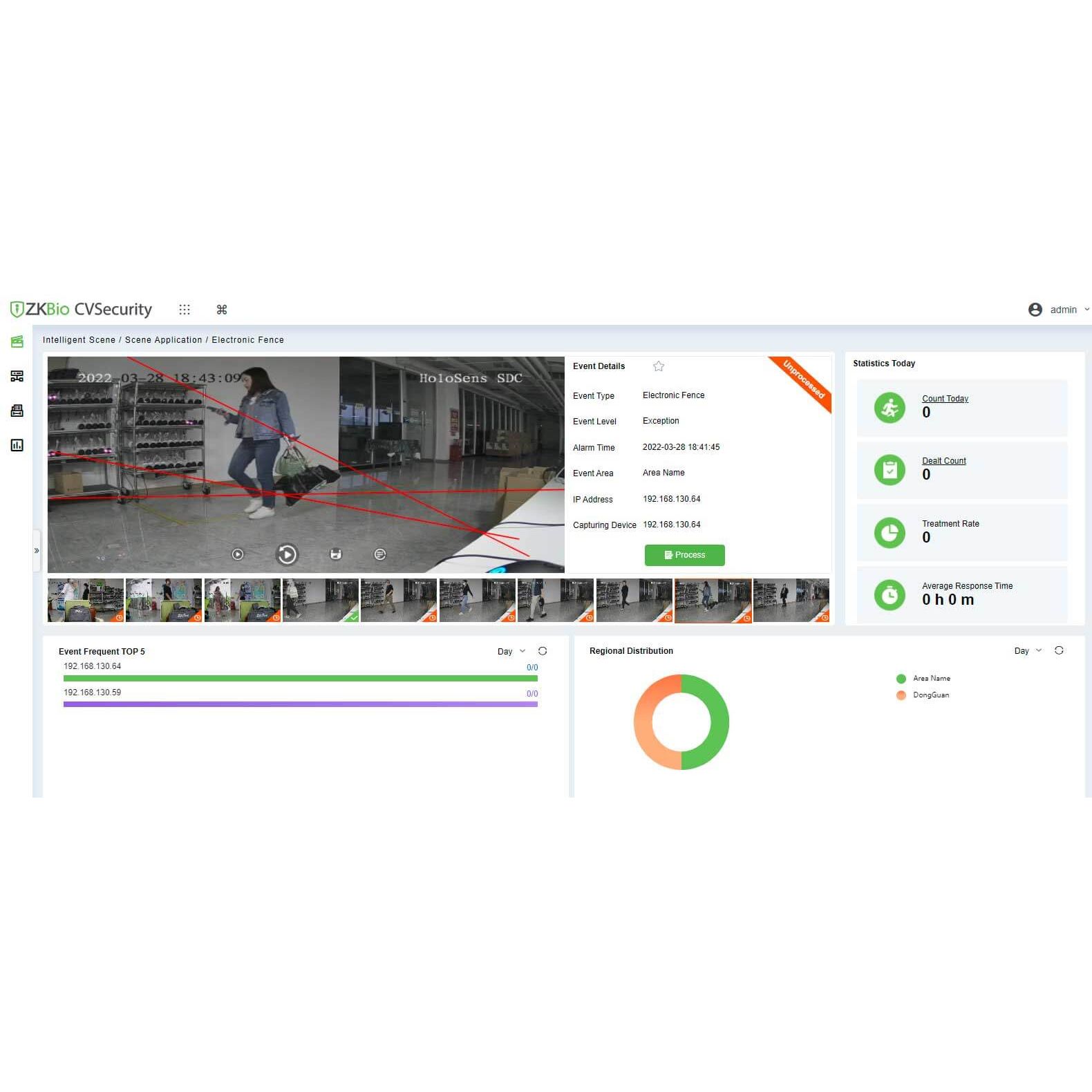
Real-time monitoring
Integrates video surveillance and smart analysis
Evacuation report
Mobile APP
ISO CertifiedUser: Test
Password: Test321@
Description
Order
Info
Video
Reviews
Questions
Specification
| Software Specifications | ||
| Software Name | ZKBio CVSecurity | |
| Platform | Web-based, Modular Security Platform | |
| Supported OS | Windows 7 / 8 / 10 / 11, Windows Server 2008/2012/2016/2019 | |
| Database Support | PostgreSQL (Default), MS SQL Server (Optional) | |
| Browser Compatibility | Google Chrome, Mozilla Firefox, Microsoft Edge | |
| User Capacity | Up to 100,000 Users | |
| Door Capacity | Up to 2,000 Doors | |
| Minimum PC Requirements | ||
| CPU | Intel Core i5 8th Gen or Higher | |
| Memory | 8GB RAM or Higher | |
| Storage | 100GB Free Disk Space (NTFS Recommended) | |
| Display | 1920 x 1080 Resolution or Higher | |
Description
ZKBio CVSecurity 5.0 Web-Based Access Control Software
ZKBio CVSecurity is an advanced web-based security platform designed to manage multiple access control systems with high efficiency and flexibility. It supports up to 100,000 users and 2,000 doors, making it ideal for large-scale deployments. With PostgreSQL as the default database and optional MS SQL Server support, it ensures secure and reliable data management. Featuring a modular design, the software includes access control, video linkage, elevator control, visitor management, and more, providing an all-in-one solution for enterprise-level security management.
How to Order
Revolution Technology BD has made shopping easier for customers. Follow these steps:
- Click Register Button from home page
- Register with: Name + Email + Mobile + Password
- Click Create Account after entering information
- Login automatically or use Login button
- Provide mobile number and password, then Sign Up
- Choose desired product and click Buy Now
- View product details and click Add to Cart
- Click Item box (upper right corner)
- Go to Shopping Cart page
- Continue Shopping for more products or proceed
- Click "Click Here to Address" button
- Provide Full Name, Phone, Email & Delivery Address
- Click Order Submit button
- View Bill Invoice and receive email confirmation
- Print Invoice using Print button
- Wait for delivery - we'll keep you updated
- Thank you for shopping with us!